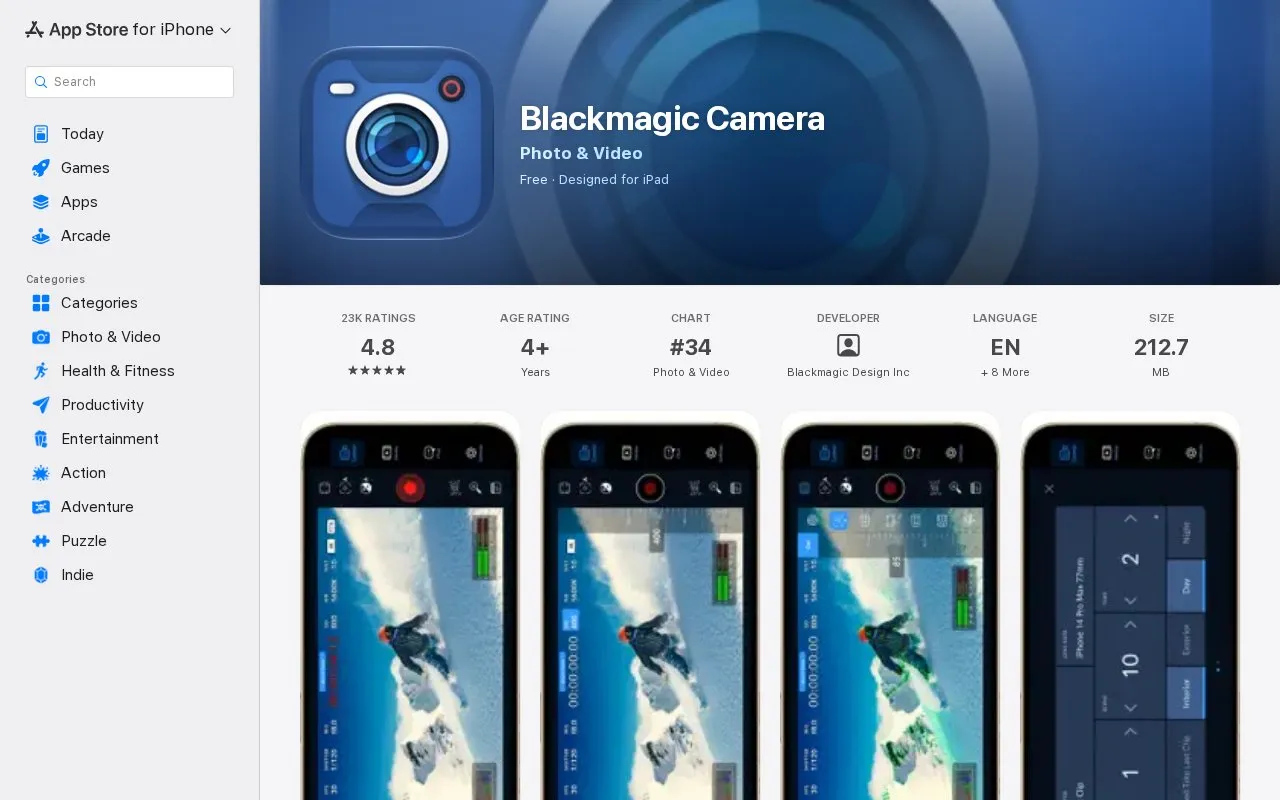
Blackmagic Camera is a video recording app for iPhone and iPad that provides on-screen controls for settings such as frame rate, shutter angle, ISO, white balance, lens selection, timecode and audio levels. It supports recording in Apple ProRes up to 4K as well as H.264 and H.265, with settings for resolution, anamorphic de-squeeze, lens correction, external microphones and 3D LUTs.
The app includes a media tab for reviewing, sorting and storing clips on the device. Sending clips to Blackmagic Cloud Storage for use in DaVinci Resolve projects is optional, with proxy files uploaded first followed by camera originals.
Key features
Adjust frame rate, shutter angle, white balance, ISO from on-screen controls
Record in Apple ProRes up to 4K or H.264 and H.265
Upload proxies then originals to Blackmagic Cloud Storage
Sync recorded media directly into DaVinci Resolve projects
Apply 3D LUTs and set anamorphic de-squeeze and lens correction
Shoot in 16:9 or vertical, including 16:9 while holding phone vertically
Best for: People recording video on iPhone or iPad who want manual camera settings and a workflow with DaVinci Resolve.
Good for
On-screen controls for frame rate, ISO, white balance and audio levels
Records ProRes up to 4K, plus H.264 and H.265 with AAC or PCM audio
Clips can be kept on device or sent to Blackmagic Cloud for Resolve editing
Video: Apple ProRes, H.264 and H.265; audio: AAC and PCM, with VU or PPM metering.
How does upload to Blackmagic Cloud Storage work?
The app can upload a proxy file first, followed by the camera originals, for editing with proxies in DaVinci Resolve. Users can also manually choose which clips to upload.
Is something wrong or out of date?
Tell us and an editor will check it.
Own this website?
Claim the listing and suggest updates yourself. An editor checks every claim first.