

Keynote lets users design and present slide presentations on iPhone and iPad.
Freemium
14 alternativesGoogle Slides lets users create and collaborate on presentations from iPhone and iPad.
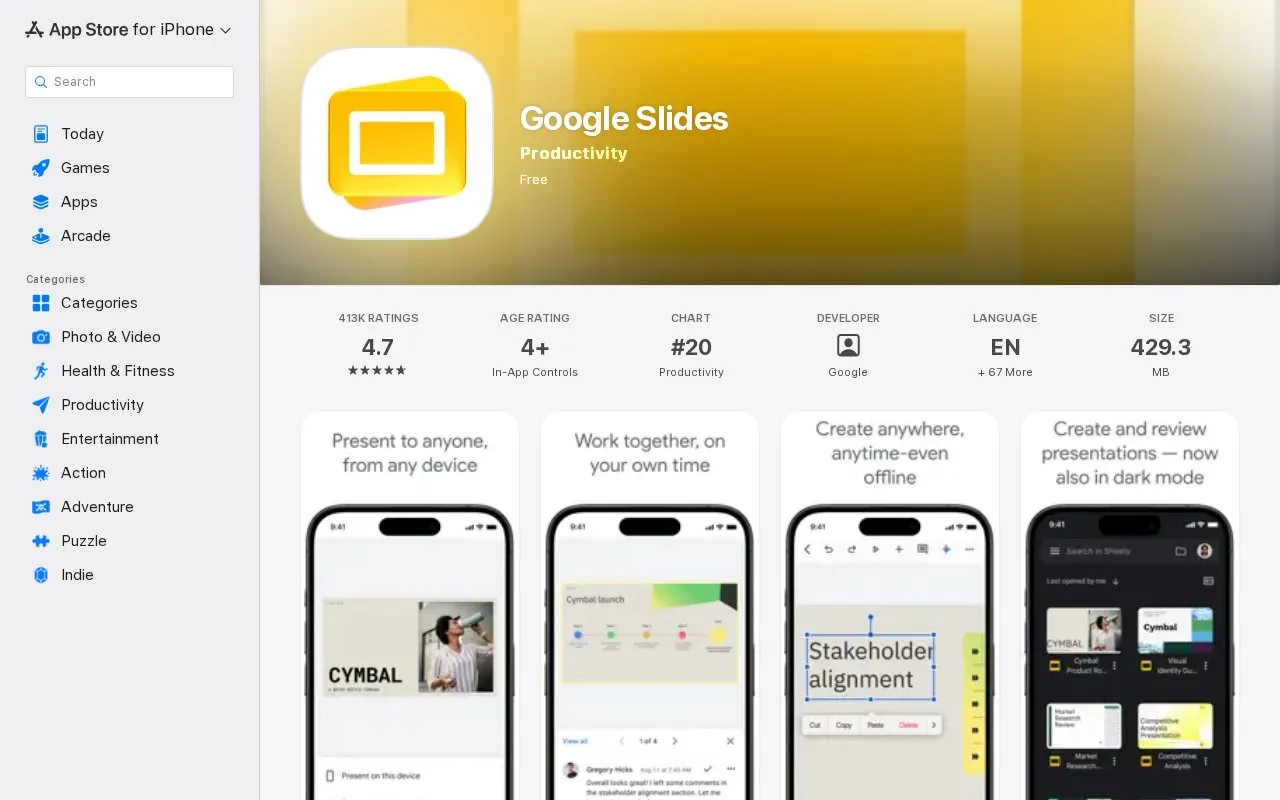
Google Slides for iPhone and iPad is for creating, editing, and collaborating on presentations at the same time. It supports offline work, automatic saving as you type, adding and rearranging slides, formatting text and shapes, and presenting from the device, including to video calls.
It opens, edits, and saves PowerPoint files. Listed Google Workspace options include templates, adding videos, images, drawings and transitions, and controls for who can edit, view, or comment. Camera, microphone, and photos access are used for video calls and inserting images.
Tools and sites you could use instead, ranked by how closely they match.
Keynote lets users design and present slide presentations on iPhone and iPad.
Google Gemini is an AI assistant app from Google, available on iPhone and iPad with optional in-app purchases.
Owaves: My BodyClock is a circadian calendar and tracker for iPhone and iPad.
Blackmagic Design provides a camera app for recording video on iPhone and iPad.
OpenAI provides an iOS app for accessing ChatGPT, its AI assistant, on an iPhone or iPad.
Color Widgets offers home screen themes, icons, and quotes for iPhone and iPad.
Well-known listings from the same topic.
Tell us and an editor will check it.
Claim the listing and suggest updates yourself. An editor checks every claim first.


