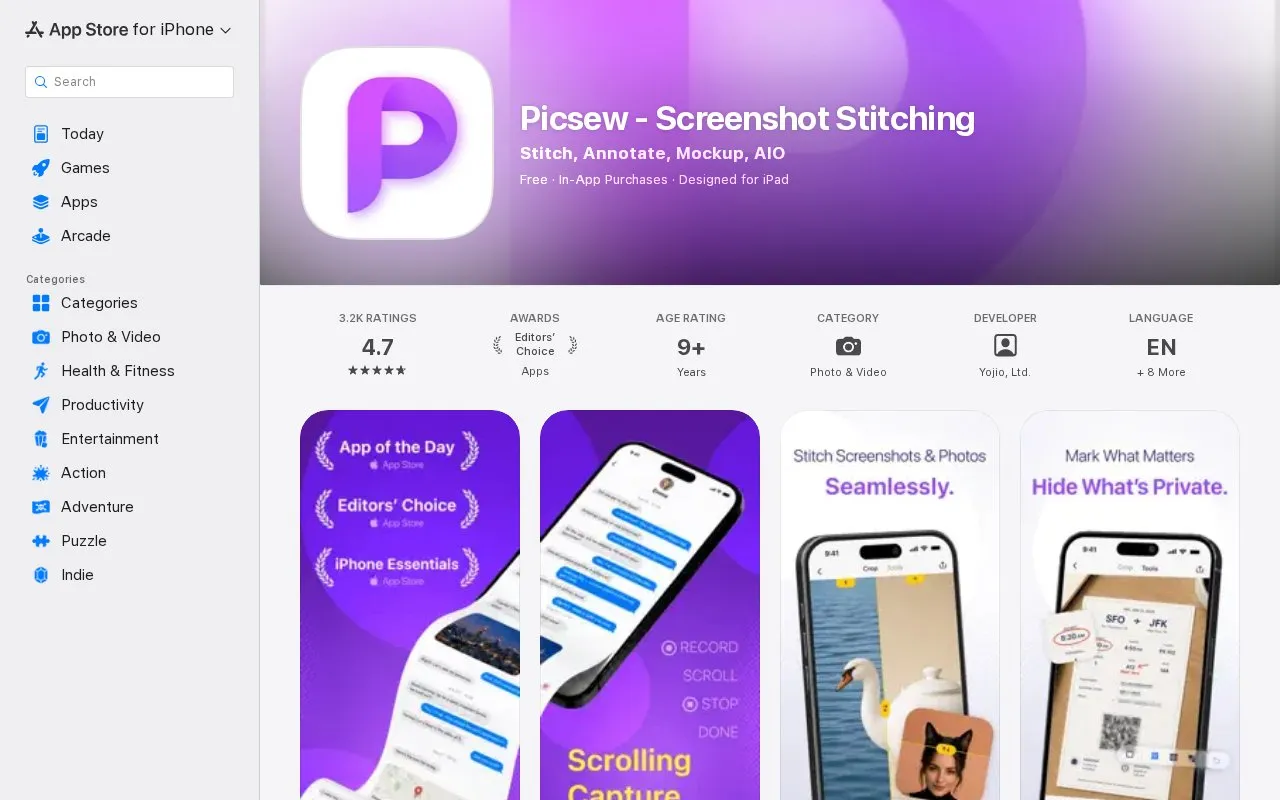
Picsew is an iPhone and iPad app for combining screenshots and photos into single images. Its main use is turning content that spans more than one screen, such as chats, articles, receipts, webpages, and comment threads, into one continuous image called a scrollshot. It can also arrange photos vertically or horizontally for posts, tutorials, comparisons, and before-and-after presentations.
The app includes annotation tools, blur or mosaic to hide private details, device mockups, and several export formats. Picsew can take up to 300 images in one project. The App Store listing describes it as an Editors' Choice app. Privacy protection depends on the user choosing to blur or mosaic the relevant areas before sharing.
Key features
Scrolling capture of content from any app into one scrollshot
Automatic detection and stitching of overlapping screenshots
Manual adjustment of each join in complex layouts
Vertical or horizontal arrangement of up to 300 images
Blur or mosaic to hide names, faces, and account details
Export as high-resolution image, PDF, or evenly sized slices
Best for: People who regularly need to combine many screenshots or photos into one image, such as those creating tutorials, step-by-step guides, or social posts on iPhone or iPad.
Good for
The App Store listing states that it is an Editors' Choice app, and it is also recommended by MacStories and TidBITS.
Scrolling capture, stitching, annotation, mockups, and export are kept in one app, so users do not need to switch between several tools.
The app can be opened from the Share Sheet or a widget and supports VoiceOver.
Watch out for
The App Store listing shows In-App Purchases, but the source does not say which features require them.
A single project can include up to 300 images.
A user review notes that automatic matching works best when screenshots overlap, and that non-contiguous shots need manual alignment.
What is the maximum number of images Picsew can combine at once?
The listing says you can work with up to 300 images at once.
What export formats are available?
You can save a high-resolution image, export a PDF, or split an extra-long image into evenly sized slices for social platforms and messaging apps.
Can Picsew hide private information in an image?
Yes, you can hide names, faces, account details, addresses, and other private information with blur or mosaic. This does not replace checking the final image before sharing it.
Is something wrong or out of date?
Tell us and an editor will check it.
Own this website?
Claim the listing and suggest updates yourself. An editor checks every claim first.