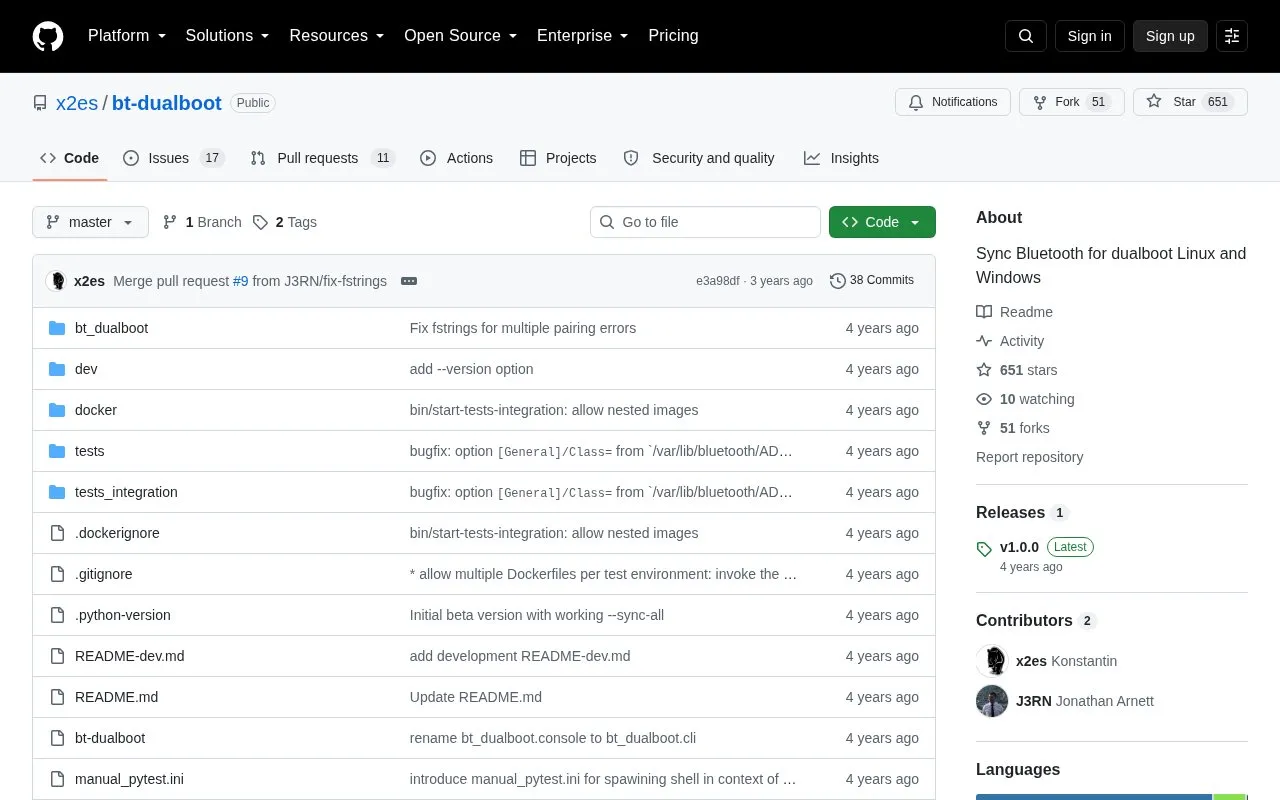
bt-dualboot is a command-line tool that synchronizes Bluetooth device pairing information between Linux and Windows installations on the same machine, so paired devices do not have to be paired again after switching operating systems. It reads the Bluetooth configuration on Linux and updates the Windows Registry Hive file, requiring the Windows partition to be mounted with write access and the tool to be run with sudo. Supported environments listed are Windows 10+ and Linux systems that store Bluetooth configuration in a format similar to Ubuntu; testing was done on Linux Mint 19.3 and 20.3 (Ubuntu 18.04 and 20.04) and Windows 10. macOS support is described as planned for a future release. The tool depends on Python 3.6+ and the non-official chntpw package for registry editing, and it asks the user to choose a backup strategy before writing to the Hive file.
Key features
Syncs all devices with --sync-all
Syncs a single device by MAC address
Lists devices that need sync or Windows pairing
Previews command effects with --dry-run
Optional backup of the Windows Registry Hive file
Detects mounted Windows partitions; --win override
Best for: People who dual-boot Linux and Windows and want their already-paired Bluetooth devices to work in both systems without re-pairing.
Good for
Removes the need to re-pair Bluetooth devices when switching between Linux and Windows
Provides --dry-run previewing and an explicit backup-versus-no-backup choice before registry writes
Works with Windows 10+ and Linux systems that keep Bluetooth configuration in an Ubuntu-like format
Watch out for
Requires sudo plus the non-official chntpw package to read Bluetooth configuration and edit the Windows Registry Hive
Only tested with Linux Mint 19.3 and 20.3 (Ubuntu 18.04, 20.04) and Windows 10; macOS support is not yet available
Registry Hive backups may contain sensitive data and should be removed once Windows is confirmed working
Pair the devices in Windows first, then boot Linux and pair them there as well. The Windows partition must be mounted with write access, and the tool needs Python 3.6+ and the chntpw package installed.
Which operating systems are supported?
Windows 10+ and potentially any Linux system that keeps Bluetooth configuration in a format similar to Ubuntu. Testing covered Linux Mint 19.3 and 20.3 (Ubuntu 18.04 and 20.04); macOS support is listed as planned for a future release.
Why does bt-dualboot need to be run with sudo?
It requires read-only access to Bluetooth device configuration files, which are not accessible to a regular user.
Is something wrong or out of date?
Tell us and an editor will check it.
Own this website?
Claim the listing and suggest updates yourself. An editor checks every claim first.