

Caffeine
Caffeine keeps the operating system from sleeping or hibernating while the browser extension is active.
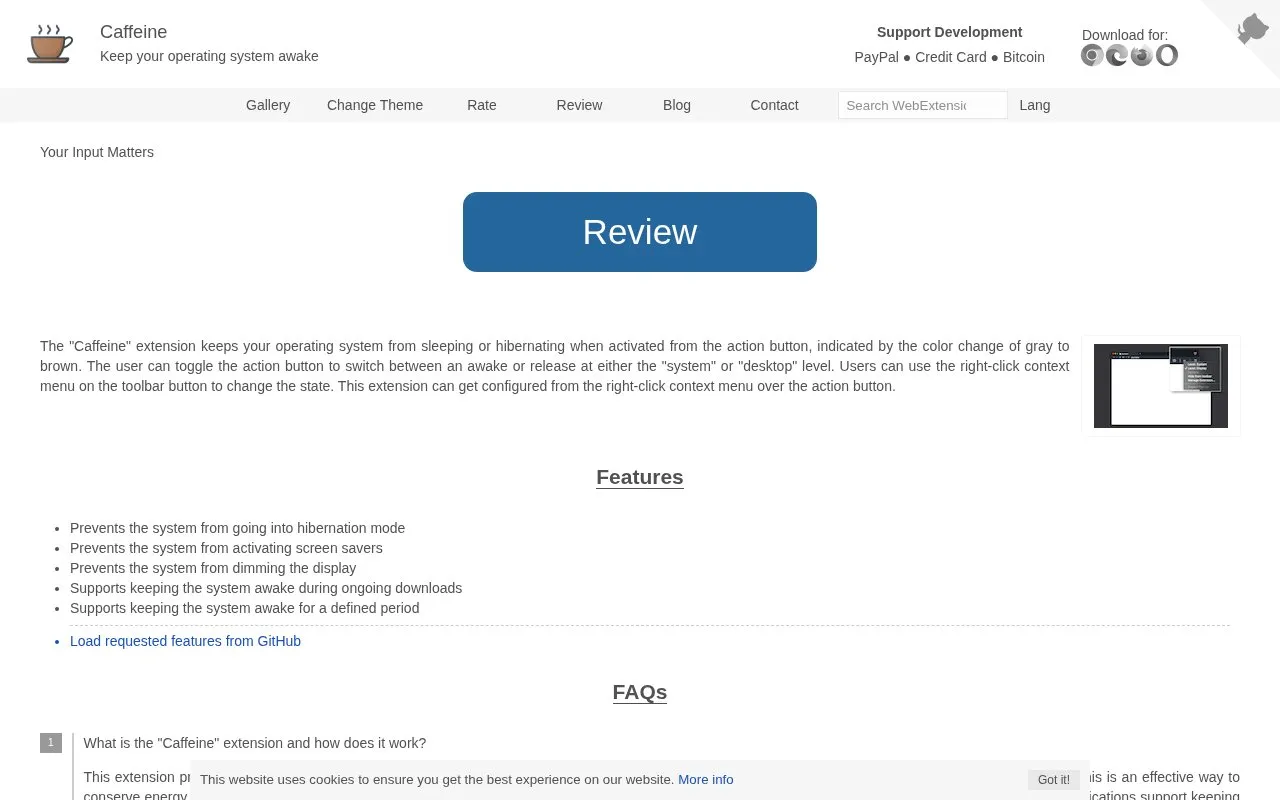
About Caffeine
Caffeine is a browser extension that prevents the operating system or display from entering sleep, hibernation, screensaver, or display-dimming modes while active. Users toggle it from the toolbar action button, with icon color and hover text indicating the state, and choose display-level or system-level keep-awake from the right-click menu.
It can also keep the system awake during file downloads even when not otherwise active, and keep it awake for a defined period. Its Aggressive Mode, which simulates activity before idle, is exclusive to ChromeOS.
Key features
- Toggle keep-awake on and off from toolbar action button
- Select display-level or system-level keep-awake via right-click menu
- Stay awake during file downloads even when extension inactive
- Stay awake for a user-defined period
- Show active state through toolbar icon color change
- ChromeOS Aggressive Mode simulates activity to prevent idle dimming
Best for: People who need temporary prevention of sleep or screen dimming during downloads or unattended tasks.
Good for
- One-click toggle with icon color and hover text showing state
- Download option works independently to avoid interrupting file downloads
- Offers display-only and full-system keep-awake levels
Watch out for
- Aggressive Mode is exclusive to ChromeOS and appears disabled elsewhere
Caffeine at a glance
- Category
- Software & Utilities › Browser Extensions
- Type
- Website
- Pricing
- Not confirmed. Check the site
- Platforms
- Web
- Open source
- Not stated
- Language
- English
- Last checked
- Oct 5, 2026 · Online when checked
- Listed
- Oct 5, 2026
Guides for Browser Extensions
Caffeine alternatives
Tools and sites you could use instead, ranked by how closely they match.

Session Alive is designed to keep website sessions active and reduce timeout messages.
Open source
24 alternatives
Broken Link Checker scans links on the active webpage and checks whether they are broken or redirected.

Users can store and organize bookmarks with GGather, keeping sharing optional for saved collections.

Save a complete web page as a single HTML file with SingleFile, a browser extension for keeping a copy of the page.
Open source
24 alternatives
Automatically close unused tabs with Tab Wrangler, a browser extension intended to keep attention on the tabs currently in use.
Open source
24 alternatives
Popup Tab Switcher helps users switch between tabs and remembers the order in which tabs were active.
Popular in Browser Extensions
Well-known listings from the same topic.
Popupblocker by Joofthanaddons.mozilla.org/firefox/addon/popupblockerallEnhancementscplx.appViolentmonkeyviolentmonkey.github.ioMomentummomentumdash.comMission Controlmission-control.appSession Buddysessionbuddy.com


Caffeine FAQ
What is the default keep-awake level and how do I change it?
The default is display level, which prevents the display from entering power-saving mode. Change it between display and system levels from the right-click menu over the action button; system level prevents hibernate or screensaver for the system.
What does keep awake when downloading do?
It keeps the system awake while downloading files even if the extension is not active. It works independently from normal operation and helps prevent power-saving mode from interrupting large downloads.
What is Aggressive Mode and why is it unavailable?
Aggressive Mode is exclusive to ChromeOS. It prevents display dimming or screensaver by generating user interaction, simulating mouse movement just before idle, so it appears disabled on other systems.
Is something wrong or out of date?
Tell us and an editor will check it.
Own this website?
Claim this listing
Claim the listing and suggest updates yourself. An editor checks every claim first.