

Zero Install is an open-source, cross-platform software installation system for Linux, Windows, and macOS that can run apps without installing them first.
Clean Install Windows Guide
This guide explains how to back up data and clean-install Windows, including prerequisites and installation steps.
About Clean Install Windows Guide
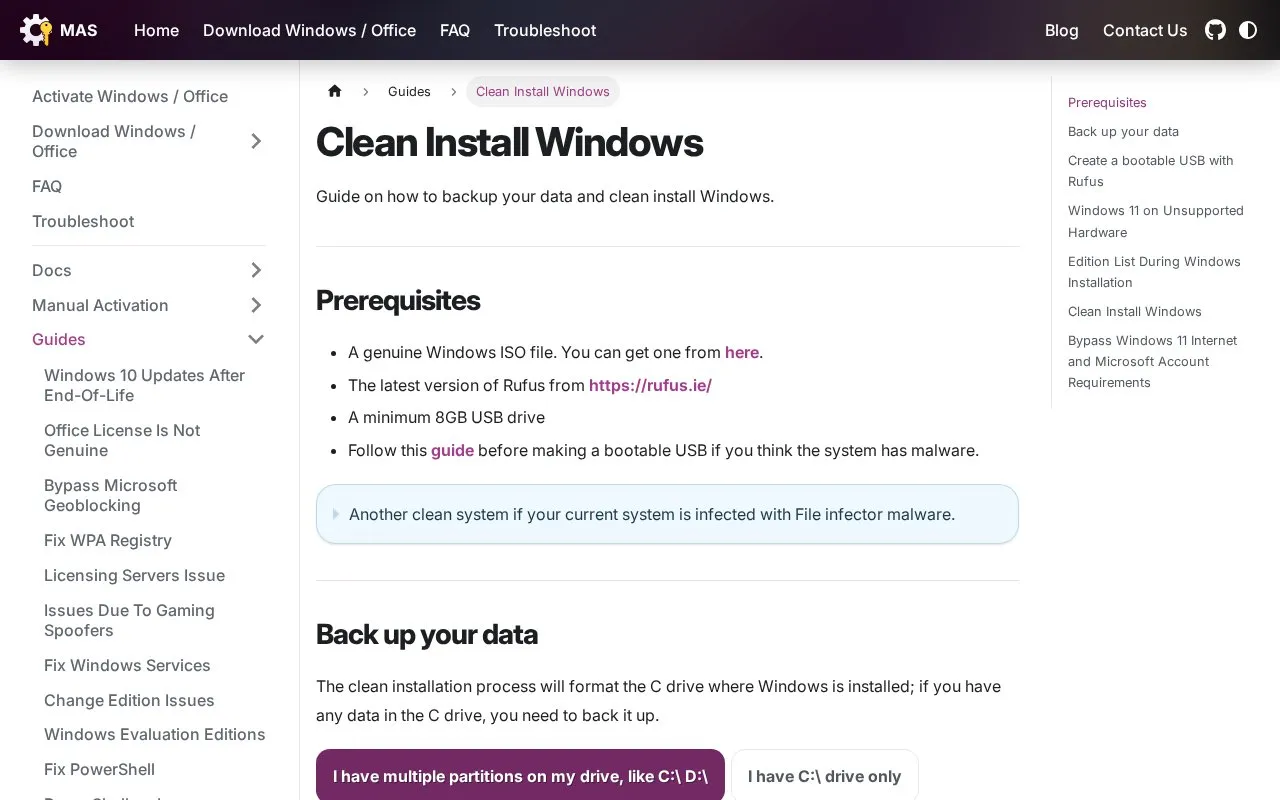
The Clean Install Windows Guide explains how to back up data and perform a clean installation of Windows. It lists prerequisites including a genuine Windows ISO, Rufus, and a minimum 8GB USB drive, and walks through checking for file infector malware, backing up user folders from the C drive, and creating a bootable USB.
It also describes installing Windows 11 on unsupported hardware using IoT Enterprise 24H2 or newer with a PID.txt file. The guide states that clean installation formats the C drive and that making the bootable USB deletes data on the USB drive.
Key features
- Lists prerequisites including Windows ISO, Rufus, and 8GB USB drive
- Explains how to check for file infector malware via PowerShell
- Describes backing up user folders for single and multiple partitions
- Details creating a bootable USB with Rufus step by step
- Provides PID.txt method for IoT Enterprise on unsupported hardware
- Suggests online drives for backing up critical data
Best for: People who need to back up files and perform a clean Windows installation themselves.
Good for
- Covers checking for file infector malware before making installation media
- Includes separate backup steps for single-partition and multi-partition drives
- Addresses Windows 11 installation on unsupported hardware
Watch out for
- Clean installation formats the C drive, so data must be backed up first
- Creating the bootable USB deletes data on the USB drive
- Installing Windows 11 on unsupported hardware can cause future feature update problems
Clean Install Windows Guide at a glance
- Category
- Software & Utilities › System Utilities
- Type
- Website
- Pricing
- Not confirmed. Check the site
- Platforms
- Web, Windows
- Open source
- Not stated
- Language
- English
- Last checked
- Oct 5, 2026 · Online when checked
- Listed
- Oct 5, 2026
Clean Install Windows Guide alternatives
Tools and sites you could use instead, ranked by how closely they match.

Silent Install Builder creates installers and multi-pack setups, and can record installation automation scripts for software without command-line options.
Popular in System Utilities
Well-known listings from the same topic.
Phone Linkmicrosoft.com/windows/sync-across-your-devicesMicrosoft SDmicrosoft.com/en-us/software-downloadPowerToyslearn.microsoft.com/en-us/windows/powertoysWinWorldPCwinworldpc.comGeekUninstallergeekuninstaller.comGetDNotegetdnote.com


Clean Install Windows Guide FAQ
What do I need to clean-install Windows?
A genuine Windows ISO file, the latest version of Rufus, and a minimum 8GB USB drive.
How do I check for file infector malware?
Open PowerShell as administrator and run sc.exe start "sppsvc" > $null 2>&1; Write-Host "Error code: $LASTEXITCODE". If the output is 577 or 225, the system is most likely infected.
What if my system is infected and I do not have another clean system?
The guide suggests trying Dr.Web CureIt to remove file infector malware, but notes it may miss some infections, so using another clean system to make the bootable USB is preferred.
Is something wrong or out of date?
Tell us and an editor will check it.
Own this website?
Claim this listing
Claim the listing and suggest updates yourself. An editor checks every claim first.