

conda
Conda manages binary packages and software environments across major operating systems and platforms.
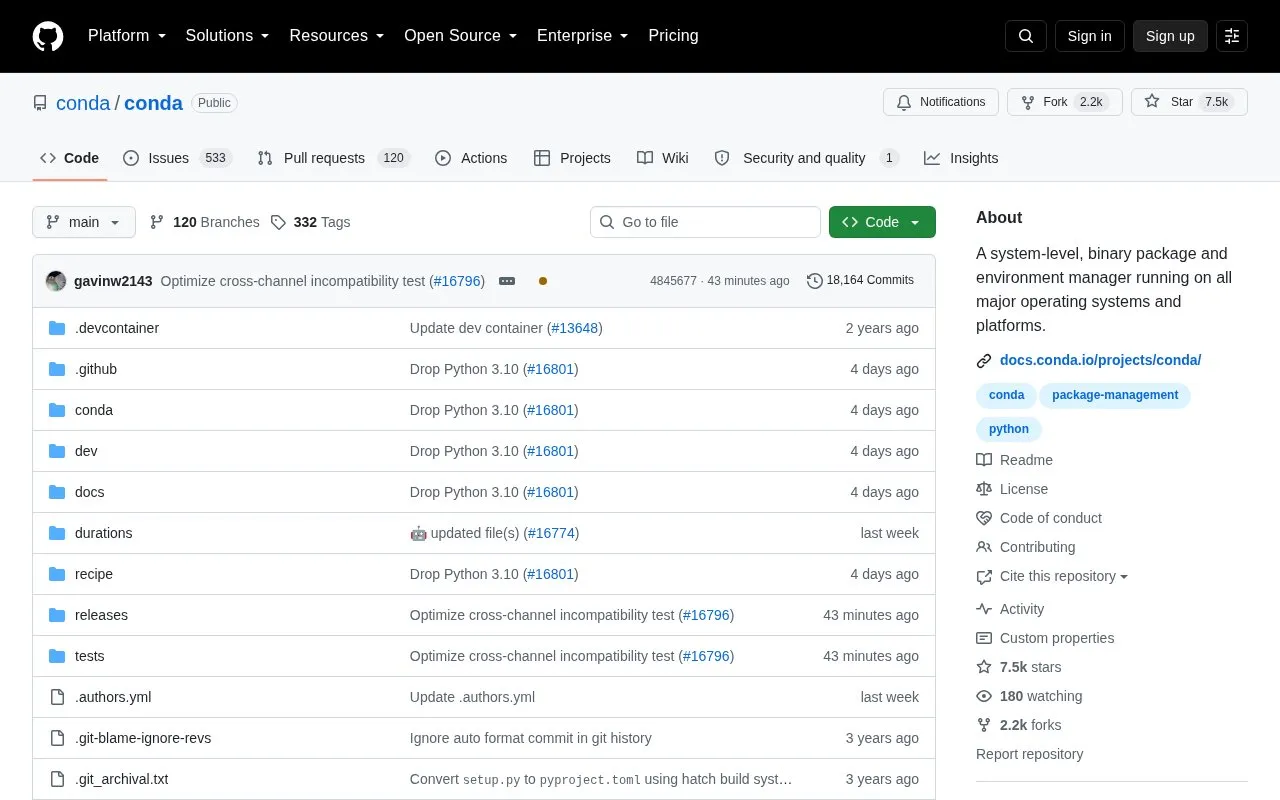
About conda
Conda is a cross-platform, language-agnostic binary package manager used in distributions such as Miniforge and the Anaconda Distribution. Its command-line interface is written in Python, and it manages independent environments that function as separate installations, including for C libraries.
It can list installed packages, search available packages, install packages, and create, activate, and deactivate environments. It uses hard links by default when possible to reduce space used by environments, and supports building packages from recipes for upload to anaconda.org. Updating from a much older version may require staged updates.
Key features
- Create independent environments for separate installations
- Install binary packages with conda install command
- List installed packages with conda list
- Search available packages with conda search
- Activate and deactivate environments from command line
- Build packages from recipes for anaconda.org upload
Best for: Developers who need separate environments and binary packages across projects.
Good for
- Works across major operating systems and platforms
- Language-agnostic and handles C libraries in environments
- Uses hard links by default when possible to save space
Watch out for
- Updating from a much older version may require staged updates
conda at a glance
- Website
- github.com/conda/conda
- Category
- Development › Developer Tools
- Type
- Open-source project
- Pricing
- Not confirmed. Check the site
- Open source
- Not stated
- Language
- English
- Last checked
- Oct 5, 2026 · Online when checked
- Listed
- Oct 5, 2026
Guides for Developer Tools


conda alternatives
Tools and sites you could use instead, ranked by how closely they match.

Use scikit-image, a Python software library, to process digital images.

pytesseract is a Python wrapper for Google Tesseract that provides optical character recognition.
Open source
24 alternatives
PyMC provides Bayesian modeling and probabilistic programming tools for Python.

DSPy is a framework for programming language models, with algorithms to optimize prompts and model weights.
Open source
24 alternatives
StatPing provides status pages for monitoring websites and applications.
Open source
24 alternatives
For data mining research, ELKI provides an open-source Java framework with algorithms and index structures for knowledge discovery.
Popular in Developer Tools
Well-known listings from the same topic.
AppDevToolsappdevtools.comCommand Not Foundcommand-not-found.comTestFlighttestflight.apple.com/join/A8GwCnq8Sourcegraphabout.sourcegraph.comProject Wallaceprojectwallace.comCarbon Calculatorwebsitecarbon.com


conda FAQ
How do I install conda?
Use a minimal installer such as Miniconda or Miniforge. Conda is also included in the Anaconda Distribution.
How do I update conda?
Run conda update --name base conda. If the installed version is far behind, update in stages, for example install conda=22.11.1 before updating from 4.12 to 23.10.0.
How do I create and switch environments?
Run conda create --name ml-project pytorch to create an environment, conda activate ml-project to use it, and conda deactivate to return to base.
Is something wrong or out of date?
Tell us and an editor will check it.
Own this website?
Claim this listing
Claim the listing and suggest updates yourself. An editor checks every claim first.