

convert-ascii-to-image
Convert pasted ASCII text into an image with this free browser-based utility.
About convert-ascii-to-image
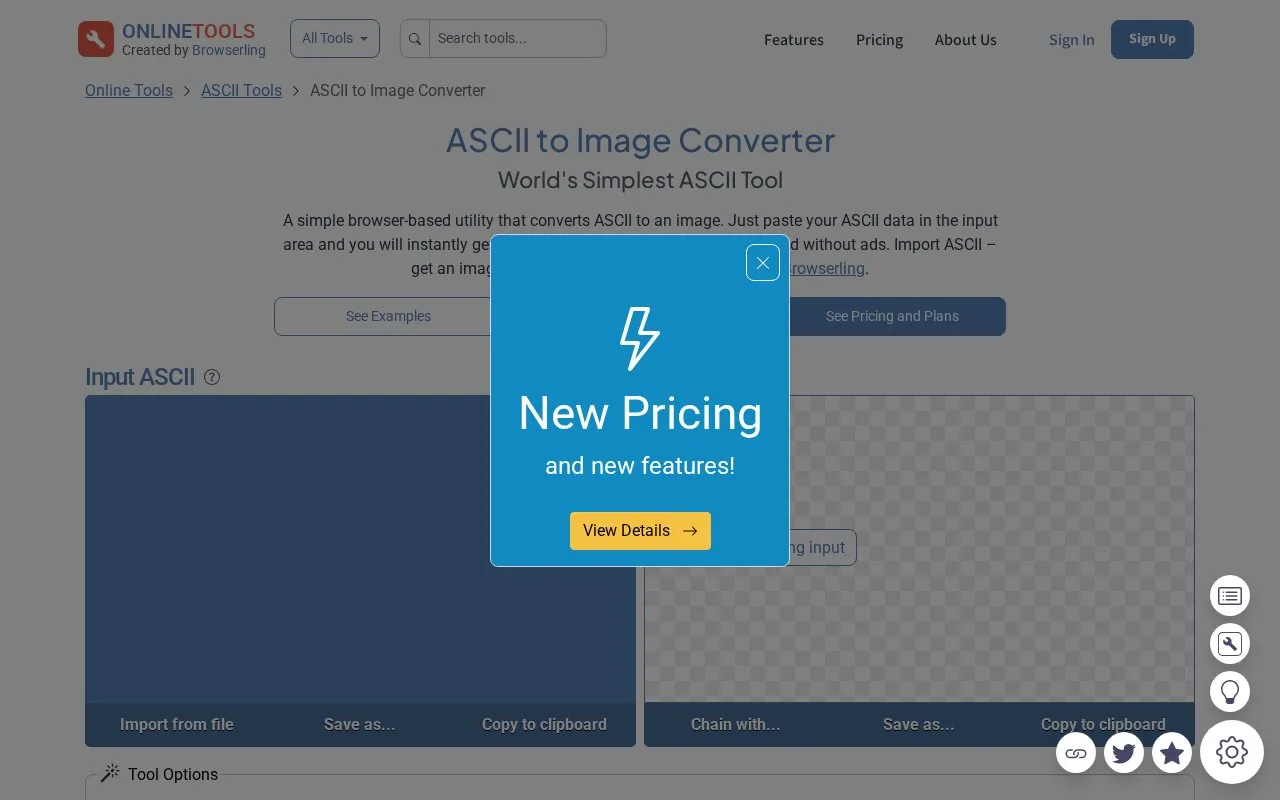
This is a browser-based utility that converts pasted ASCII text into an image. Text is pasted into an input area and the resulting image appears in the output area, with options to import ASCII from a file and to save, copy, download or export the result to Pastebin. The converter cannot be chained with other tools on the same site.
Key features
- Pastes ASCII text and returns an image in the output area
- Background color option that supports transparency
- Sets image width and height in CSS units
- Controls text color, font size, font family and custom typeface URL
- Bold, italic, padding, text shadow, line height and alignment options
- Export via download, clipboard copy or Pastebin
Best for: People who want to turn short pasted ASCII text into a styled image without installing software.
Good for
- Runs in the browser with no installation required
- Offers detailed styling controls for background, text, font and layout
- Free plan exists for personal, non-commercial use
Watch out for
- Free plan is restricted to personal use and a couple of tries per day
- Premium pricing is not stated on the page
- Exporting to Pastebin sends content to an external service
convert-ascii-to-image at a glance
- Category
- Software & Utilities › Text Editors
- Type
- Website
- Pricing
- Not confirmed. Check the site
- Platforms
- Web
- Open source
- Not stated
- Language
- English
- Last checked
- Oct 6, 2026 · Online when checked
- Listed
- Oct 5, 2026
Guides for Text Editors

convert-ascii-to-image alternatives
Tools and sites you could use instead, ranked by how closely they match.

TEXT-IMAGE.com converts pictures on a device into text images and ASCII art.
ASCII Art Generator converts images into colored text art in a browser, with options for character sets and sharing.

TAAG converts text into ASCII art using selectable fonts, with options to customize and copy the result.
Convert images into ASCII art with ITOA, with an optional color setting for the output.

This online ASCII art creator converts images to monochrome or color text art and turns text into ASCII banners.
Free
9 alternatives
Convert images to ASCII or Braille art from the command line with this cross-platform tool.
Open source
24 alternativesPopular in Text Editors
Well-known listings from the same topic.
Google Docsgoogle.com/docs/aboutProton Docsproton.me/drive/docsVertex42vertex42.comdDocsdocs.fileverse.ioNotepad++notepad-plus-plus.orgLibreOfficelibreoffice.org


convert-ascii-to-image FAQ
Can I use the tool for commercial work on the free plan?
No. The free plan is described as personal use only; commercial use requires the premium plan.
Is there a usage limit?
Yes. The free plan lets you try the service a couple of times a day. Unlimited usage is listed as a premium feature.
Can I change how the output image looks?
Yes. Options include background color with transparency, text color, font size and family, bold, italic, padding, text shadow, line height and horizontal and vertical alignment.
Is something wrong or out of date?
Tell us and an editor will check it.
Own this website?
Claim this listing
Claim the listing and suggest updates yourself. An editor checks every claim first.