

Genymotion runs Android in the cloud or on PC and Mac, with integrations for testing frameworks and CI servers.
Docker Android
Docker-Android runs Android in a Docker image with noVNC, video recording, an MCP server, and an AI agent.
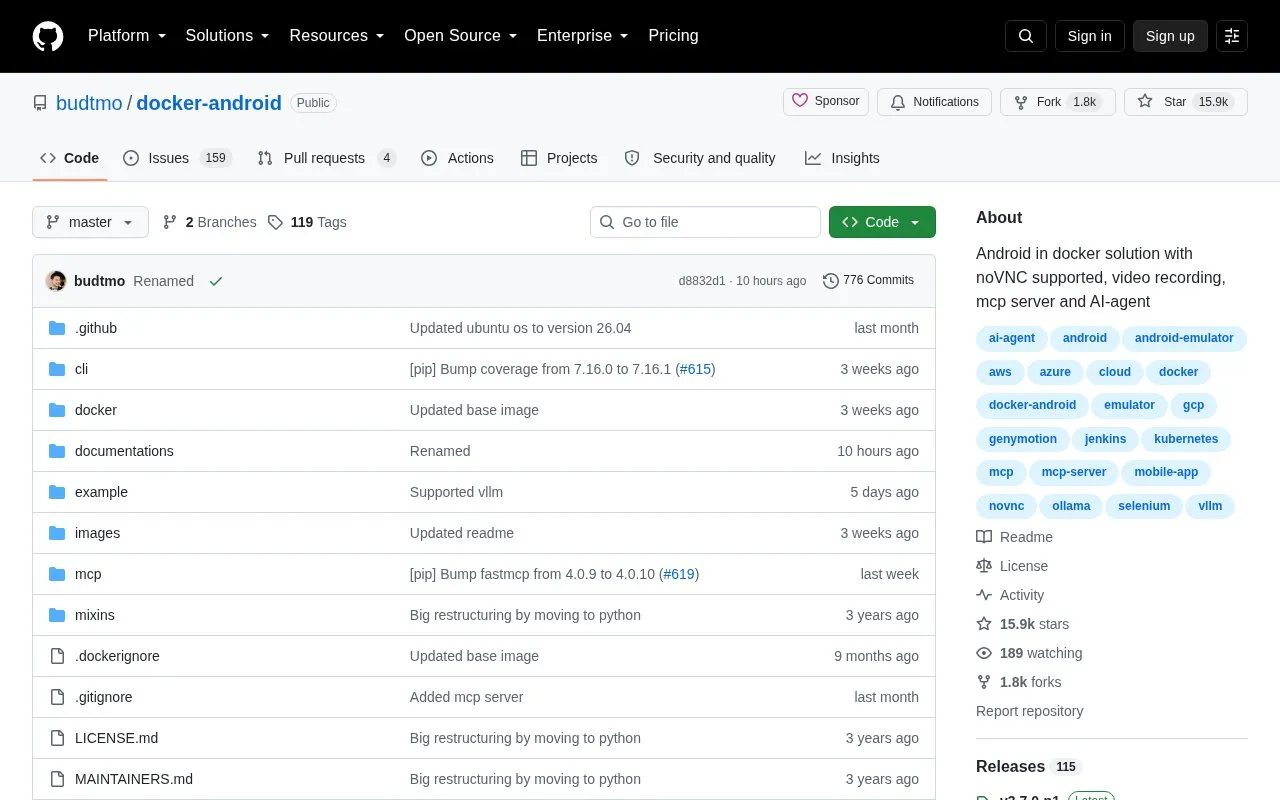
About Docker Android
Docker-Android provides Docker images that run the Android emulator inside a container for development and testing of native, web and hybrid apps. It includes device profiles such as Samsung Galaxy, Nexus and Pixel C models, VNC viewing, video recording, web-UI log access, adb connect control from outside the container, and support for building projects and running unit and UI tests with frameworks such as Appium and Espresso.
Images are available for Android 9.0 through 14.0, plus Genymotion and MCP variants, with MCP server and AI agent listed as beta and AI agent supporting Ollama and VLLM local servers. It requires Docker and host virtualization support and runs under Ubuntu OS only, so macOS and Windows users need an Ubuntu virtual machine with virtualization; by default the emulated device is destroyed on restart unless a volume is mounted at /home/androidusr.
Key features
- Run Android emulator inside Docker container for development and testing
- Emulator device profiles including Samsung Galaxy, Nexus, and Pixel C models
- View container contents via VNC and access logs from web UI
- Control emulator from outside container using adb connect
- Build Android projects and run unit and UI tests with Appium, Espresso
- MCP server and AI agent in beta, AI agent supports Ollama and VLLM
Best for: Developers and testers who need to run Android emulators in Docker for building apps and running automated tests.
Good for
- Available images for Android 9.0 through 14.0 and device profiles including Samsung, Nexus and Pixel C
- VNC viewing, web-UI log access, and external control with adb connect
- Supports Appium and Espresso test frameworks and Genymotion Cloud integration
Watch out for
- Runs under Ubuntu OS only; macOS and Windows require an Ubuntu virtual machine with virtualization
- Requires Docker and host virtualization support with /dev/kvm
- Emulated device is destroyed on restart unless a volume is mounted at /home/androidusr
Docker Android at a glance
- Category
- Software & Utilities › Linux & Mac Apps
- Type
- Open-source project
- Pricing
- Not confirmed. Check the site
- Platforms
- Android
- Open source
- Not stated
- Language
- English
- Last checked
- Oct 5, 2026 · Online when checked
- Listed
- Oct 5, 2026
Docker Android alternatives
Tools and sites you could use instead, ranked by how closely they match.

NoxPlayer runs Android apps and mobile games on PC and Mac, according to its product page.

Ghostty offers a cross-platform terminal emulator with native platform interfaces.

Weylus lets a tablet act as a graphics tablet or touchscreen for a computer.

Bash-it collects community-maintained Bash commands and scripts for Bash environments.
Open source
24 alternatives
Shairport Sync receives music streams over AirPlay and AirPlay 2, according to its project page.
Popular in Linux & Mac Apps
Well-known listings from the same topic.
Browshbrow.shcalcursecalcurse.orgBibDeskbibdesk.sourceforge.ioCommandlineFUcommandlinefu.comBashlybashly.devzshzsh.org


Docker Android FAQ
What is required to run Docker-Android?
Docker installed on the system, a machine that supports virtualization with /dev/kvm, and Ubuntu OS. macOS and Windows users need an Ubuntu virtual machine that supports virtualization because the image runs under Ubuntu OS only.
How do I keep emulator data between restarts?
Mount a volume at /home/androidusr, for example with docker run -v data:/home/androidusr. By default the emulated device is destroyed on container restart.
Which Android versions have Docker images?
Images are listed for Android 9.0, 10.0, 11.0, 12.0, 13.0 and 14.0, plus separate genymotion and mcp images.
Is something wrong or out of date?
Tell us and an editor will check it.
Own this website?
Claim this listing
Claim the listing and suggest updates yourself. An editor checks every claim first.