

Docker-Android runs Android in a Docker image with noVNC, video recording, an MCP server, and an AI agent.
Weylus
Weylus lets a tablet act as a graphics tablet or touchscreen for a computer.
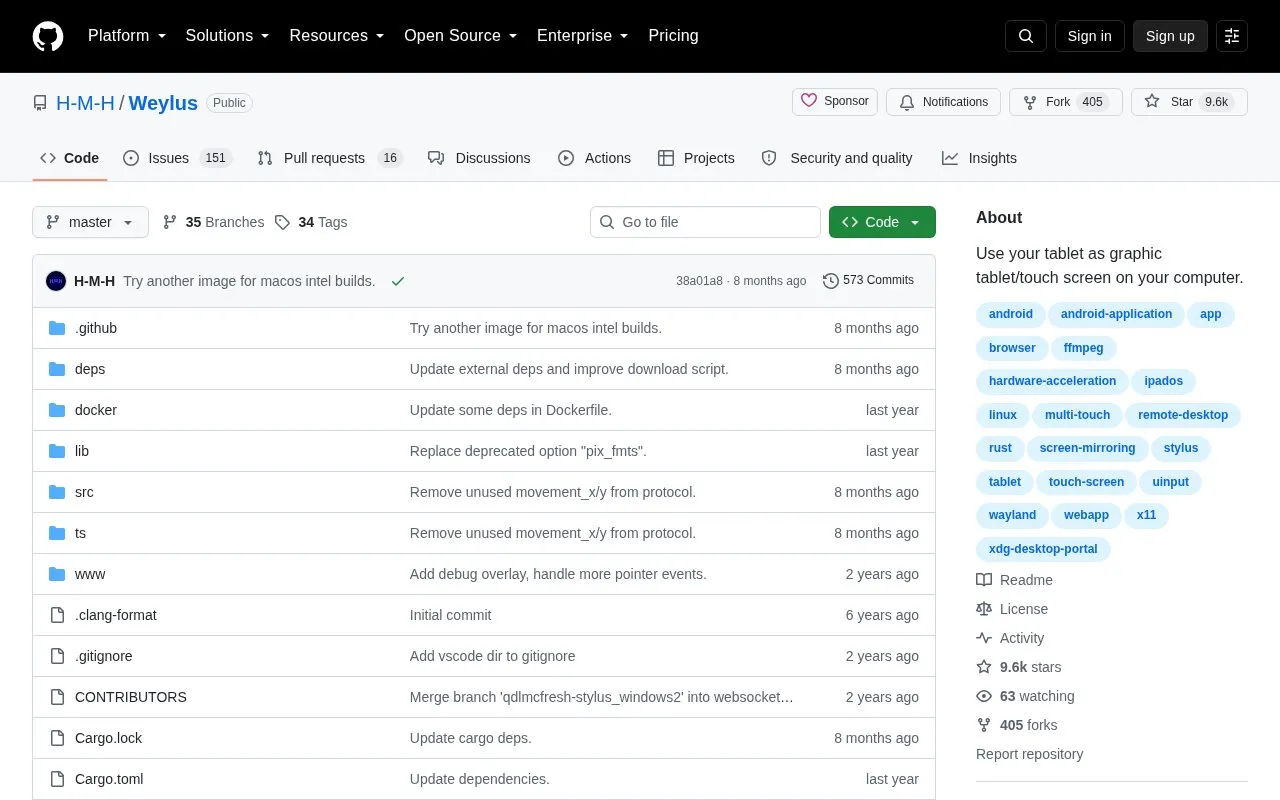
About Weylus
Weylus lets a tablet or smartphone function as a graphic tablet or touch screen for a computer. It can control the mouse pointer, mirror the screen to the tablet, accept input from a physical keyboard connected to the tablet, and use hardware-accelerated video encoding. On Linux it adds stylus pressure and tilt, multi-touch, capture of specific windows, and use as a second screen.
The tablet needs only a modern browser, while the computer runs Weylus and connects over the local network through a displayed URL or QR code. There is no encryption, so it should be used only on trusted networks, on-screen keyboards are not supported, and Linux requires extra setup to enable uinput for pen and touch features.
Key features
- Control computer mouse pointer from tablet
- Mirror computer screen to tablet browser
- Send typing from physical keyboard attached to tablet
- Support stylus pressure and tilt on Linux
- Support multi-touch input on Linux
- Capture specific windows or use tablet as second screen on Linux
Best for: People who want to reuse a tablet or phone as touch, pen, or second-screen input for a computer, particularly with Linux.
Good for
- No tablet app needed beyond a modern browser
- Includes hardware-accelerated video encoding for screen mirroring
- Extra Linux support for pressure, tilt, multi-touch, window capture, and second-screen use
Watch out for
- No encryption, so use is limited to trusted networks
- On-screen keyboards on the tablet are not supported
- Linux stylus and multi-touch require manual uinput permission setup
Weylus at a glance
- Website
- github.com/H-M-H/Weylus
- Category
- Software & Utilities › Linux & Mac Apps
- Type
- Open-source project
- Pricing
- Not confirmed. Check the site
- Open source
- Not stated
- Language
- English
- Last checked
- Oct 5, 2026 · Online when checked
- Listed
- Oct 5, 2026
Weylus alternatives
Tools and sites you could use instead, ranked by how closely they match.

Bash-it collects community-maintained Bash commands and scripts for Bash environments.
Open source
24 alternatives
Shairport Sync receives music streams over AirPlay and AirPlay 2, according to its project page.

Surge provides downloads through a terminal manager written in Go, according to its repository description.
Open source
24 alternatives
Browsh renders modern web content in an interactive text-based browser for terminals.
Conky configuration uses variables and settings to display elements such as text, bars, and graphs.
Popular in Linux & Mac Apps
Well-known listings from the same topic.
calcursecalcurse.orgBibDeskbibdesk.sourceforge.ioCommandlineFUcommandlinefu.comBashlybashly.devzshzsh.orgLibreELEClibreelec.tv


Weylus FAQ
How do I connect a tablet to the computer?
Start Weylus on the computer with an access code, then open the displayed address and port on the tablet browser. If a firewall is running, ports for the webserver and websocket connection must be open.
Can I type with the tablet's on-screen keyboard?
No. Weylus supports physical keyboards connected to the tablet, but on-screen keyboards are not supported due to technical limitations.
What is needed for pen pressure and multi-touch on Linux?
/dev/uinput must be writable by Weylus, which requires additional permission setup described in the documentation.
Is something wrong or out of date?
Tell us and an editor will check it.
Own this website?
Claim this listing
Claim the listing and suggest updates yourself. An editor checks every claim first.