

WikiTeam provides tools for archiving wikis, including MediaWiki sites, and reports preserving more than 600,000 wikis.
Open source
24 alternativeswaybackpack is a command-line tool for downloading the Wayback Machine archive associated with a given URL.
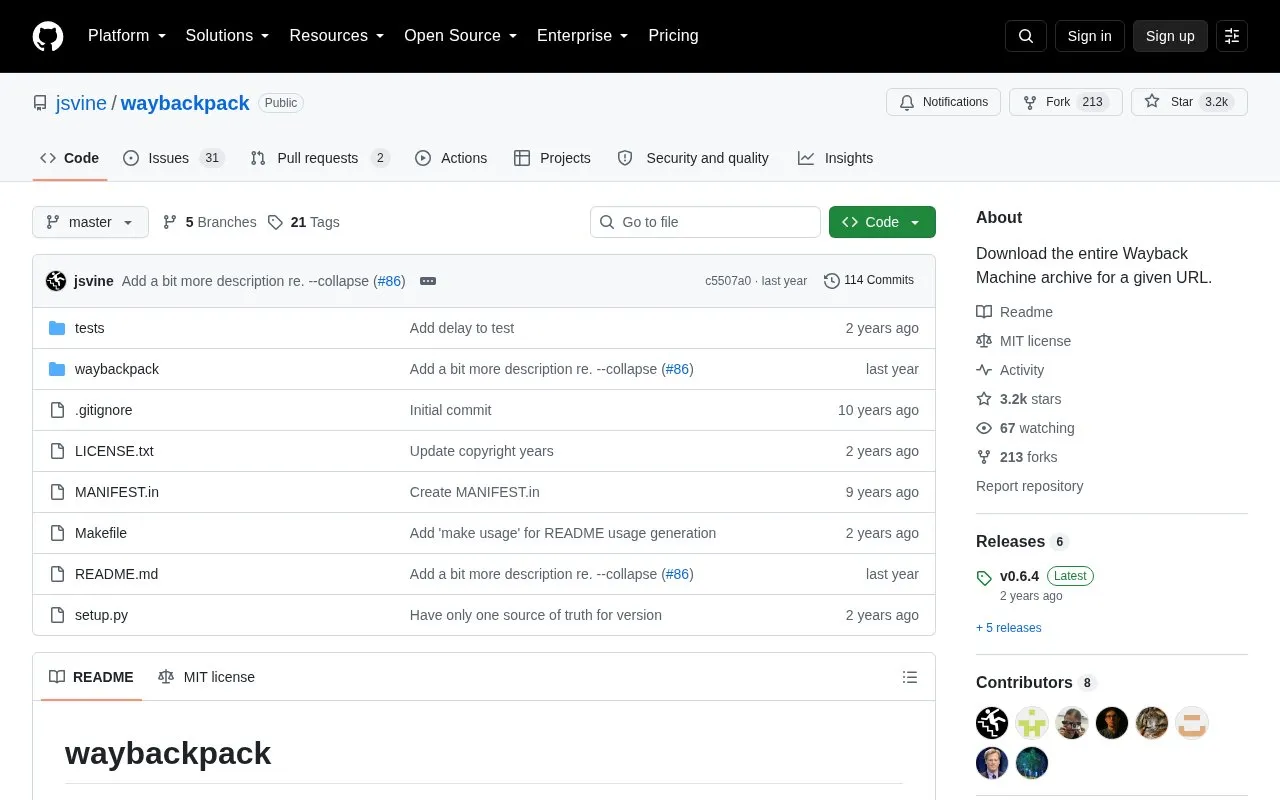
Waybackpack is a command-line tool that downloads the Wayback Machine archive for a given URL to a local directory. It can also print the list of snapshot URLs instead of downloading files.
It supports filtering by from-date and to-date, fetching original files, skipping duplicates, and controlling retries, delays, and existing files. It installs with pip, requires Python 3.3 or later, and depends only on requests, with tqdm needed for the progress bar.
Tools and sites you could use instead, ranked by how closely they match.
WikiTeam provides tools for archiving wikis, including MediaWiki sites, and reports preserving more than 600,000 wikis.
The internetarchive Python package includes the ia command-line interface for working with Archive.org.
These Bash scripts interact with the Internet Archive Wayback Machine Save Page Now service to archive live webpages.
Monolith saves complete web pages as a single HTML file through a command-line tool and library.
Scoop provides a browser-based library and command-line tool for high-fidelity archiving of individual webpages.
Archive.org-Downloader uses a Python script to save Archive.org books in PDF format, with a web version also mentioned.
Well-known listings from the same topic.
Tell us and an editor will check it.
Claim the listing and suggest updates yourself. An editor checks every claim first.


