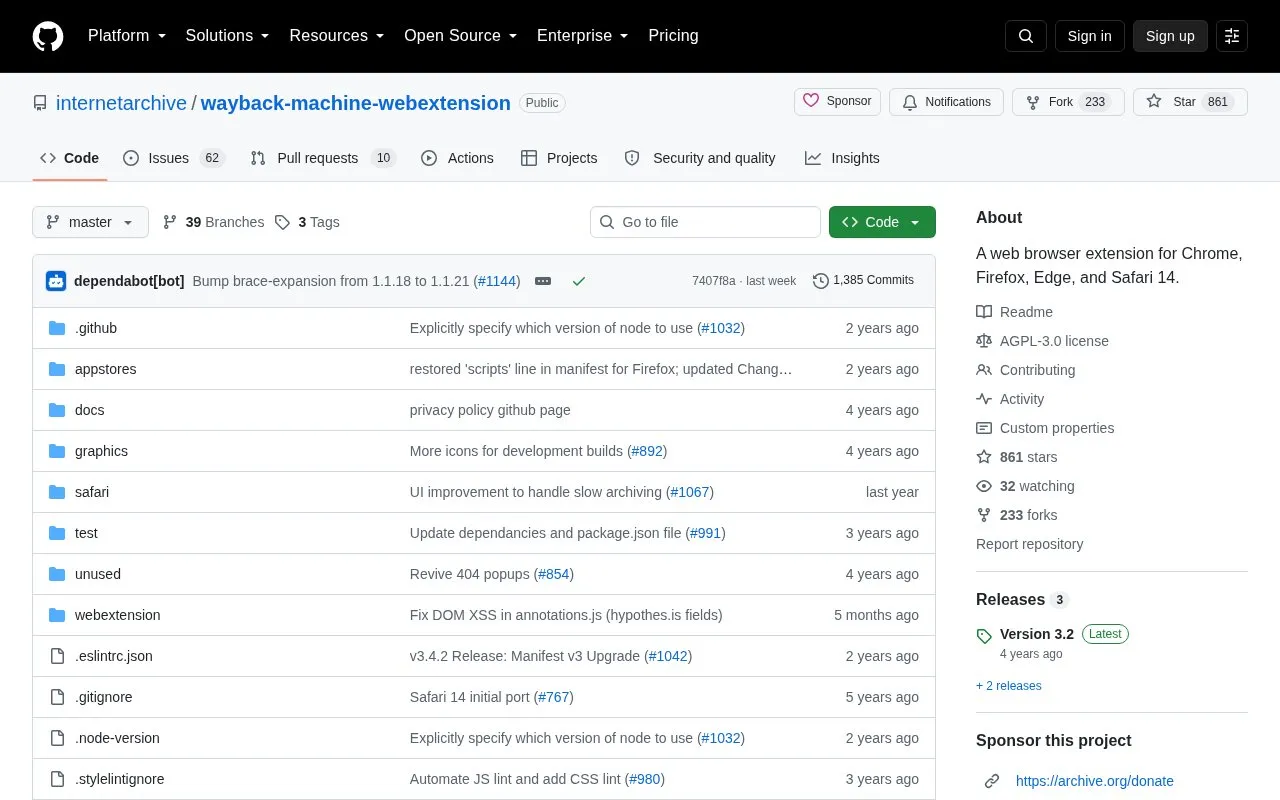
The Wayback Machine browser extension, an official Internet Archive project, lets users open archived versions of web pages from their browser. It can save the page being viewed to the Wayback Machine, show the oldest, newest, or calendar-based captures of a page, and check for an archived copy when a page returns a 4xx or 5xx error.
Several features use outside services. Annotations come from Hypothes.is, and the tweet search and share options use Twitter. The source does not say which features need an Internet Archive account. Save Page Now works while logged out, and logging in adds options. Pricing is not stated.
Key features
Save Page Now saves the current page to the Wayback Machine
Optional auto-save for unarchived pages and bookmarked pages
Oldest, newest, and calendar overview of archived captures
Automatic check for archived copies after 4xx and 5xx errors
Toolbar count of snapshots for the current page
Sunburst site map and word cloud from link anchor text
Best for: People who want to view earlier versions of web pages or save pages to the Wayback Machine from their browser.
Good for
Official project of the Internet Archive
Open source, with the code published in a public GitHub repository
Available for Chrome, Firefox, Edge, and Safari
Watch out for
Some features depend on outside services such as Hypothes.is and Twitter
Installing the latest build from source requires enabling developer mode in Chrome
Users with a GitHub account can check the existing issues and file a new bug report or feature request there. Users without an account can email [email protected], including the extension version, browser and version, and the website URL where the error occurred.
How do I install the latest build from source?
Download the ZIP from the repository's Code button and unzip it. In Chrome, open chrome://extensions, turn on Developer mode, and click Load unpacked. Then select the webextension directory in the unzipped folder. Other browsers have their own steps in the source documentation.
Is something wrong or out of date?
Tell us and an editor will check it.
Own this website?
Claim the listing and suggest updates yourself. An editor checks every claim first.