

This script uses provided cookies to archive forum pages as Markdown files and upload backups to a remote repository.
Open source
24 alternativesThis Node.js website downloader saves the source code and assets of a website, including JavaScript, stylesheets, and images.
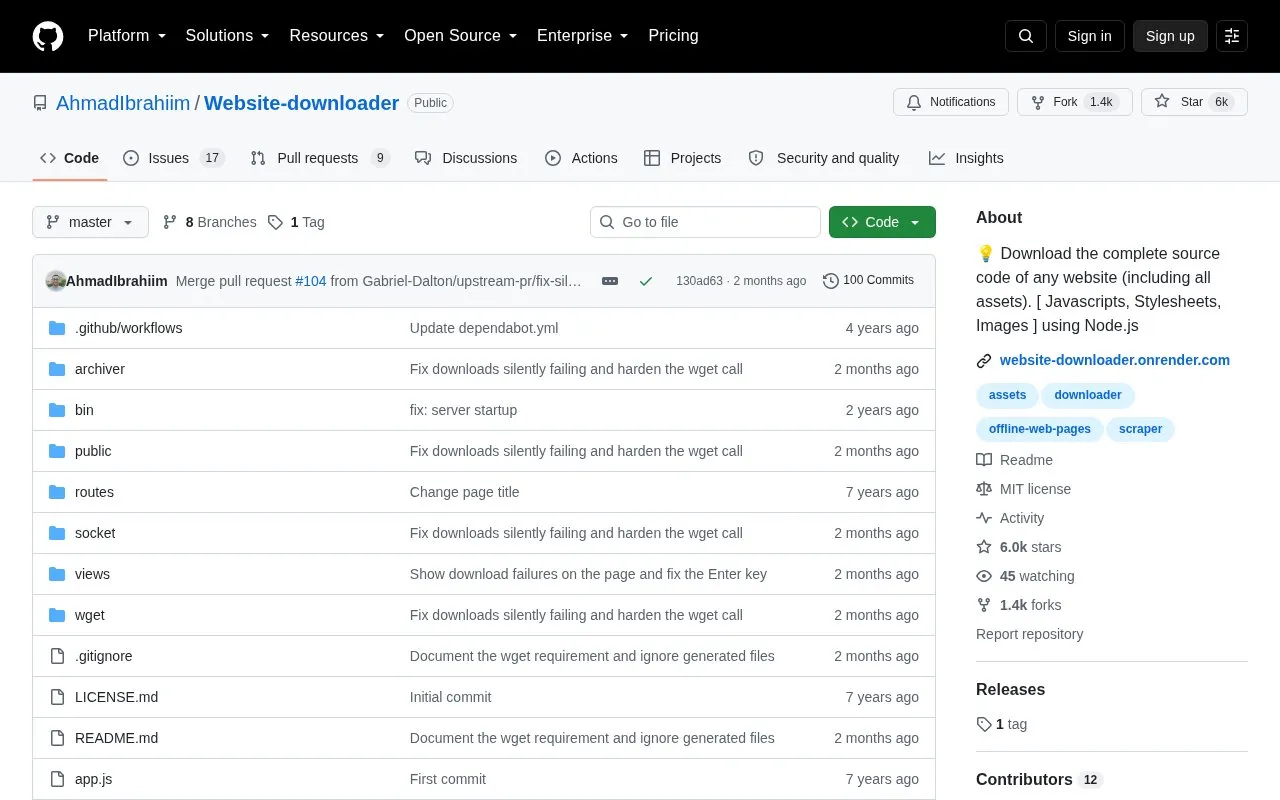
Website-downloader is an open-source Node.js project hosted on GitHub that saves the source code and assets of a website, including JavaScript files, stylesheets, and images. It works by running wget to mirror a site and using archiver to compress the result, which is then sent back to the user through a socket channel. The code is available under an MIT license and includes a live demo.
To use it, you can run the app locally or deploy it to a cloud provider. Running it locally requires Node.js 16 or newer and wget installed on the system PATH, then cloning the repository, installing dependencies with npm, and opening the server at localhost port 3000. The download uses wget options to fetch page requisites, convert links to relative paths for offline viewing, and limit the scope and size with settings for port, download quota, and timeout.
It suits developers and other users who are comfortable with the command line and want local, offline copies of website files for reference or archiving.
Tools and sites you could use instead, ranked by how closely they match.
This script uses provided cookies to archive forum pages as Markdown files and upload backups to a remote repository.
The official HTTrack repository contains source code for the website copier, which saves website content locally for offline use.
Monolith saves complete web pages as a single HTML file through a command-line tool and library.
ArchiveBox is self-hosted web archiving software that saves pages, browser history, bookmarks, PDFs, media, and related content.
These Bash scripts interact with the Internet Archive Wayback Machine Save Page Now service to archive live webpages.
WAIL provides a graphical interface for one-click, user-initiated web preservation through multiple archiving tools.
Well-known listings from the same topic.
Tell us and an editor will check it.
Claim the listing and suggest updates yourself. An editor checks every claim first.


