

Citrine runs a Nostr relay on Android that lets compatible clients send and receive events through the device.
Open source
24 alternativesehagaki provides a post-only Nostr client that compresses media on the device before upload.
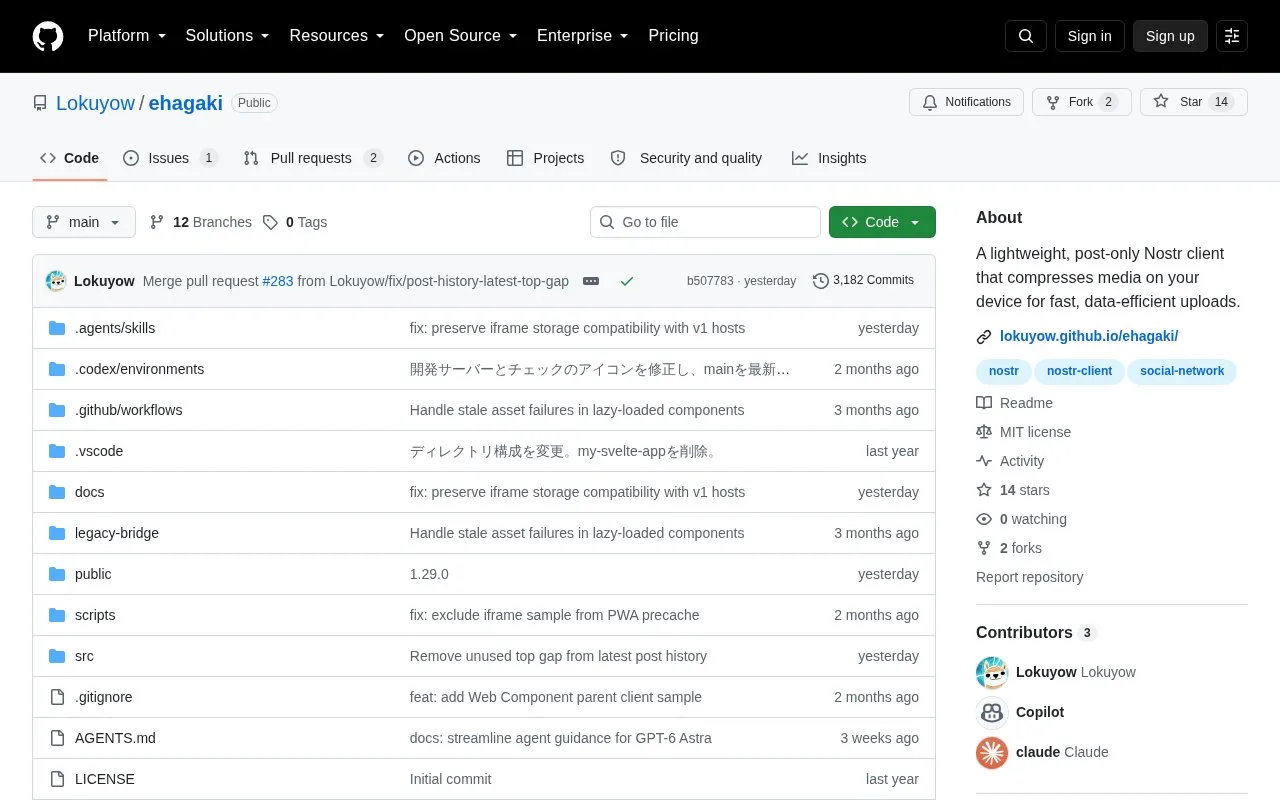
ehagaki is a post-only Nostr client that compresses images and videos on the device before upload, with adjustable compression level. It provides an editor that displays images, videos, links, custom emoji and hashtags inline, and supports drafts, pinned hashtags for repeated posts, replies, quotes, and posts to public channels. It supports login with nsec, NIP-07 browser extension, NIP-46 remote signing and linked parent-client login, with multiple account switching. It is available in Japanese and English with automatic selection from browser settings, and can be embedded via iframe or Web Component.
Tools and sites you could use instead, ranked by how closely they match.
Citrine runs a Nostr relay on Android that lets compatible clients send and receive events through the device.
210Maxi relays Nostr events only when their content is 210 characters or fewer.
Coracle supports browsing multiple Nostr relays, filtering posts, and creating custom feeds.
Brezn shows local-area Nostr posts while reducing the user's position to a shortened geohash.
Fevela presents Nostr posts in a newsreader-style interface designed to help users manage attention and time.
This repository publishes a feature matrix showing protocol capabilities supported by Nostr clients.
Well-known listings from the same topic.
Tell us and an editor will check it.
Claim the listing and suggest updates yourself. An editor checks every claim first.


