

Junction lets users choose which application or browser opens files and links.
Open source
24 alternativesChoose emoji from the command-line launcher with this Rofi plugin, which adds an emoji selector to Rofi.
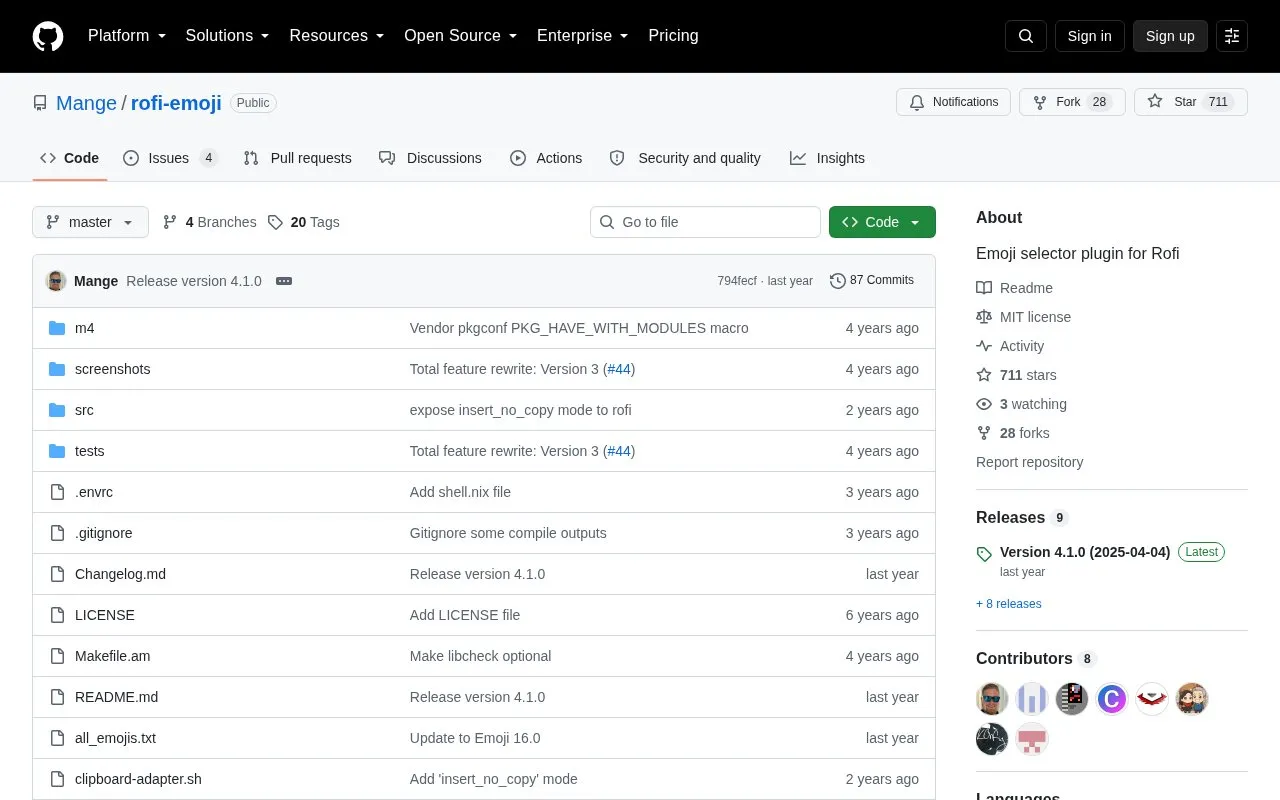
Emoji Selector is a plugin for Rofi that provides an emoji picker. It runs with rofi -modi emoji -show emoji and can copy the selected emoji to the clipboard, try to insert it into the focused window, open a per-emoji menu, or write to standard output for use in pipelines. It supports search by name and keywords, group filtering with @ and subgroup filtering with #, copying of name or codepoint from the menu, and custom emoji files and display formats.
Insertion under X11 does not work reliably with some toolkits, the plugin's options do not appear in rofi -help output, and Rofi 1.7.5 and earlier use the separate 3.x branch.
Tools and sites you could use instead, ranked by how closely they match.
Junction lets users choose which application or browser opens files and links.
WaydroidSU manages and installs Magisk from the command line for Waydroid.
gocatcli catalogs offline data from the command line, according to its project description.
navi lets users browse interactive command-line cheat sheets that they can write or download.
Prezto configures Zsh with defaults, aliases, functions, and command-line interface enhancements.
Mole cleans, uninstalls, analyzes, and monitors Mac systems through a command-line tool.
Well-known listings from the same topic.
Tell us and an editor will check it.
Claim the listing and suggest updates yourself. An editor checks every claim first.


