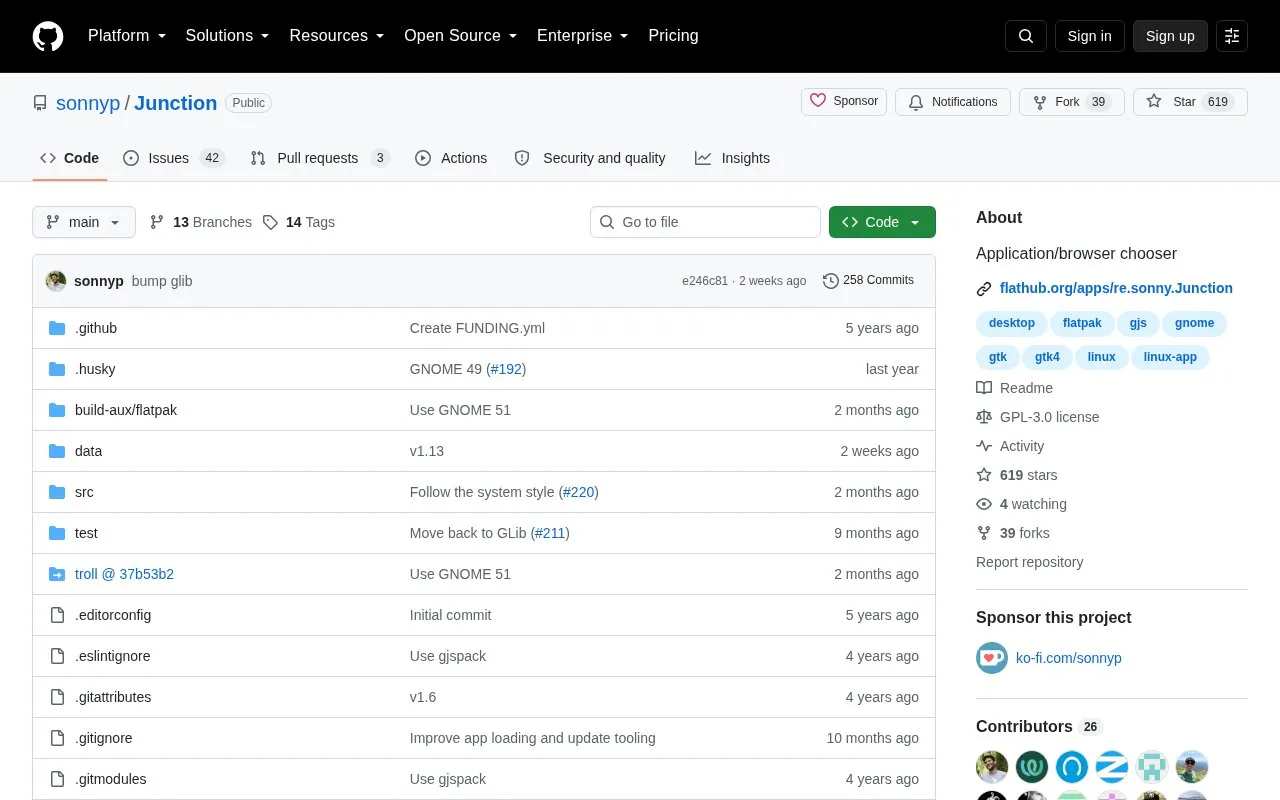
Junction is an open-source application and browser chooser. It can be set as the default handler for resources such as web links, files, email addresses, and folders, then displays a popup with multiple applications that can open the resource. It also provides an x-junction:// URI format that can be used from web pages, the terminal, native applications, or any program able to open URIs. The documented setup uses Linux desktop commands such as xdg-settings and xdg-mime, and the repository notes that setting Junction as default may not be respected by all applications, though xdg-open will respect it. No pricing information is provided.
Key features
Set as default handler for links, files, email, and folders
Shows popup chooser with multiple applications for an opened resource
Opens resources through x-junction:// URIs even when not default
Keeps chooser open for opening a resource in multiple applications
Adds custom scripts via .desktop files in ~/.local/share/applications
Browser bookmarklet converts current page into an x-junction:// URI
Best for: Linux desktop users who want to choose among multiple applications or browsers each time they open files, links, email addresses, or folders.
Good for
Open-source project hosted on GitHub.
Can be invoked from web pages, terminal, native applications, or anything that can open URIs.
Requires no programming to use its x-junction:// URI API.
Watch out for
Setting Junction as default may not be respected by all applications, though xdg-open will respect it.
Options with the same icon can be hard to distinguish unless Show names is enabled or the mouse hovers over them.