

gocatcli catalogs offline data from the command line, according to its project description.
Open source
24 alternativesMole cleans, uninstalls, analyzes, and monitors Mac systems through a command-line tool.
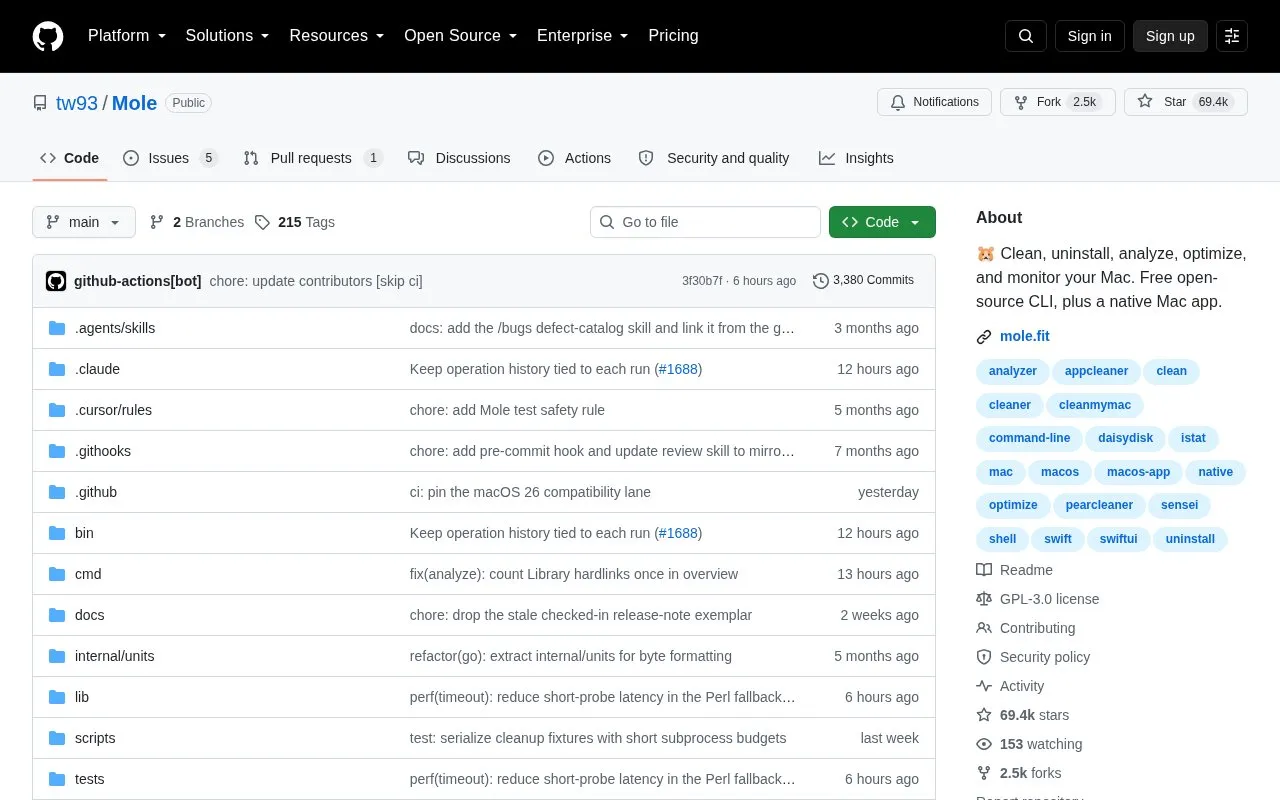
Mole is an open-source command-line tool for macOS that combines system cleanup, app uninstallation, disk analysis, maintenance and live monitoring behind a single command, mo. It removes caches, logs, leftover and orphaned app data, uninstalls apps along with LaunchAgents and preferences, flushes DNS and refreshes QuickLook and icons, and shows real-time CPU, memory, disk I/O, network and process statistics. An interactive menu is available, as are commands such as mo purge for project build artifacts and mo installer for installer files.
The repository hosts the free CLI only. A separate native Mac app is offered as a distinct download and adds features such as review-before-delete cleanup, tested leftovers for 800+ apps, disk drill-downs, live status and fan controls on supported Macs. The CLI requires macOS 12 or newer and runs on Intel and Apple Silicon; a Windows CLI is also provided. Several commands support a --dry-run preview, and cleanup or optimization rules can be protected through whitelists. Mole is distributed only through Homebrew, this GitHub repository, and mole.fit for the Mac app.
Tools and sites you could use instead, ranked by how closely they match.
gocatcli catalogs offline data from the command line, according to its project description.
navi lets users browse interactive command-line cheat sheets that they can write or download.
taskbook organizes tasks, boards, and notes from a command-line workspace, according to its project description.
ShellGPT brings AI language models to command-line workflows, according to its repository description.
fzf searches command-line lists with fuzzy matching, helping select files, commands, and other entries.
cheat.sh provides a command-line and web interface to programming and command-line examples.
Well-known listings from the same topic.
Tell us and an editor will check it.
Claim the listing and suggest updates yourself. An editor checks every claim first.


