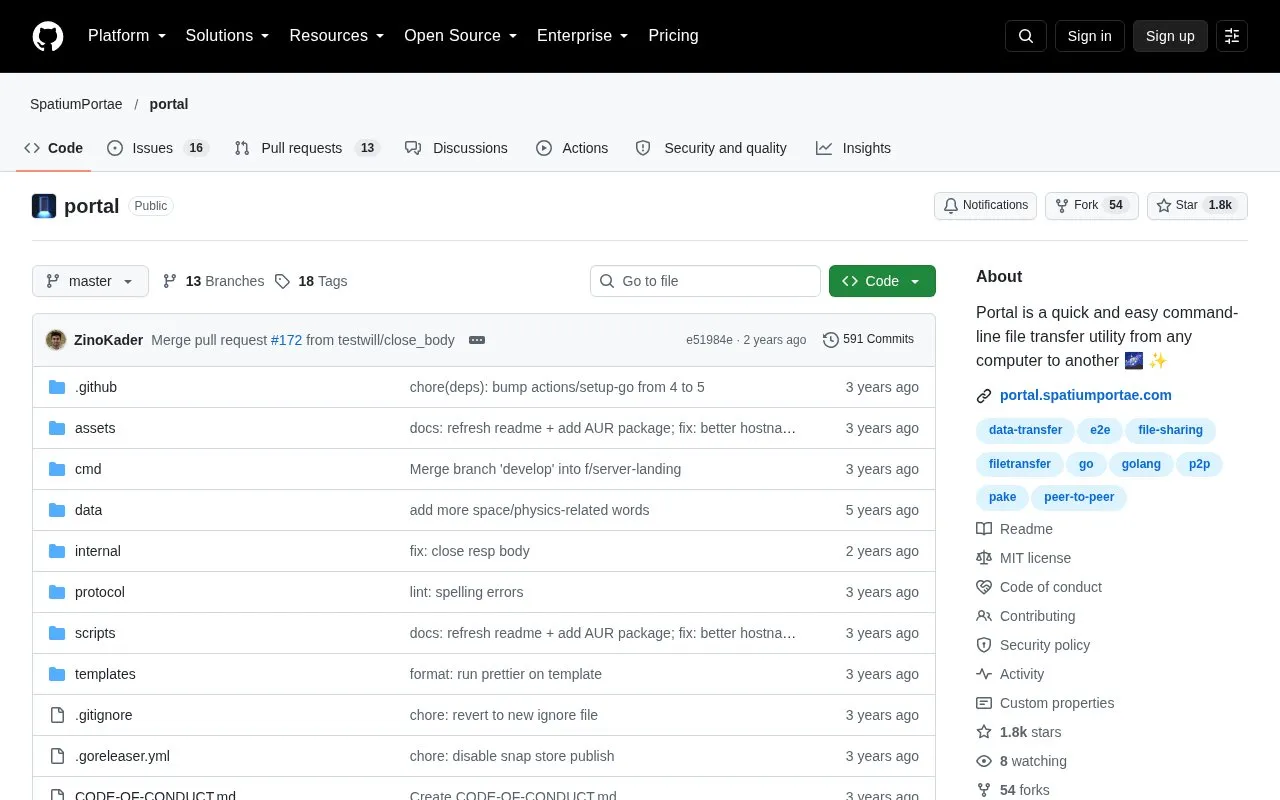
Portal is an open-source command-line utility for transferring files and folders from one computer to another. The sender runs portal send with the files, and Portal outputs a temporary password. The sender shares that password with the receiver, who runs portal receive with it to start the transfer. The homepage lists installation through Homebrew, Scoop, WinGet, the Arch Linux AUR, or a manual release download or install script.
Portal transfers files directly between the two clients when a direct connection is possible, such as when both computers are on the same local network. When a direct connection is not possible, it falls back to a relay server. The default relay is portal.spatiumportae.com, and the homepage recommends hosting your own relay if you plan to send a lot of data. The homepage describes the transfer as end-to-end encrypted using PAKE2. It does not describe an independent security audit.
Key features
Sends and receives files and folders from the command line using a temporary password
Direct transfer when sender and receiver are on the same local network
Falls back to a relay server when a direct connection is not possible
End-to-end encryption using PAKE2
Parallel gzip compression of files before transfer
Built-in relay server that can be hosted by the user with a serve command
Best for: People who regularly move files between their own computers or with a colleague and are comfortable working in a terminal.
Good for
Open source, with the source code and license published in the repository
Direct transfer avoids a relay server when the two computers can connect directly
TAB completion for passwords on the receiving end, for bash, zsh, fish and PowerShell
Watch out for
When a direct connection is not possible, files pass through a relay server, which by default is an external service
The homepage asks users who plan to send a lot of data to host their own relay
The sender must share the temporary password with the receiver over a separate channel
Portal outputs a temporary password when the sender runs the send command. The sender communicates this password to the receiver over some secure channel, and the receiver enters it with the receive command.
What happens if the two computers cannot connect directly?
The two clients establish a connection through a relay server. The file transfer then proceeds over a direct or relayed connection, depending on what is possible.
Can I run my own relay server?
Yes. The portal binary includes a built-in relay server, which can be started with a serve command and a port, for example portal serve --port 1337.
Is something wrong or out of date?
Tell us and an editor will check it.
Own this website?
Claim the listing and suggest updates yourself. An editor checks every claim first.