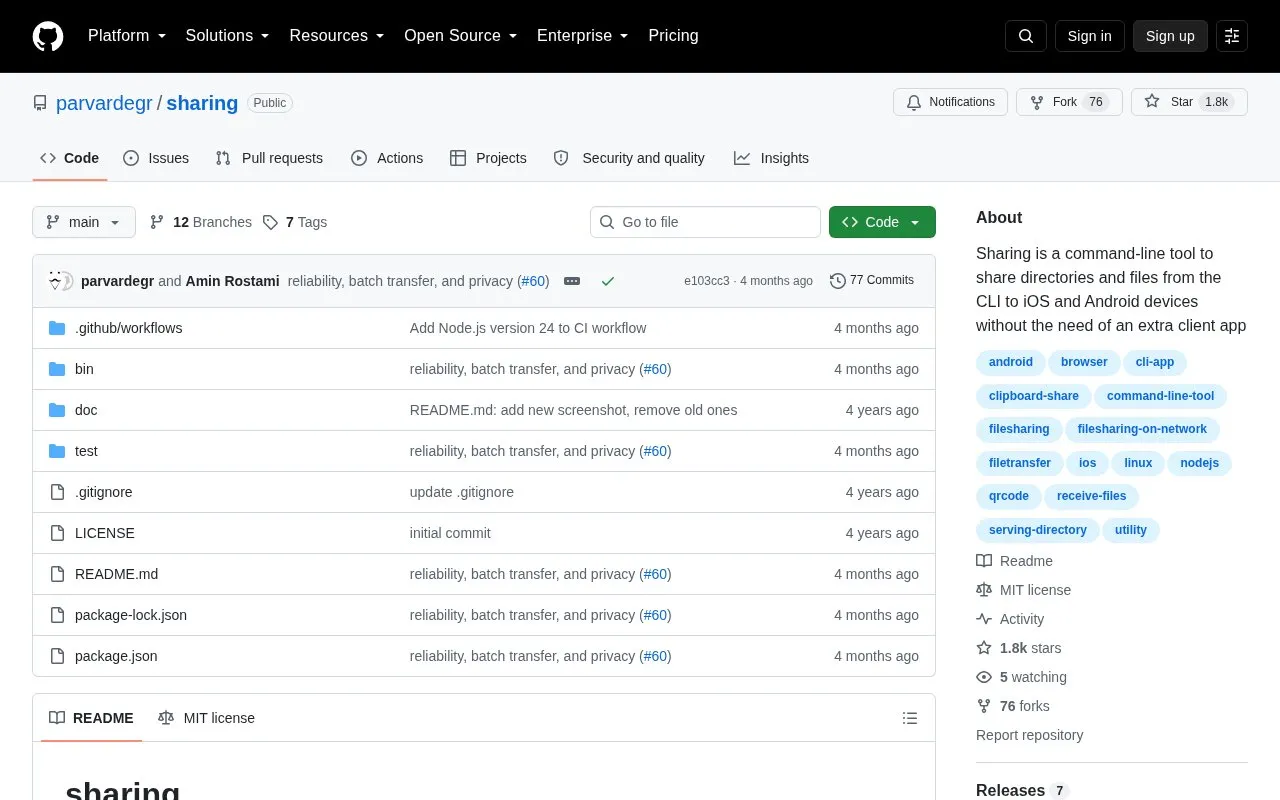
Sharing is a command-line tool that sends files, folders, and clipboard text between a computer and a phone. The command starts a small web server and prints a QR code. The phone scans the code and opens a normal web page in its browser over the same Wi-Fi network, so no app or account is needed on the phone. The project describes transfers as staying on your own network. The --tunnel option can expose a share beyond the local network, so this is not true in every case.
Besides plain sharing, the tool can receive files from a phone with --receive, and it offers optional private sharing with --secure, which adds a secret link, a generated password, and HTTPS. Requirements include Node.js v14.17 or later. The project is open source and is listed with Linux and Mac applications in this directory. Pricing is unknown.
Key features
Sends files and directories from the command line to a phone's web browser over Wi-Fi
Downloads a whole folder as a single .zip file from the phone
Shares clipboard text with a one-tap Copy button on the phone
Receives files from a phone with --receive, including multiple files and drag-and-drop
The --secure flag sets a secret link, an auto-generated password, and HTTPS together
The --once and --timeout options stop sharing after one transfer or a set time
Best for: Command-line users who want to move files or text between a computer and a phone without installing an app on the phone.
Good for
No app or account is required on the phone, which opens a web page instead
Open source project
Can receive files and text from the phone as well as send them
Watch out for
Both devices must be on the same Wi-Fi network
The QR code may not scan in some Windows terminals or with unicode paths; the printed link or --open option can be used instead
macOS includes its own sharing command, so the tool must be run as easy-sharing on that system
Open the link that the terminal prints, or run the command with --open to show the QR code as an image in a browser window on the computer, then scan that.
What is required to run the tool?
Node.js v14.17 or later is required. It can be run without installing using npx easy-sharing, or installed globally with npm install -g easy-sharing.
Does a shared connection stay on the local network?
By default, the page is served over the local Wi-Fi network. The --tunnel option walks the user through exposing a share beyond the local network.
Is something wrong or out of date?
Tell us and an editor will check it.
Own this website?
Claim the listing and suggest updates yourself. An editor checks every claim first.