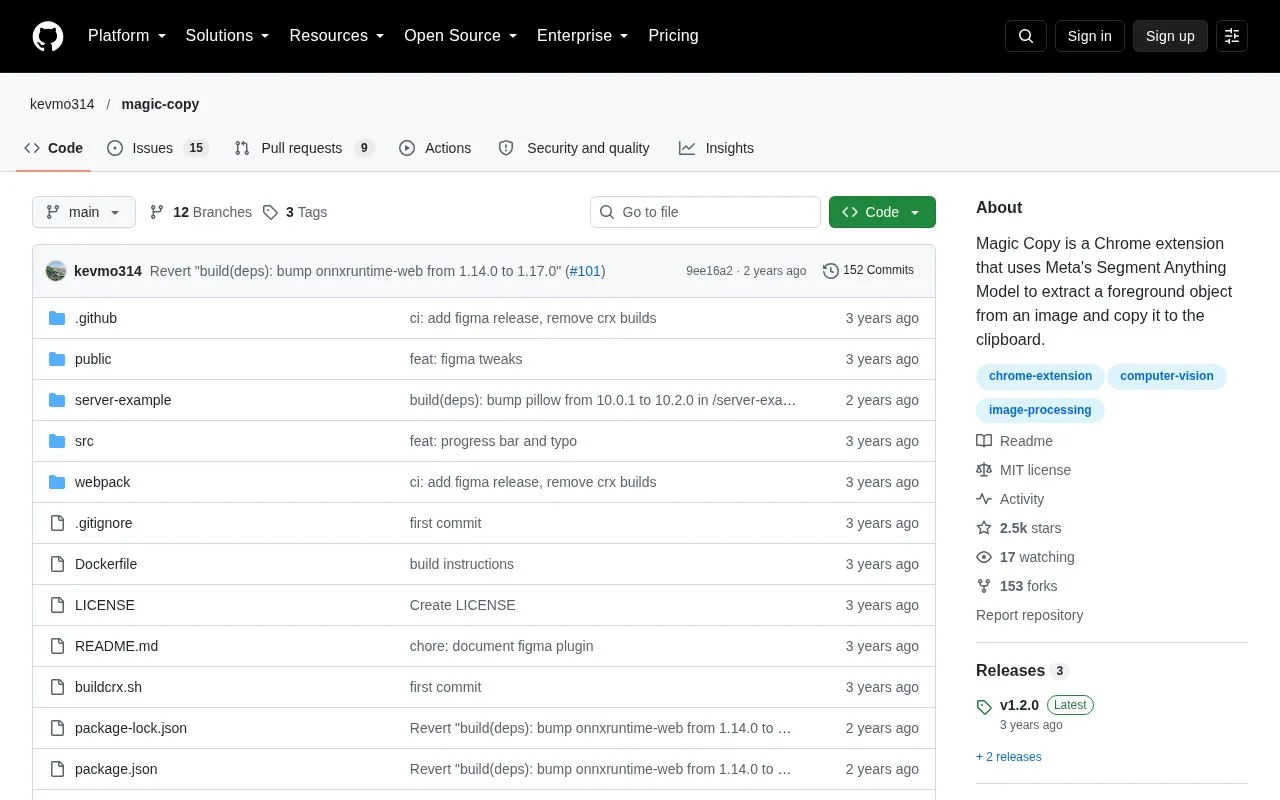
Magic Copy is an open-source Chrome extension that extracts a foreground object from an image and copies it to the clipboard. It applies Meta's Segment Anything Model, using the same procedure as the Segment Anything Model demo, except that the extracted object is copied rather than displayed on the page. It is also available as a Figma plugin.
The model needs a vision transformer service to generate image embeddings. By default, Magic Copy uses the same service as Meta's demo, which means images are sent to a third party. The repository includes an example server for self-hosting this service, but the source describes it as a proof of concept that is not meant for production use. The source also notes that the extension may not yet be installable from the Chrome Web Store because it is still in review, and that manual installation is available.
Key features
Extracts a foreground object from an image and copies it to the clipboard
Uses the Segment Anything Model procedure from Meta's demo
Available as a Figma plugin
Manual installation by loading an unpacked folder in Chrome developer mode
Builds the extension with npm and a provided shell script
Includes a Dockerfile for building the extension package
Best for: Designers and developers who want to copy foreground objects from images in Chrome and are comfortable with manual installation or running a local image-processing server.
Good for
Released under the MIT license and publicly available as source code
Offers a self-hosting option for the image embedding service, which may keep images away from a third-party service
Also available as a Figma plugin
Watch out for
The Chrome Web Store installation may not be available yet because the extension is still in review
By default, images are sent to Meta's demo service, a third party
The included self-hosting server is a proof of concept and is not meant for production use
Can I install Magic Copy from the Chrome Web Store?
The repository notes that this may not be available yet because the extension is still in review. The alternative is to download the latest release ZIP, extract it, and load the folder through chrome://extensions with Developer mode enabled.
How can I avoid sending images to a third party?
The repository includes an example server that can be self-hosted to provide the vision transformer service, and the extension endpoint can then be changed to a local address. The example is described as a proof of concept, not a production service, and the example Docker command requires GPU access.
Is something wrong or out of date?
Tell us and an editor will check it.
Own this website?
Claim the listing and suggest updates yourself. An editor checks every claim first.