

Firemonkey
FireMonkey combines user-script and user-style management in a browser extension, with help and changelog resources provided by the project.
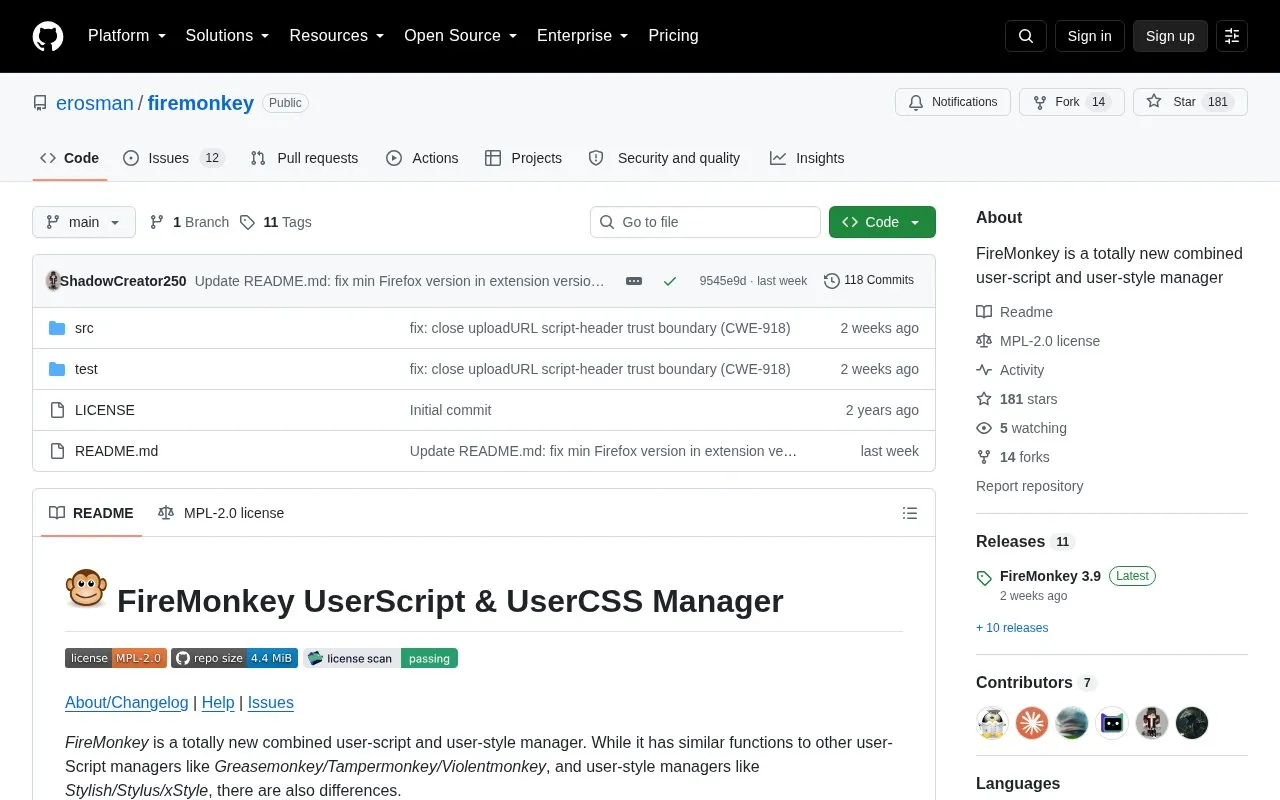
About Firemonkey
FireMonkey manages user scripts and user styles in one tool. It stores scripts and CSS in client-side storage, injects them into websites, and can export scripts, CSS and preferences. It shows running scripts for the active tab and supports copying data to the clipboard.
The project lists Firefox and Firefox for Android support with minimum versions that vary by release, and describes version 4 as future Manifest V3 work. The code is available under the MPL-2.0 license.
Key features
- Manage user scripts and user styles together
- Inject scripts and CSS into websites
- Store scripts and CSS in client-side storage
- Export scripts, CSS and preferences
- Show running scripts for active tab
- Copy data to clipboard
Best for: Firefox users who want combined management of user scripts and user styles.
Good for
- Combines script and style management in one project
- Open source under MPL-2.0 license
- Provides help, changelog and script and style API comparisons
Watch out for
- Requires minimum Firefox versions that vary by release
- Beta installation requires manual download and temporary loading
- Requests broad permissions including data access for all websites
Firemonkey at a glance
- Category
- Software & Utilities › Browser Extensions
- Type
- Open-source project
- Pricing
- Not confirmed. Check the site
- Platforms
- Android
- Open source
- Yes · Source code
- Language
- English
- Last checked
- Oct 5, 2026 · Online when checked
- Listed
- Oct 5, 2026
Guides for Browser Extensions
Firemonkey alternatives
Tools and sites you could use instead, ranked by how closely they match.

Web Oasis serves as a starting page, and its supplied README also describes the project as a search engine for the web.
Open source
24 alternatives
Material icons for web browsers are provided by this browser extension for GitHub.
Open source
24 alternatives
Hide Nitro ads and other upsells in the Discord client with Disblock-Origin.

Doqment combines the Mozilla HTML5 PDF viewer with an add-on for reader mode.
Open source
24 alternatives
Re-Start provides a terminal-style browser start page with a task list, quick links, weather summary, and customizable display options.
Open source
24 alternatives
Custom Right-Click Menu adds user-defined links, scripts, stylesheets, and submenus to a browser context menu.
Open source
24 alternativesPopular in Browser Extensions
Well-known listings from the same topic.
Popupblocker by Joofthanaddons.mozilla.org/firefox/addon/popupblockerallEnhancementscplx.appViolentmonkeyviolentmonkey.github.ioMomentummomentumdash.comMission Controlmission-control.appSession Buddysessionbuddy.com


Firemonkey FAQ
What permissions does FireMonkey use?
Clipboard input to copy, downloads to export scripts, CSS and preferences, notifications to inform users, tabs for tab operations, client-side storage to store scripts and CSS, navigation activity to show running scripts, and access to all websites to inject scripts and CSS.
How is the beta version installed?
Back up settings, download the repository ZIP, unzip it, then load manifest.json as a temporary add-on through about:debugging, with additional signature and file steps on Android.
What license covers the project?
MPL-2.0 license.
Is something wrong or out of date?
Tell us and an editor will check it.
Own this website?
Claim this listing
Claim the listing and suggest updates yourself. An editor checks every claim first.