

Flameshot
Flameshot is screenshot software for capturing and annotating images from the desktop.
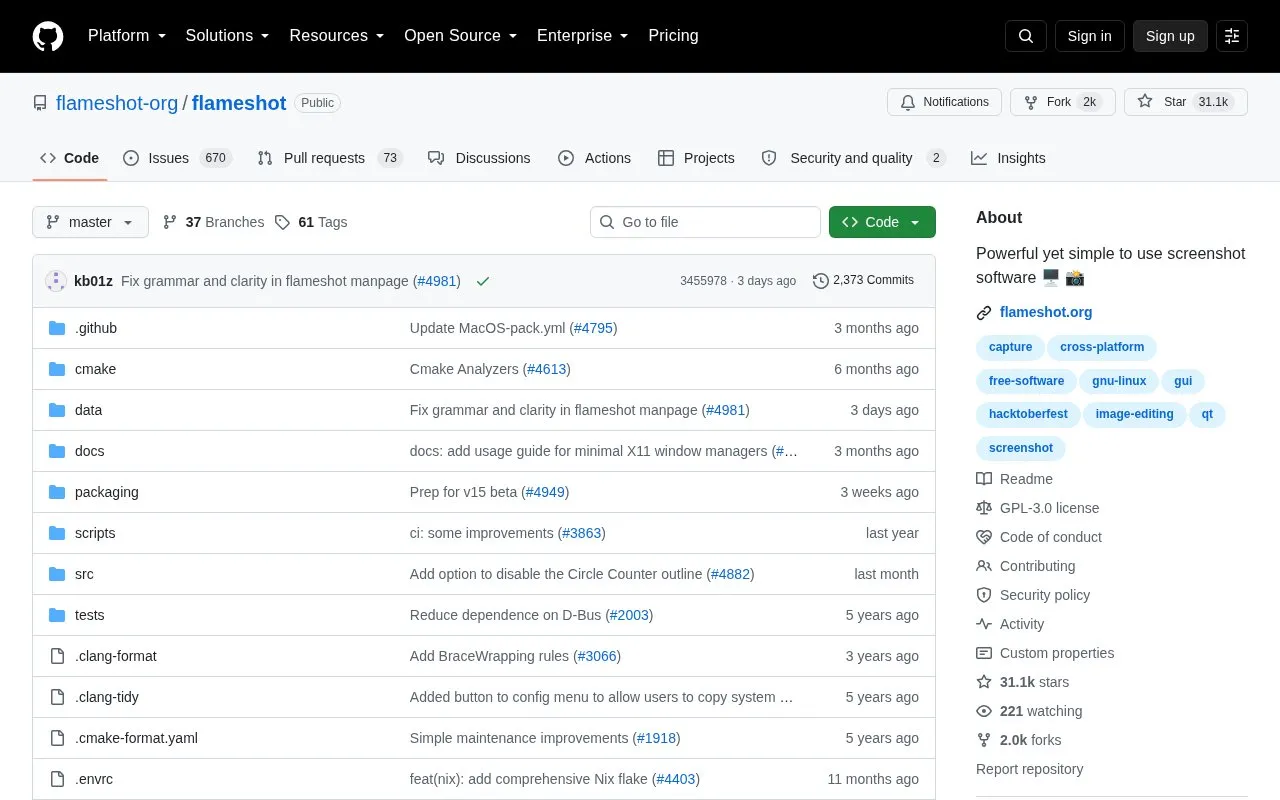
About Flameshot
Flameshot is open-source screenshot software distributed through its GitHub repository. It can capture the screen through a graphical interface or from the command line, with options for fullscreen or a chosen screen, delays, custom save paths and copying to the clipboard, and it includes in-app editing of the captured image. A systray icon appears when the desktop environment provides a tray area, and settings can be changed in the graphical menus, via CLI configuration or by editing the flameshot.ini config file. The project lists upload to Imgur among its features.
Setup differs by platform. On Hyprland, Sway and wlroots-based Wayland compositors, configuration steps are documented separately. On minimal X11 window managers such as i3, dwm, xmonad and bspwm, capture may fail with portal errors and requires enabling legacy X11 capture. On Windows, flameshot.exe does not print console output, so flameshot-cli.exe is provided when console text is needed. Pricing is not stated in the repository information.
Key features
- In-app editing and annotation of screenshots before saving
- GUI, fullscreen or single-screen capture modes
- Delayed capture, custom save paths and clipboard copying
- Upload to Imgur
- DBus interface and configurable flameshot.ini settings file
- Systray icon for configuration where the desktop provides a tray
Best for: Linux or Windows users who want an open-source screenshot tool with built-in annotation, keyboard shortcuts and command-line capture options.
Good for
- Source code, license and build files are published in the repository
- Capture can be driven from the GUI or from commands and desktop shortcuts
- Appearance and behavior are customizable through menus, CLI or a config file
Watch out for
- On Windows, flameshot.exe produces no console output; flameshot-cli.exe must be used instead
- Capture may fail on minimal X11 window managers unless legacy X11 capture is enabled
- Extra setup is documented for Hyprland, Sway and wlroots-based Wayland compositors
Flameshot at a glance
- Category
- Online Tools › Image Tools
- Type
- Open-source project
- Pricing
- Not confirmed. Check the site
- Open source
- Yes · Source code
- Language
- English
- Last checked
- Oct 5, 2026 · Online when checked
- Listed
- Oct 5, 2026
Guides for Image Tools

Flameshot alternatives
Tools and sites you could use instead, ranked by how closely they match.

qimgv provides image viewing with optional support for playing video files.
Open source
24 alternatives
ImageFan Reloaded is a tabbed image viewer for Linux and Windows, written in C# and targeting .NET 10.
Open source
24 alternatives
Lap runs as an offline-first desktop photo manager on macOS, Windows, and Linux, for albums and large local libraries.
Open source
24 alternatives
Capture and annotate screenshots across platforms with ksnip, a dedicated screenshot utility.
Open source
24 alternatives
FlipFlip displays local images in a randomized slideshow and runs on Mac, Windows, and Linux.
Open source
24 alternatives
tev displays HDR images and color profiles across operating systems, including HDR output.
Open source
24 alternativesPopular in Image Tools
Well-known listings from the same topic.
CamScannerapps.apple.com/us/app/camscanner-pdf-scanner-a…BeeRefbeeref.orgGreenshotgetgreenshot.orgLightshotapp.prntscr.comnomacsnomacs.orgConverseenconverseen.fasterland.net


Flameshot FAQ
Can Flameshot take a screenshot after a delay?
Yes. The command line supports a delay flag, for example flameshot gui -d 2000, which can help capture mouse hover tooltips.
Can Flameshot be configured without the graphical menu?
Yes. Commands such as flameshot config open the configuration, and some settings such as default colors can be edited directly in the flameshot.ini config file.
What can I do if capture fails on a minimal X11 window manager?
The documentation describes a fix that involves enabling the legacy X11 capture; errors in this situation may mention an unavailable portal or a screenshot portal timeout.
Is something wrong or out of date?
Tell us and an editor will check it.
Own this website?
Claim this listing
Claim the listing and suggest updates yourself. An editor checks every claim first.