

dodo provides a graphical email client built on notmuch, with its project describing the client as hackable.
Open source
24 alternativesGradia prepares screenshots for sharing, with the project describing the goal as making screenshots ready for an audience.
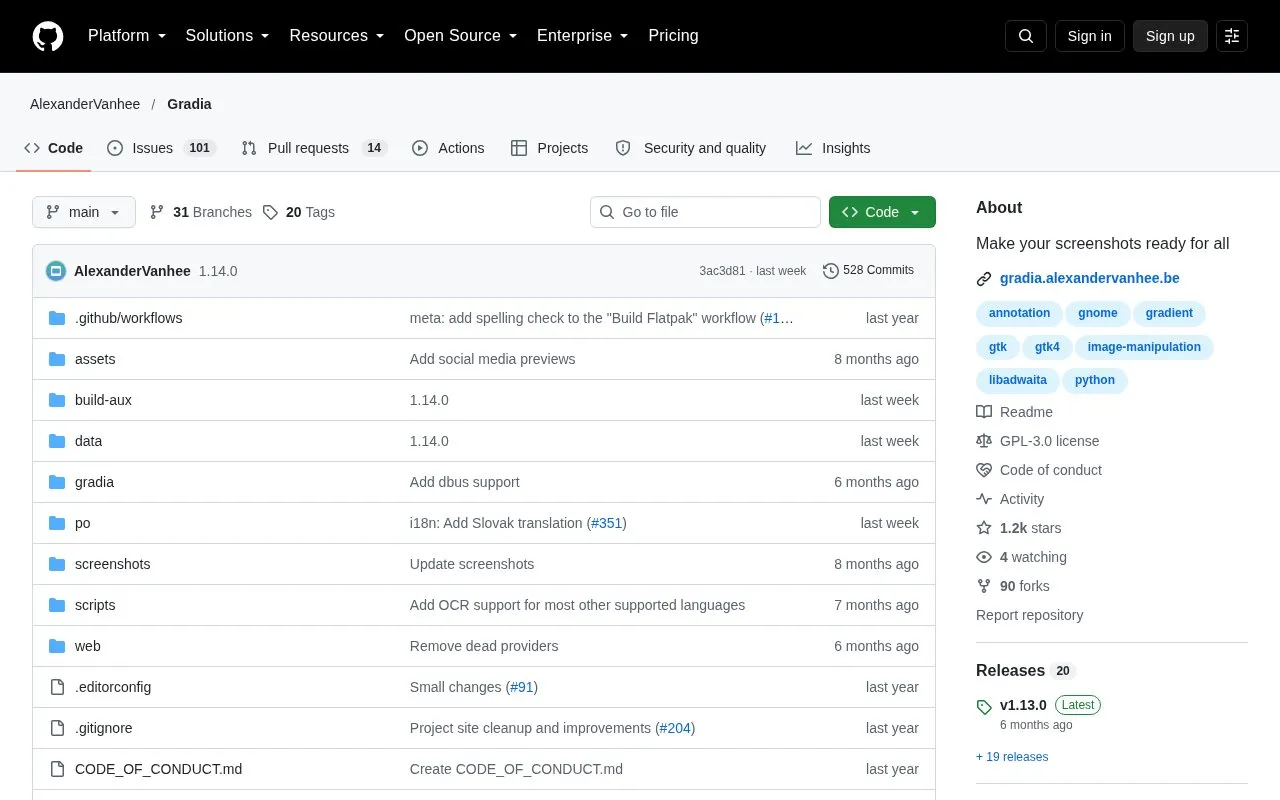
Gradia is an open source tool for editing screenshots so they display well when shared, especially on social media. The project notes that transparent or oddly sized images often do not display well for others, and Gradia is meant to fix those issues by letting users quickly modify screenshots of application windows. It also offers options to improve the overall appearance of an image.
The project is in a GitHub repository written in Python and uses GTK4 and libadwaita. The README describes build steps through GNOME Builder and a Flatpak build. Unofficial packages exist, but the project states that it does not officially support them.
Tools and sites you could use instead, ranked by how closely they match.
dodo provides a graphical email client built on notmuch, with its project describing the client as hackable.
Sonosano is an open-source P2P song player for preserving, archiving, sharing, analysing and listening to music.
Brigadier fetches and installs Boot Camp ESD files from Apple or a software update server using a Python script.
Protontricks wraps Winetricks operations for Proton-enabled games and requires Winetricks.
This Waydroid script adds components such as OpenGApps, Magisk, and translation libraries.
Gear Lever manages AppImage packages, integrating them into the app menu and supporting drag-and-drop installation.
Well-known listings from the same topic.
Tell us and an editor will check it.
Claim the listing and suggest updates yourself. An editor checks every claim first.


