

Green Screen Extract
CorridorKey Runtime provides an AI keying runtime and OFX plugin for DaVinci Resolve.
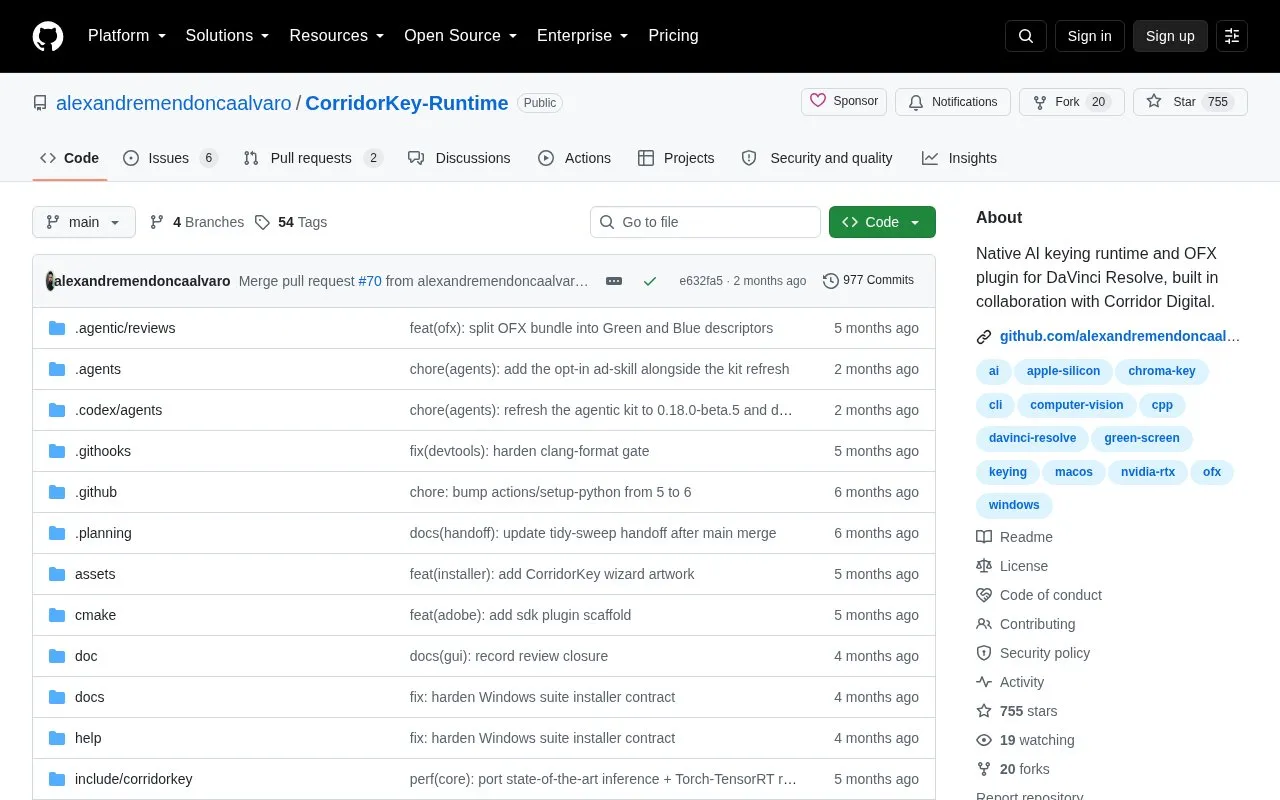
About Green Screen Extract
CorridorKey Runtime is a native AI keying runtime and OFX plugin for DaVinci Resolve and Foundry Nuke, built in collaboration with Corridor Digital. It is distributed in three surfaces: an OFX plugin for interactive keying inside those hosts, a command-line tool (corridorkey) for local processing, diagnostics, and automation, and a Tauri-based desktop GUI for users who prefer a graphical workflow.
The project describes its focus as native local execution in real editing workflows. Current public builds support Windows with NVIDIA RTX and macOS with Apple Silicon. On Windows, the CLI and runtime form the base of the suite installer, while the OFX plugin, GUI, and model packs are optional components. Adobe After Effects and Premiere plugins are packaged implementation targets but are not supported public surfaces until host validation passes.
Key features
- OFX plugin for interactive keying inside DaVinci Resolve and Foundry Nuke
- CLI for local processing, environment diagnostics, and scripted automation
- Machine-readable JSON output from the command-line tool
- Tauri-based desktop GUI for users who prefer a graphical workflow
- Portable Runtime bundle that carries the GUI and local runtime together
- Optional Green and Blue model packs in the Windows suite installer
Best for: Video editors and colorists who work in DaVinci Resolve or Foundry Nuke on Windows with NVIDIA RTX or macOS with Apple Silicon.
Good for
- Runs locally, as described by the project's native local execution focus
- Offers plugin, command-line, and desktop interfaces for different workflows
- Built in collaboration with Corridor Digital
Watch out for
- Current public builds support only Windows with NVIDIA RTX and macOS with Apple Silicon
- Adobe After Effects and Premiere plugins are not supported public surfaces until host validation passes
Green Screen Extract at a glance
- Category
- Design & Creative › Video Editing & Animation
- Type
- Open-source project
- Pricing
- Not confirmed. Check the site
- Open source
- Not stated
- Language
- English
- Last checked
- Oct 6, 2026 · Online when checked
- Listed
- Oct 5, 2026
Guides for Video Editing & Animation

Green Screen Extract alternatives
Tools and sites you could use instead, ranked by how closely they match.

Convert video, audio and image files online with this web-based media converter built around FFmpeg.

Convert video and audio files with ffmpeg-web, a web and desktop interface for FFmpeg.

Blackmagic Design provides training materials for DaVinci Resolve, including a path to professional certification.

AutoSubs generates subtitles locally and can run on its own or integrate with DaVinci Resolve, Premiere Pro, and After Effects.

DaVinci Resolve is a video editing and post-production app for Windows, macOS and Linux, combining editing, color correction, visual effects and audio tools. A free version is available alongside paid Resolve Studio.
Freemium
10 alternatives
FireCut automates silence cuts, captions, zooms, and chapters inside Premiere Pro and DaVinci Resolve.
Free trial
5 alternativesPopular in Video Editing & Animation
Well-known listings from the same topic.
Animakeranimaker.com8mb.video8mb.videoCuttrcuttr.inASM Lessonsgithub.com/FFmpeg/asm-lessonsVideo Cuttervideo-cutter-js.comMotionPlacesmotionplaces.com


Green Screen Extract FAQ
Which platforms are currently supported?
Current public builds support Windows with NVIDIA RTX and macOS with Apple Silicon. The project directs users to its Support Matrix for supported hardware configurations and per-platform support status.
Are the Adobe plugins available?
Adobe After Effects and Premiere plugins are packaged implementation targets, but they are not supported public surfaces until host validation passes.
Is something wrong or out of date?
Tell us and an editor will check it.
Own this website?
Claim this listing
Claim the listing and suggest updates yourself. An editor checks every claim first.