

TalkTyper provides browser-based speech-to-text dictation, with language options including English, French, German, and Spanish.
Handy
Handy transcribes speech without an internet connection in an open-source application.
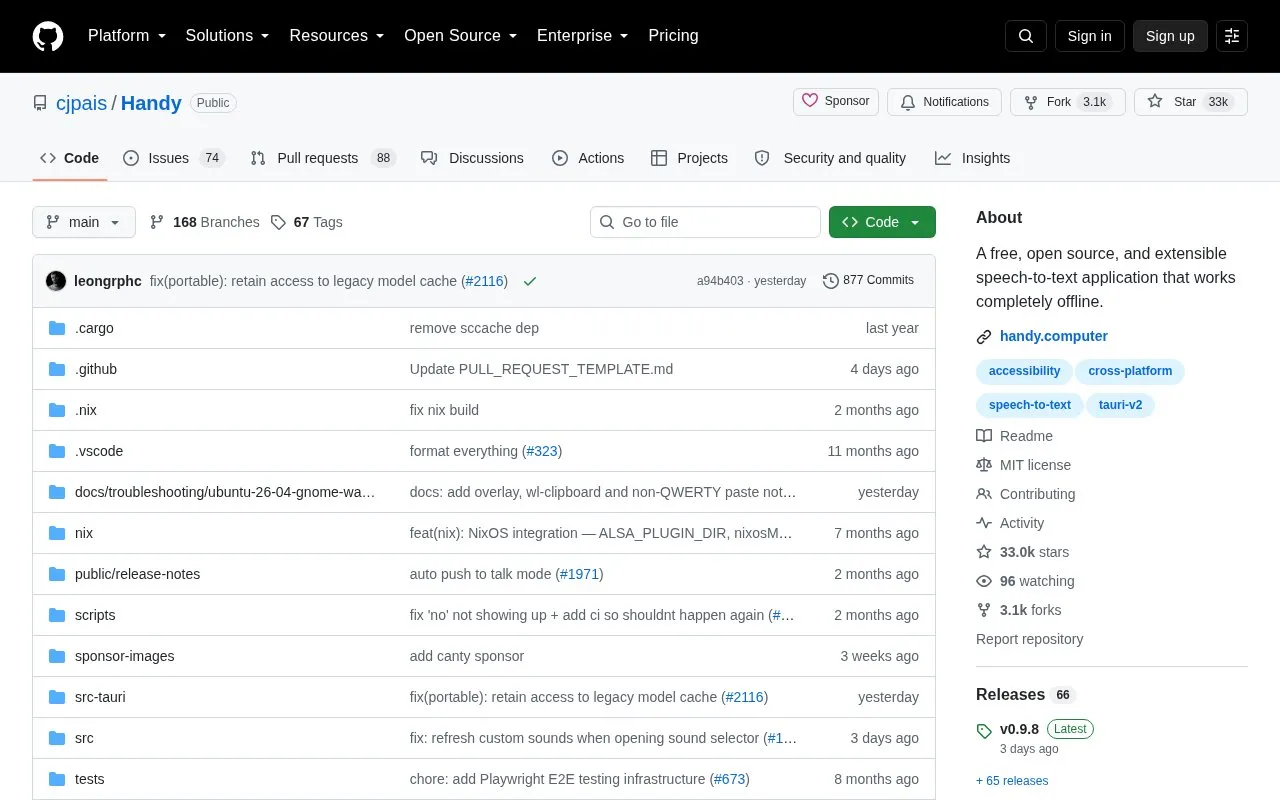
About Handy
Handy is a free, open-source speech-to-text desktop application that transcribes speech entirely on the user's own computer. Press a configurable keyboard shortcut, speak, and the transcribed text is pasted into whatever text field is active. It is described as cross-platform, running on Windows, macOS, and Linux, and is intended as an extensible, privacy-focused dictation tool rather than a cloud service.
Key features
- Offline transcription with no audio sent to the cloud
- Configurable shortcut: hold to record or tap to toggle
- Whisper models (Small/Medium/Turbo/Large) with GPU acceleration when available
- Parakeet V3 CPU-optimized model with automatic language detection
- Silence filtering using Silero voice activity detection
- Raycast integration for recording control, history, dictionary and models
Best for: People who want local, offline speech-to-text dictation on Windows, macOS or Linux and prefer an open-source, extensible tool.
Good for
- Free and open-source project with source code and documentation in the repository
- Transcription is processed locally, without sending audio to the cloud
- Runs on Windows, macOS and Linux
Watch out for
- Requires granting system microphone and accessibility permissions before use
- Command-line control flags are described as largely a beta feature
- The Homebrew cask and winget packages are not maintained by the Handy developers
Handy at a glance
- Website
- github.com/cjpais/Handy
- Category
- Online Tools › Text Tools
- Type
- Open-source project
- Pricing
- Not confirmed. Check the site
- Open source
- Yes · Source code
- Language
- English
- Last checked
- Oct 6, 2026 · Online when checked
- Listed
- Oct 5, 2026
Handy alternatives
Tools and sites you could use instead, ranked by how closely they match.

Voice Notepad converts speech to text in a browser and lets users copy, save, publish, or email dictated content.

SpeechTexter provides real-time online voice typing and speech-to-text dictation, with support listed for more than 70 languages.

SpeechNotes supports voice dictation and automatic transcription of audio and video recordings into text.

Ciphey tries to identify and decode encrypted or encoded text without requiring users to know the key or cipher.
Open source
24 alternatives
Buzz transcribes and translates audio offline on a personal computer, using Whisper models according to its project description.
Open source
24 alternativesPopular in Text Tools
Well-known listings from the same topic.
Prismprism.openai.comWithSubtitleswithsubtitles.comTophonetics.comtophonetics.comOutwriteoutwrite.comDocuSealdocuseal.comRefontrefont.ai


Handy FAQ
Does Handy need an internet connection to transcribe?
No. Handy is described as working completely offline, processing speech on your own computer rather than sending audio to the cloud.
Which transcription models can I use?
You can choose among Whisper models (Small, Medium, Turbo, Large) with GPU acceleration when available, or Parakeet V3, a CPU-optimized model with automatic language detection.
How is Handy installed?
Downloads are available from the releases page or the website. macOS offers a Homebrew cask, Windows offers winget, and Debian/Ubuntu users install the .deb with APT so dependencies are handled; the Homebrew and winget packages are not maintained by the Handy developers.
Is something wrong or out of date?
Tell us and an editor will check it.
Own this website?
Claim this listing
Claim the listing and suggest updates yourself. An editor checks every claim first.