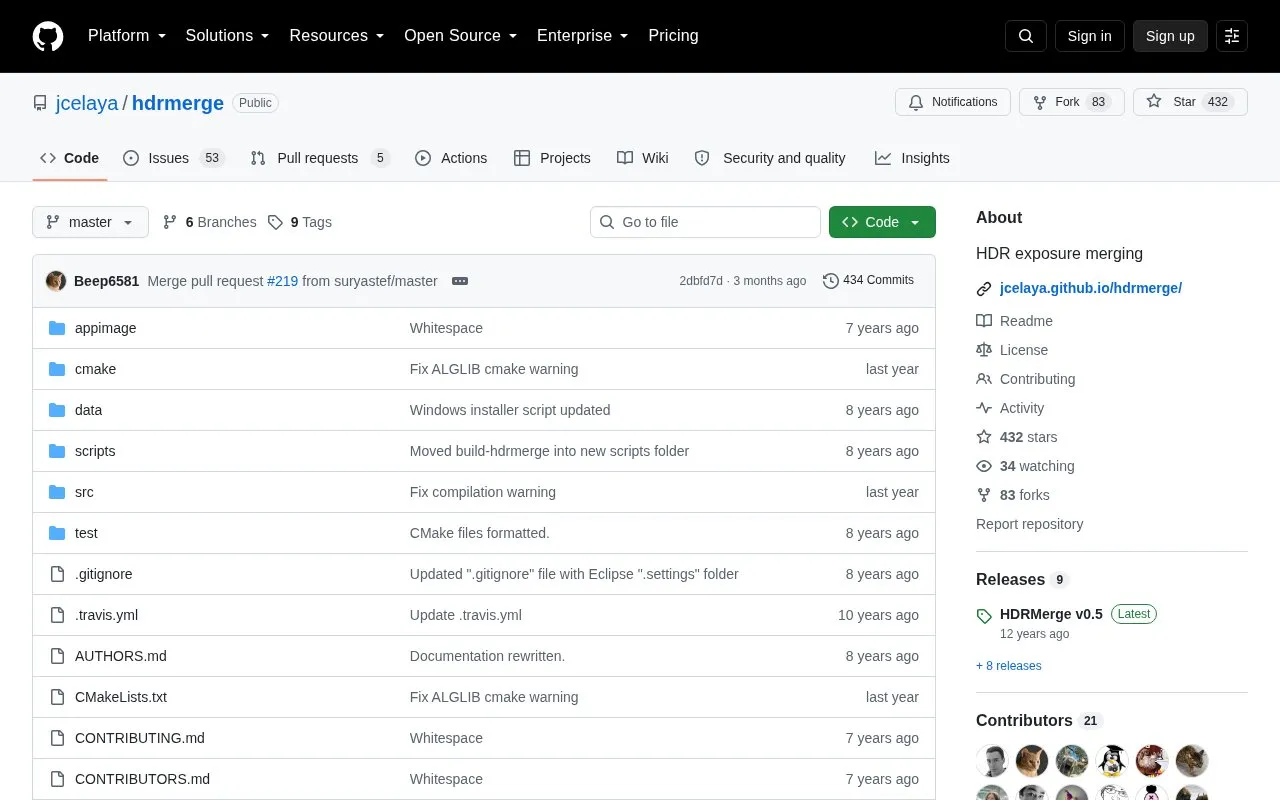
HDRMerge combines two or more raw exposure files into a single raw image with an extended dynamic range. It imports any raw format supported by LibRaw and writes a DNG 1.4 file with floating point data, building the output from the less noisy pixels of the inputs so shadows retain detail. Input images must be taken with the same camera, and small misalignments between frames are corrected by translation. The merged DNG is not a finished picture: it has to be processed further in an application that supports HDR images in DNG format, such as RawTherapee or darktable.
Key features
Merges two or more raw exposures into one extended dynamic range raw
Imports raw formats supported by LibRaw
Outputs DNG 1.4 images with floating point data
Corrects small misalignments between frames by translation
GUI preview for adding or removing pixels to remove ghosts
Batch mode using the -o or -a switches without the GUI
Best for: Photographers who capture bracketed raw exposures of the same scene and want a merged HDR raw file to continue editing in another application.
Good for
Builds output from the less noisy pixels of the inputs to keep shadow detail
Includes a preview interface with undo and redo for removing ghosting
Can run in command-line batch mode without the graphical interface
Watch out for
All source images must be made with the same camera
Alignment correction is limited to small misalignments and works by translation
The merged DNG still requires separate HDR-capable software for final processing