

View, create and edit EXIF metadata with Exif Pilot, a free image metadata editor.
Freemium
24 alternativesEdit EXIF, IPTC and XMP metadata in digital photographs with Photini, a free desktop application.
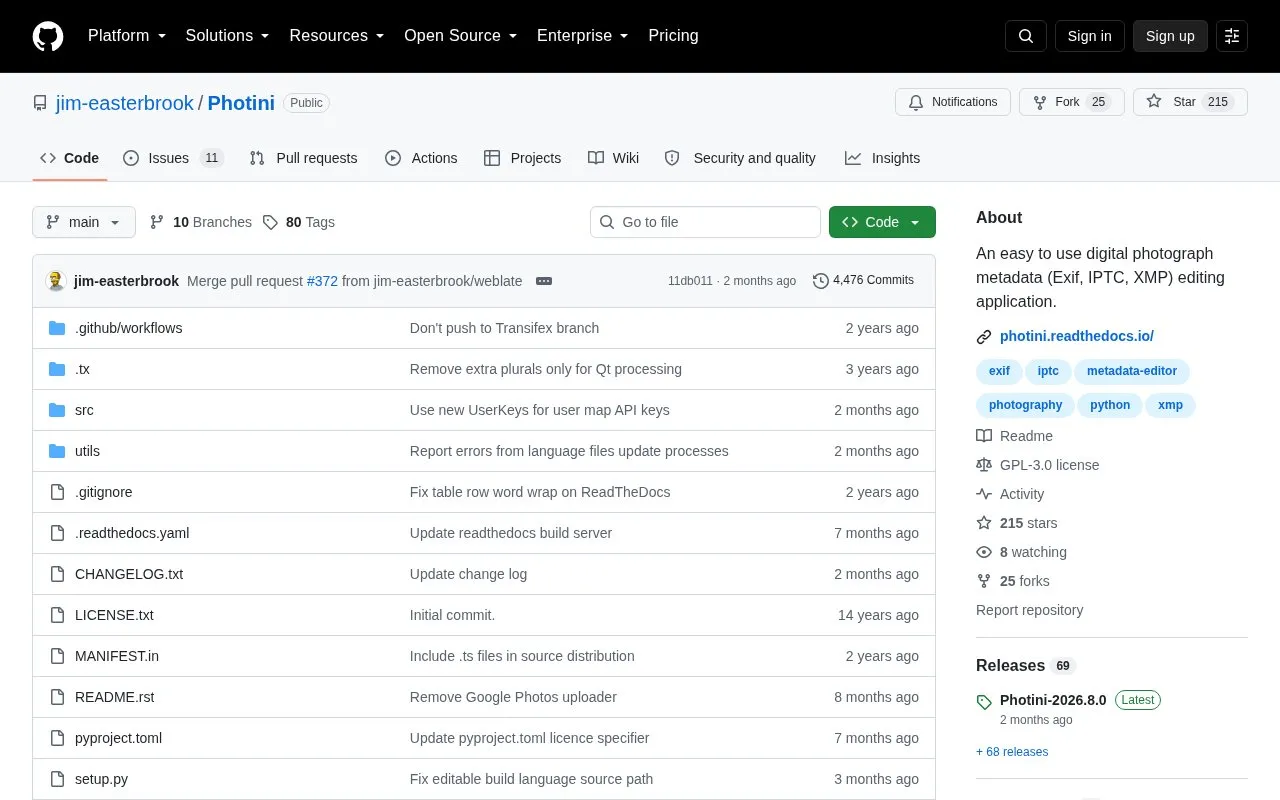
Photini is an open-source desktop application for Linux, Windows and macOS that edits Exif, IPTC and XMP metadata in digital photographs. It can set title, description, keywords, copyright and creator fields, adjust date, time and time zone for multiple images at once, and add GPS locations by map search, drag-and-drop or tracker data.
It reads Exif, IPTC and XMP and writes all three to image files or XMP sidecar files, and can import photographs from cameras and upload to Flickr, Ipernity or Pixelfed with metadata reuse. Video file support is limited, it requires Python and Qt-related dependencies, and the author advises backing up photographs before use because bugs may damage files.
Tools and sites you could use instead, ranked by how closely they match.
View, create and edit EXIF metadata with Exif Pilot, a free image metadata editor.
View, edit and remove EXIF metadata from images with this privacy-focused online tool.
Edit EXIF metadata and manage image files stored locally or in cloud services with TheExifer.
Remove EXIF, GPS and other embedded metadata from JPEG photos with this browser-based tool.
View camera settings, GPS coordinates and other EXIF data from an image with this free online viewer.
View photo metadata online, including when and where an image was taken, using jimpl.com.
Well-known listings from the same topic.
Tell us and an editor will check it.
Claim the listing and suggest updates yourself. An editor checks every claim first.


