

View, edit and remove EXIF metadata from images with this privacy-focused online tool.
EXIFRemove
Remove EXIF, GPS and other embedded metadata from JPEG photos with this browser-based tool.
About EXIFRemove
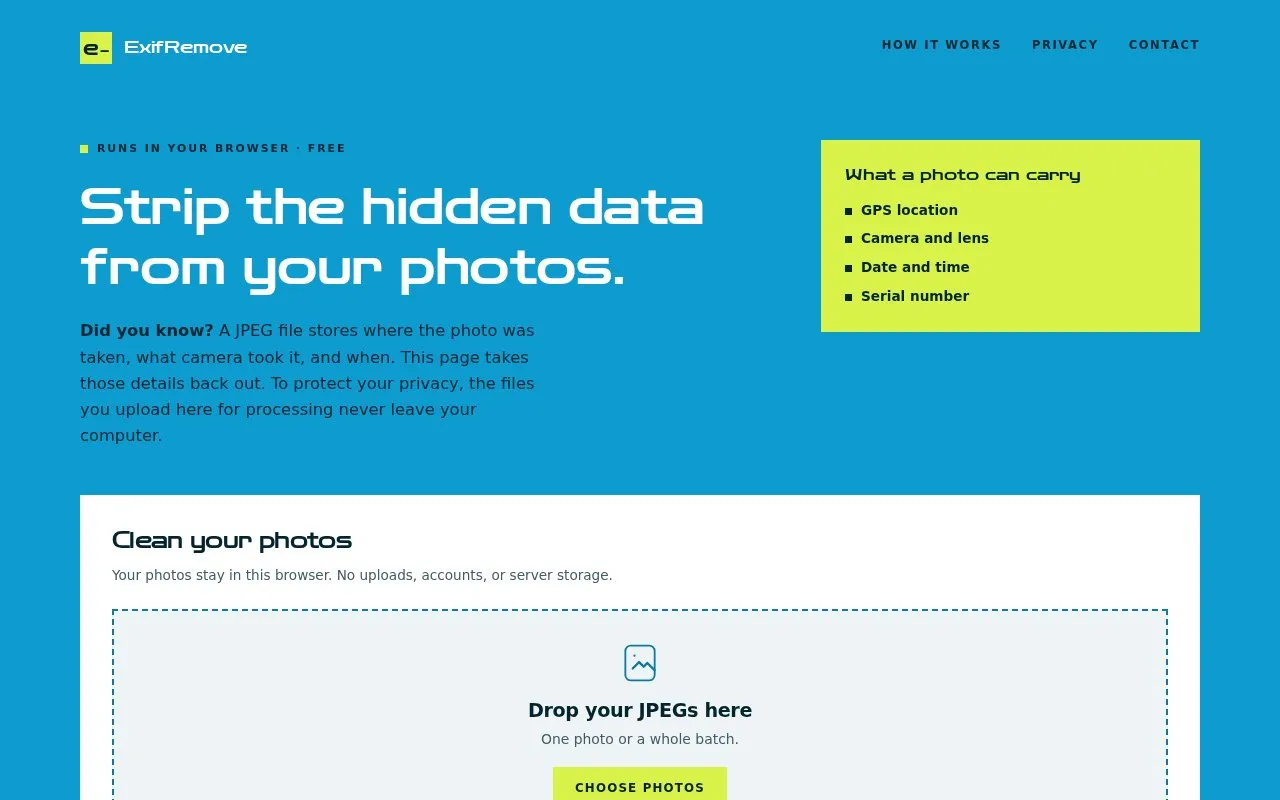
ExifRemove is a browser-based tool for stripping embedded metadata from JPEG photos. It removes EXIF data such as GPS location, camera and lens details, date and time, and serial numbers, along with XMP, IPTC, comments, embedded thumbnails, color profiles and other application metadata. Processing happens locally: the page states it does not upload photos or their metadata and uses no ads, analytics or third-party scripts, so file data stays in the tab until it is cleared or closed. Originals are left unchanged, and cleaned copies can be downloaded individually or as a ZIP.
The tool handles batches of up to 50 photos or 200 MB, with each file up to 25 MB, and supports JPEG (.jpg, .jpeg) only. An optional "keep photos the right way up" setting re-saves photos with EXIF rotation or mirroring at high JPEG quality, which can slightly change quality and file size. Very large images may exceed the browser's memory limits.
Key features
- Removes EXIF, GPS, XMP, IPTC, comments and embedded thumbnails from JPEGs
- Processes files locally in the browser with no uploads or accounts
- Supports batches of up to 50 photos or 200 MB
- Optional re-save of rotated photos at high JPEG quality
- Download cleaned copies individually or as a ZIP
- Scans output again before files are made downloadable
Best for: People who want to strip metadata from JPEG photos before sharing them, without uploading the files to a server.
Good for
- No uploads, accounts, ads, analytics or third-party scripts; file data stays in the browser tab
- Original photos remain unchanged, with cleaned copies saved separately
- Batch processing with ZIP download for multiple photos
Watch out for
- Supports JPEG only; HEIC, PNG and RAW files must be exported as JPEG first
- Removing a color profile can affect colors, and re-saving rotated photos can slightly change quality and file size
- Very large images may exceed browser memory limits
EXIFRemove at a glance
- Website
- exifremove.com
- Category
- Design & Creative › Photography
- Type
- Website
- Pricing
- Not confirmed. Check the site
- Platforms
- Web
- Open source
- Not stated
- Language
- English
- Last checked
- Oct 6, 2026 · Online when checked
- Listed
- Oct 5, 2026
EXIFRemove alternatives
Tools and sites you could use instead, ranked by how closely they match.

View photo metadata online, including when and where an image was taken, using jimpl.com.
View camera settings, GPS coordinates and other EXIF data from an image with this free online viewer.

Inspect camera settings and Lightroom edits embedded in photos with PixelPeeper.
Freemium
24 alternatives
View, create and edit EXIF metadata with Exif Pilot, a free image metadata editor.
Freemium
24 alternatives
Edit EXIF metadata and manage image files stored locally or in cloud services with TheExifer.
Popular in Photography
Well-known listings from the same topic.
Darktablegithub.com/darktable-org/darktableRawTherapeerawtherapee.comOpenStegoopenstego.comdarktabledarktable.orgRedactedredacted.appexiftoolexiftool.org


EXIFRemove FAQ
Where are my photos processed?
Entirely in the browser. The tool does not upload photos or their metadata and has no ads, analytics or third-party scripts. File data stays in the tab until it is cleared or closed, and downloads are saved wherever the browser normally saves files.
What gets removed from a JPEG?
EXIF data including embedded GPS and camera details, XMP, IPTC, comments, embedded thumbnails, color profiles and other application metadata. Any data after the JPEG end marker is discarded, while essential image and color-decoding information stays intact. The output is scanned again before it becomes available to download.
Does this make a photo anonymous?
No. It removes embedded metadata, not identifying details visible in the picture such as faces, addresses or license plates. Downloaded filenames keep the original name with "-clean" added, so files whose names contain personal information should be renamed.
Is something wrong or out of date?
Tell us and an editor will check it.
Own this website?
Claim this listing
Claim the listing and suggest updates yourself. An editor checks every claim first.