Hide-Twitch-Chat-Users

This Chrome and Firefox extension hides selected users from Twitch chat.

github.com/mikeyaworski/Hide-Twitch-Chat-Users
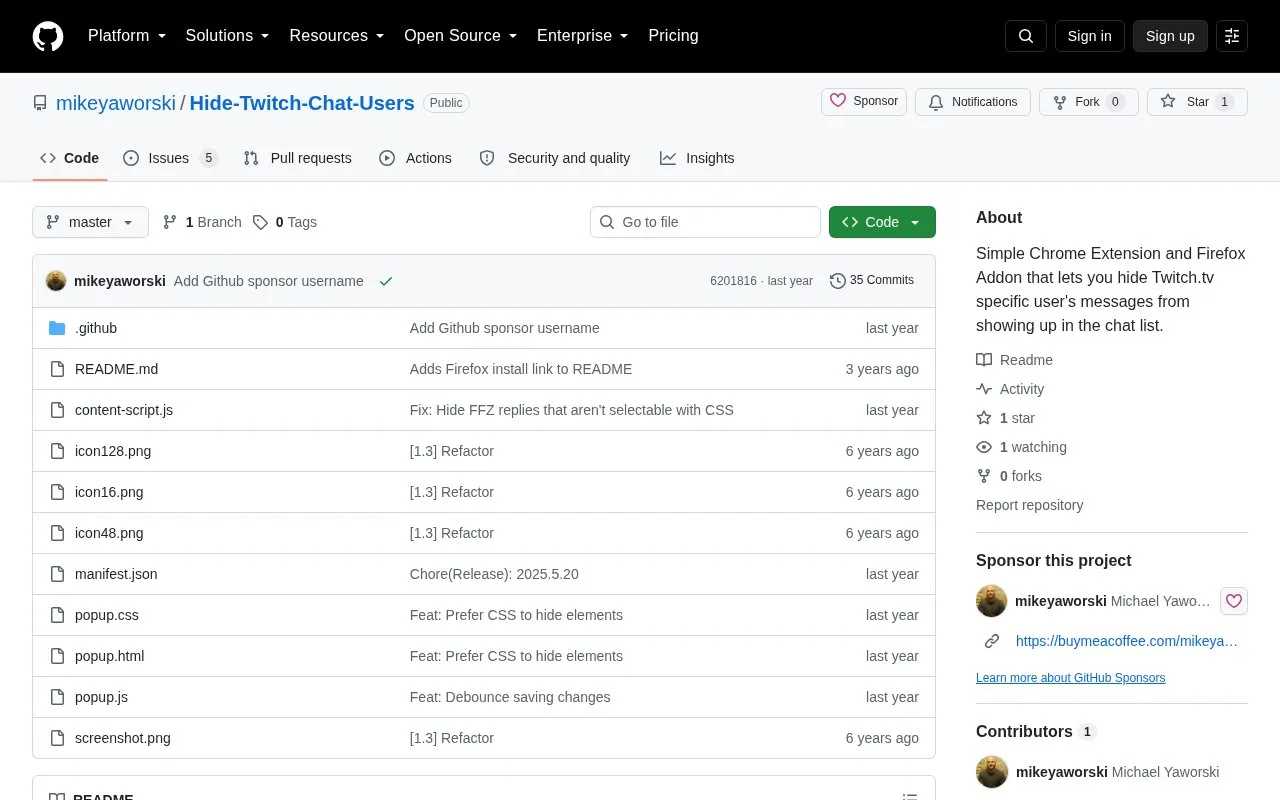
Hide-Twitch-Chat-Users homepage screenshot

About Hide-Twitch-Chat-Users

Hide-Twitch-Chat-Users is a browser extension for Chrome and Firefox that hides messages from specified users in Twitch chat. Users click the toolbar icon to enter usernames separated by whitespace or commas and check the hide box to enable filtering. A script checks Twitch pages every 100 milliseconds to hide matching messages, and the page must be refreshed after changing usernames or the checkbox for changes to take effect.

Key features

  • Hide messages from specified usernames in Twitch chat
  • Enter multiple usernames separated by whitespace or commas
  • Enable filtering with hide checkbox in extension popup
  • Edit list by clicking toolbar icon
  • Checks Twitch pages every 100 milliseconds for matches
Best for: Twitch viewers who want messages from specific chat users hidden.
Good for
  • Accepts multiple usernames separated by whitespace or commas
  • Provides install options for Chrome and Firefox
  • Allows hiding to be toggled with a checkbox
Watch out for
  • Requires page refresh after changing usernames or checkbox setting
  • Hiding only works when the hide checkbox is checked

Hide-Twitch-Chat-Users at a glance

Type
Open-source project
Pricing
Not confirmed. Check the site
Platforms
Browser extension
Open source
Not stated
Language
English
Last checked
Oct 6, 2026 · Online when checked
Listed
Oct 5, 2026

Hide-Twitch-Chat-Users alternatives

Tools and sites you could use instead, ranked by how closely they match.

All 24 alternatives

Popular in Twitch Tools

Well-known listings from the same topic.

All 110

Hide-Twitch-Chat-Users FAQ

How do I specify which users to hide?
Click the extension icon and enter usernames separated by whitespace and/or commas.
Why did my updated settings not take effect?
Refresh the Twitch page after changing the usernames or the hide checkbox.
How do I turn on hiding?
Check the hide checkbox in the settings popup, then refresh the page.
Is something wrong or out of date?

Tell us and an editor will check it.

Own this website?

Claim the listing and suggest updates yourself. An editor checks every claim first.

Claim this listing