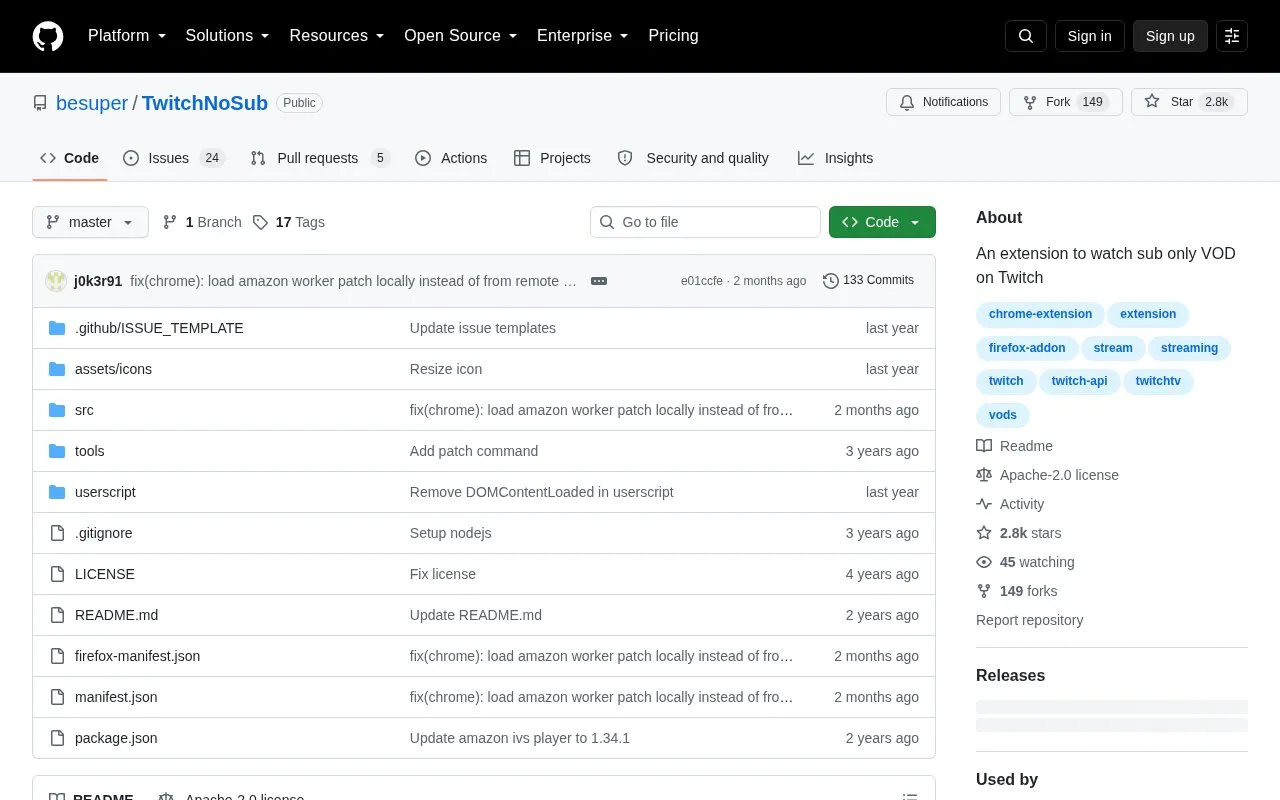
TwitchNoSub is an open source browser extension, hosted on GitHub, for watching subscriber-only video on demand (VOD) on Twitch. According to its README, the extension is integrated into the Twitch website and is meant to support Twitch features.
It works with Chromium-based browsers such as Chrome, Edge, Brave and Opera, and with Firefox. Installation is manual: Chromium users load an unpacked or packed extension, and Firefox users add a downloaded .xpi file. The project's own warning says it is still a work in progress and asks users to report problems.
Key features
Plays subscriber-only Twitch VODs within the Twitch website
Supports Chromium-based browsers including Chrome, Edge, Brave and Opera
Supports Firefox through a downloadable .xpi installation file
Manual installation from an unzipped folder or packed .crx file
Source code published under the Apache-2.0 license
Best for: Viewers who use a Chromium-based browser or Firefox, are comfortable installing an extension manually, and want to watch subscriber-only Twitch VODs.
Good for
Open source, with the code and license published on GitHub
Supports both Chromium-based browsers and Firefox
Source repository invites contributions from developers
Watch out for
The project describes itself as a work in progress, so issues may occur
Installation is manual rather than a one-click store install, according to the setup instructions
How do I install TwitchNoSub in a Chromium-based browser?
Download the latest release from the releases section or clone the repository. Open the browser's extensions page, enable Developer mode, choose Load unpacked, and select the unzipped extension folder. Chromium users can also pack the extension into a .crx file and drag it into the extensions page.
How do I install TwitchNoSub in Firefox?
Download the latest .xpi file from the releases section, drag it into Firefox, and click Add in the confirmation popup.
What should I do if I find a problem with the extension?
The project asks users to report any issues they find through the repository.
Is something wrong or out of date?
Tell us and an editor will check it.
Own this website?
Claim the listing and suggest updates yourself. An editor checks every claim first.