

Twitch YouTube bot. Automatically make video compilations of the most viewed Twitch clips and upload them to YouTube using Python 3.
Open source
24 alternativesjekyll-embed-video lets Jekyll pages embed videos from services including YouTube, Vimeo, Twitch, and TikTok.
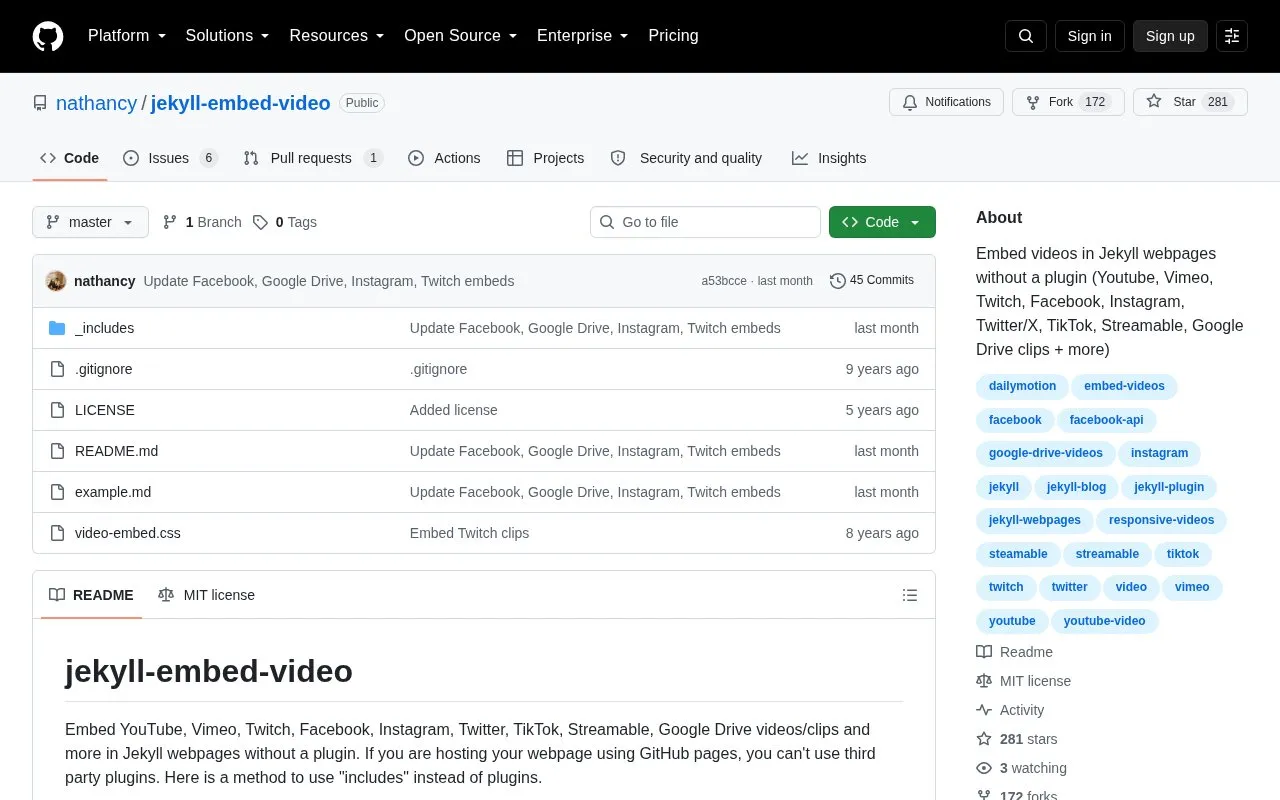
jekyll-embed-video is an open source repository of instructions and snippets for embedding videos in Jekyll web pages without a plugin. Its README says this approach is useful when a site is hosted on GitHub Pages, which does not allow third-party plugins. Videos are added by creating include files in a Jekyll _includes folder and placing an include tag in a Markdown page. The README covers YouTube, Vimeo, Twitch, Facebook, Instagram, Twitter, TikTok, Streamable, and Google Drive clips, and lists additional support for 20Detik, Dailymotion, Vidio, and LINE Today.
Setup is manual. For each service, the user finds the video ID from the video's URL, creates an include file, and adds the video ID to the page's front matter. The README says to include video-embed.css for responsive videos that resize with the browser window. The repository includes an example.md file with a complete example.
Tools and sites you could use instead, ranked by how closely they match.
Twitch YouTube bot. Automatically make video compilations of the most viewed Twitch clips and upload them to YouTube using Python 3.
vidgear provides a Python framework for video processing that works across platforms.
A React component for playing a variety of URLs, including file paths, YouTube, Facebook, Twitch, SoundCloud, Streamable, Vimeo, Wistia and DailyMotion
可循环值守和多人录制的直播录制软件,支持抖音、TikTok、Youtube、快手、虎牙、斗鱼、B站、小红书、pandatv、sooplive、flextv、popkontv、twitcasting、winktv、百度、微博、酷狗、17Live、Twitch、Acfun、CHZZK、shopee等40+平台直播录制
fideo-live-record records live broadcasts from platforms including TikTok, YouTube, Twitch, and Bilibili.
vod2pod-rss converts YouTube or Twitch channels into podcast feeds, transcoding videos to MP3 without server storage.
Well-known listings from the same topic.
Tell us and an editor will check it.
Claim the listing and suggest updates yourself. An editor checks every claim first.


