

Kawaii-Player
Kawaii-Player combines multimedia playback, media library management, and a portable media server with PC-to-PC casting.
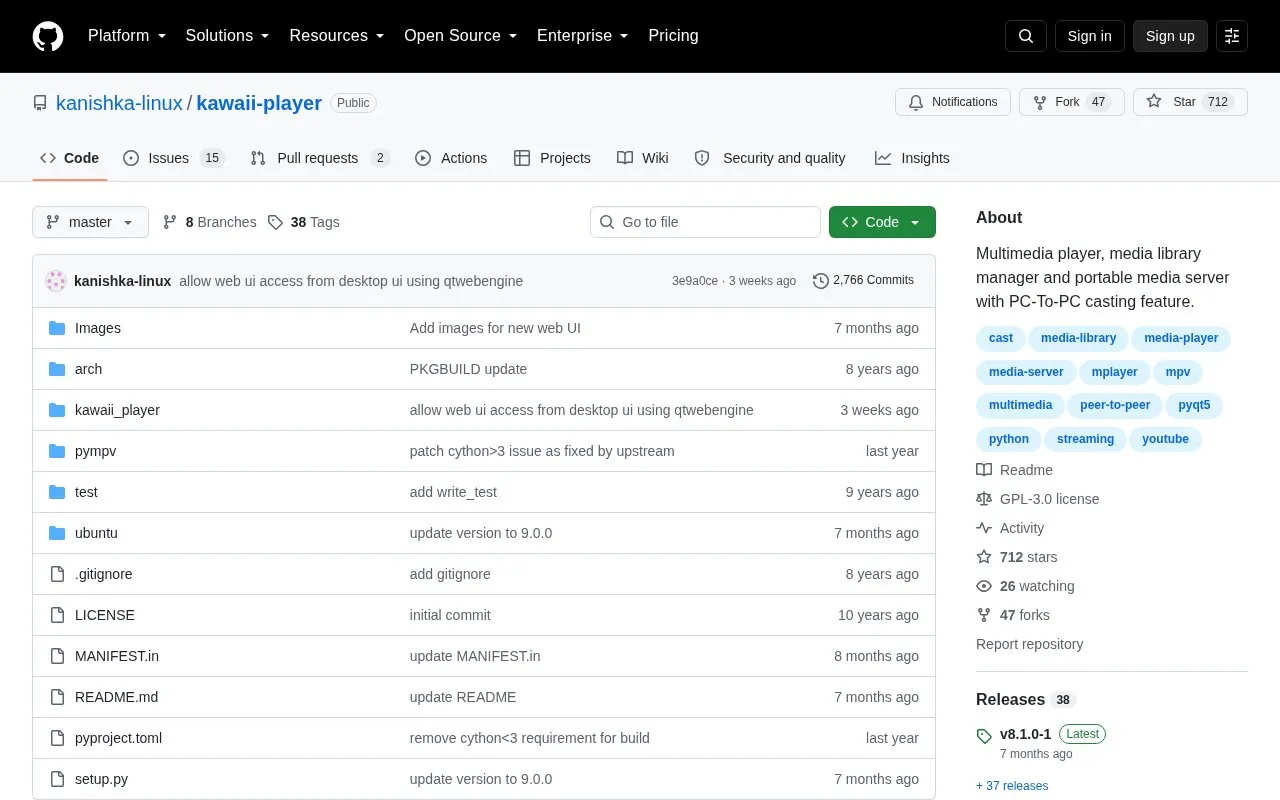
About Kawaii-Player
Kawaii-Player is an open-source Linux application for audio/video playback and library management based on mpv and mplayer. It stores collection data with sqlite3 and supports bookmarks, categories, playlists, history, thumbnail grid view, and fanart, poster and metadata downloads from sites such as TVDB and last.fm.
It also functions as a portable media server with a web interface, remote control, PC-to-PC and browser-to-PC casting, peer-to-peer mode, and torrent streaming. By default the server starts on http://127.0.0.1:9001 and must be reconfigured to a local network address for access from other devices on the same network.
Key features
- Plays audio and video using mpv and mplayer backends
- Organizes library with bookmarks, categories, playlists and history tracking
- Runs portable media server with web interface and remote control
- Supports PC-to-PC casting, browser-to-PC casting and peer-to-peer mode
- Streams torrents through built-in torrent streaming player and server
- Shows thumbnail grid with in-thumbnail playback and custom thumbnails
Best for: Linux users who want local playback, library organization, and self-hosted streaming and casting in one tool.
Good for
- Combines playback, library management, media server and casting in one application
- Opens videos in external players such as VLC, SMPlayer or Kodi
- Provides web-based admin and browse endpoints with username and password authentication
Watch out for
- Available for Linux, not for other desktop platforms
- Media server starts on loopback address and needs manual change for LAN access
- Resetting web admin password requires manually deleting config files
Kawaii-Player at a glance
- Category
- Software & Utilities › Media Players & Servers
- Type
- Open-source project
- Pricing
- Not confirmed. Check the site
- Platforms
- Linux
- Open source
- Yes · Source code
- Language
- English
- Last checked
- Oct 6, 2026 · Online when checked
- Listed
- Oct 5, 2026
Guides for Media Players & Servers
Kawaii-Player alternatives
Tools and sites you could use instead, ranked by how closely they match.

Quod Libet is a music player and library manager for Linux, Windows, and macOS.
Open source
24 alternatives
Exaile combines cross-platform music playback with music library management capabilities.
Open source
24 alternatives
Musikcube combines a terminal music player with an audio engine, metadata indexer, and server in C++.
Open source
24 alternatives
MPC-QT reimplements much of the Media Player Classic interface with Qt and uses libmpv for video playback.
Open source
24 alternatives
Strawberry provides music playback through its player project, with source code and releases on GitHub.
Open source
24 alternatives
Rise Media Player brings together playback for videos, music, discs, and streaming services in a WinUI application.
Open source
24 alternativesPopular in Media Players & Servers
Well-known listings from the same topic.
Ampacheampache.orgAIMPaimp.ruXbox Kodiapps.microsoft.com/detail/9nblggh4t892Pasta Toolpastatool.comMuseeksmuseeks.ioCaracal Clubcaracal.club


Kawaii-Player FAQ
How can other devices on the same network access the media server?
Start the server with More->Start Media Server, then change the address from 127.0.0.1 to your local network address, normally starting with 192.168.x.y, in More->Preferences->Media Server.
What are the /admin and /browse pages used for?
/admin is used for managing the video collection from the web UI, and /browse is used for browsing the collection with filtering. Both require the admin username and a password created in the web UI.
How do I reset the web admin password?
Delete admin_password.json and admin_sessions.json from the config directory ~/.config/kawaii-player/.
Is something wrong or out of date?
Tell us and an editor will check it.
Own this website?
Claim this listing
Claim the listing and suggest updates yourself. An editor checks every claim first.