
KeyboardTest.io checks keyboard inputs and lists tools for identifying dead keys, ghosting, and input latency.
Key-Test
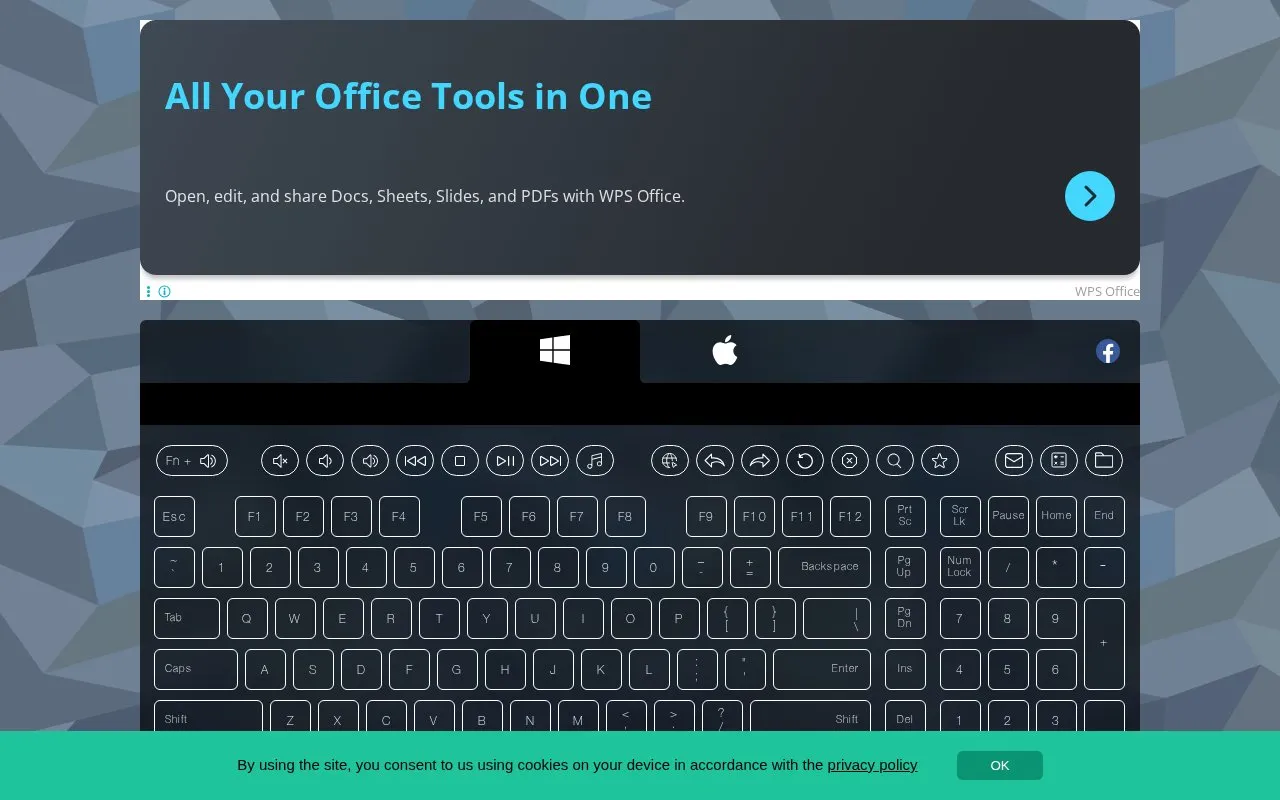
Key-Test checks keyboard keys in a browser by showing their state when pressed and released.
About Key-Test
Key-Test is an online keyboard test that displays keys when they are pressed and released. A key shown as held indicates input while pressed, and a changed appearance after release indicates the key registered.
It includes a check for the Fn key using Fn plus the volume button, and notes for checking non-working, sticking, or reassembled keys. Testing asks users to switch to an English keyboard layout first, and Fn is only tested in combination with another key.
Key features
- Shows on-screen state while a key is held down
- Shows changed state after a key is released
- Tests Fn key together with volume button
- Helps distinguish mechanical from software key problems
- Checks key signals after reassembling a keyboard
Best for: People who need to check if physical keyboard keys respond when pressed and released.
Good for
- Shows separate states for held and released keys
- Includes troubleshooting notes for stuck keys and liquid spills
Watch out for
- Requires English keyboard layout before testing
- Fn key can only be tested in combination with another key
Key-Test at a glance
- Website
- en.key-test.ru
- Category
- Software & Utilities › Hardware & Diagnostics
- Type
- Website
- Pricing
- Not confirmed. Check the site
- Platforms
- Web
- Open source
- Not stated
- Last checked
- Oct 5, 2026 · Online when checked
- Listed
- Oct 5, 2026
Key-Test alternatives
Tools and sites you could use instead, ranked by how closely they match.

Keyboard Simulator provides virtual keyboards for designing layouts and testing keys.

Check whether a microphone is configured by running an online microphone test in the browser.

EIZO Monitor Test offers checks for dead pixels, uniformity, color, gradients, sharpness, viewing angle, and response time.

VIA configures compatible mechanical keyboards, with tools to test and design keyboard layouts.

keymapper remaps keyboard keys across platforms, with context-aware behavior described by its project.
Open source
24 alternativesPopular in Hardware & Diagnostics
Well-known listings from the same topic.
PC Managerpcmanager.microsoft.comDolby Accessapps.microsoft.com/detail/9n0866fs04w8RAMMaplearn.microsoft.com/en-us/sysinternals/downloa…UNIGINE Benchmarksbenchmark.unigine.comAppControlappcontrol.comTrueNAStruenas.com


Key-Test FAQ
How do I test the Fn key?
Hold down Fn and the volume button, because Fn is only tested in combination with another button.
How can I check if a non-working key is mechanical or software?
Test it with the service; if the problem persists during the test, the source describes it as a mechanical breakdown.
What should I do after spilling liquid on the keyboard?
For a laptop, turn off power, remove the battery, dry it, then take it to a service center; for a desktop computer, dry and wipe the keyboard.
Is something wrong or out of date?
Tell us and an editor will check it.
Own this website?
Claim this listing
Claim the listing and suggest updates yourself. An editor checks every claim first.