
KeyboardTest.io checks keyboard inputs and lists tools for identifying dead keys, ghosting, and input latency.
EIZO
EIZO Monitor Test offers checks for dead pixels, uniformity, color, gradients, sharpness, viewing angle, and response time.
About EIZO
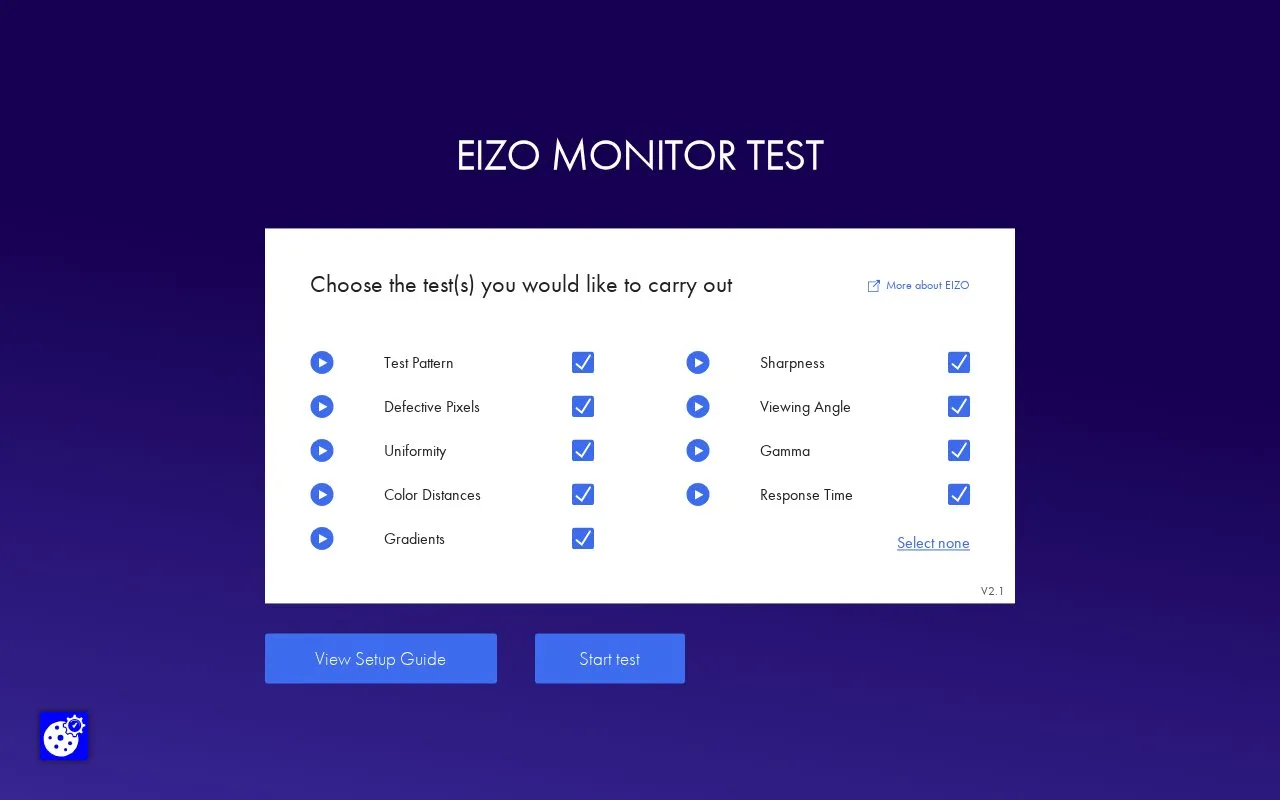
EIZO Monitor Test is a web-based tool for checking monitor display. Users choose from tests for test pattern, defective pixels, uniformity, color distances, gradients, sharpness, viewing angle, gamma, and response time, with adjustable settings such as RGB values, gray tones, steps, and backgrounds.
Display depends on the browser's color management, and the page advises running the test in different browsers if in doubt.
Key features
- Defective pixel checks on black, white, red, green, and blue screens
- Uniformity assessment using selectable 25%, 50%, and 75% gray tones
- Color distance comparison with adjustable RGB background and rectangle
- Gradient check with selectable 8-step or 256-step display
- Sharpness check with selectable text color and font size
- Response time comparison with selectable speed and background color
Best for: People who want to visually check a monitor for defective pixels, uniformity, color, sharpness, and response.
Good for
- Lets users run selected tests or all tests
- Provides adjustable parameters for several tests
- Supports navigation by mouse, keyboard arrows, or side menu
Watch out for
- Display depends on browser color management
EIZO at a glance
- Website
- eizo.be/monitor-test
- Category
- Software & Utilities › Hardware & Diagnostics
- Type
- Website
- Pricing
- Not confirmed. Check the site
- Platforms
- Web
- Open source
- Not stated
- Language
- English
- Last checked
- Oct 5, 2026 · Online when checked
- Listed
- Oct 5, 2026
EIZO alternatives
Tools and sites you could use instead, ranked by how closely they match.

This site collects monitor utilities, including tools for custom resolutions, pixel clocks, and display configuration.

Wide Gamut tests a display’s color compatibility with color standards including sRGB, DCI-P3, and BT.2020.

Check a microphone in the browser with real-time audio levels and voice recording.

Key-Test checks keyboard keys in a browser by showing their state when pressed and released.

Check whether a microphone is configured by running an online microphone test in the browser.
Popular in Hardware & Diagnostics
Well-known listings from the same topic.
PC Managerpcmanager.microsoft.comDolby Accessapps.microsoft.com/detail/9n0866fs04w8RAMMaplearn.microsoft.com/en-us/sysinternals/downloa…AppControlappcontrol.comUNIGINE Benchmarksbenchmark.unigine.comVIAcaniusevia.com


EIZO FAQ
How do I navigate through the test?
Use the mouse, the arrow buttons on the keyboard, or the menu at the left edge of the screen.
How do I hide the controls during the test?
Use the space key to show or hide all of the operating elements.
How do I end the test early?
Use the Exit button at the top right or press the escape key on the keyboard.
Is something wrong or out of date?
Tell us and an editor will check it.
Own this website?
Claim this listing
Claim the listing and suggest updates yourself. An editor checks every claim first.