

Measure surrounding sound levels in decibels using a computer microphone in this browser tool.
Check Mic
Check a microphone in the browser with real-time audio levels and voice recording.
About Check Mic
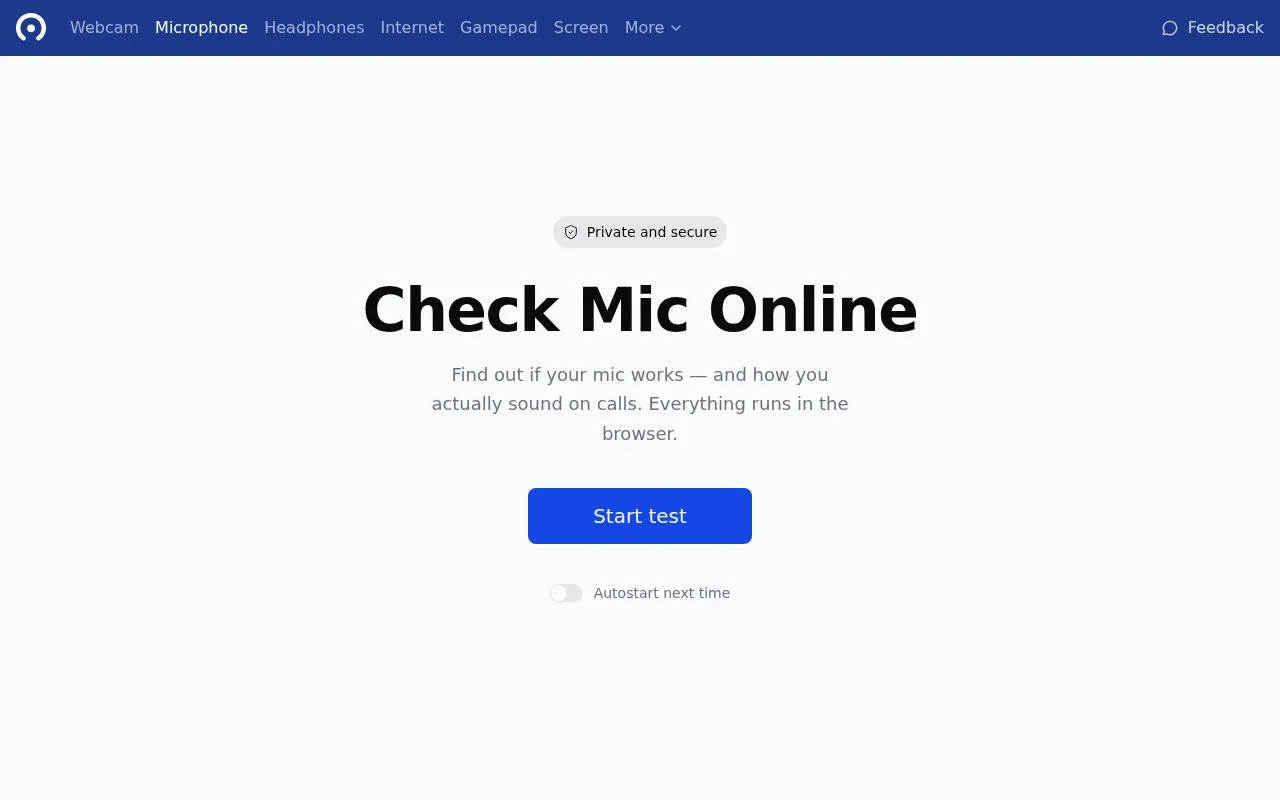
Check Mic is a browser-based microphone test. You click a start button, grant the browser microphone permission, and the page shows a real-time waveform of your input so you can confirm the mic is picking up sound. It also lets you hear yourself through speakers or headphones, record a clip for playback and download, compare two microphones side by side, and view device details such as name, sample rate and channel count.
The page includes guidance for common problems, including denied browser permissions, a mic in use by another app such as Zoom or Discord, disabled system settings, outdated drivers, connection issues and possible hardware failure. Everything stated to run in the browser, with no software download; testing covers the device and browser you are using, and permission must be granted before any audio is captured.
Key features
- Real-time waveform display of microphone input
- Listen to yourself through speakers or headphones
- Record clips in the browser, play back and download
- Side-by-side comparison of two microphones on the same sound
- Test performance with background noise, music or ambient sound
- View device name, sample rate and channel count
Best for: People who want to confirm a microphone works and hear how they sound before calls, podcasts or recordings, using only a browser.
Good for
- No download or installation is needed; the test runs in the browser.
- Combines waveform, live monitoring, recording, device information and mic comparison in one page.
- Includes troubleshooting steps for permissions, drivers, connections and hardware faults.
Watch out for
- Requires granting the browser microphone permission before any test works.
- The test fails if another application is already using the microphone.
- Hardware faults can only be confirmed by trying the microphone on another computer.
Check Mic at a glance
- Category
- Software & Utilities › Hardware & Diagnostics
- Type
- Website
- Pricing
- Not confirmed. Check the site
- Platforms
- Web
- Open source
- Not stated
- Last checked
- Oct 5, 2026 · Online when checked
- Listed
- Oct 5, 2026
Check Mic alternatives
Tools and sites you could use instead, ranked by how closely they match.

This plugin provides real-time voice noise suppression based on Xiph’s RNNoise, with VST2, VST3, LV2, and LADSPA formats.
Open source
24 alternatives
Check whether a microphone is configured by running an online microphone test in the browser.

EIZO Monitor Test offers checks for dead pixels, uniformity, color, gradients, sharpness, viewing angle, and response time.

Process Lasso automates process settings with rules and provides real-time CPU optimization for PC responsiveness.
Use Vial to configure keyboards in real time through its open-source, cross-platform interface and QMK fork.
Popular in Hardware & Diagnostics
Well-known listings from the same topic.
PC Managerpcmanager.microsoft.comDolby Accessapps.microsoft.com/detail/9n0866fs04w8RAMMaplearn.microsoft.com/en-us/sysinternals/downloa…AppControlappcontrol.comUNIGINE Benchmarksbenchmark.unigine.comMemTestmemtest.org


Check Mic FAQ
Do I need to install anything to test my microphone?
No. You click the start test button and allow microphone access in your browser; the homepage states no software is needed, though the browser permission is required.
Why doesn't my microphone work in the test?
The listed causes include denied browser permission, another app such as Zoom or Discord using the mic, the mic being disabled in Windows, macOS or Linux privacy settings, outdated or missing drivers, a loose connection, or faulty hardware.
Can I compare two microphones?
Yes. You can record the same sound with two microphones and play the recordings back alternately to hear the difference.
Is something wrong or out of date?
Tell us and an editor will check it.
Own this website?
Claim this listing
Claim the listing and suggest updates yourself. An editor checks every claim first.