

Check a microphone in the browser with real-time audio levels and voice recording.
Online Mic Test
Check whether a microphone is configured by running an online microphone test in the browser.
About Online Mic Test
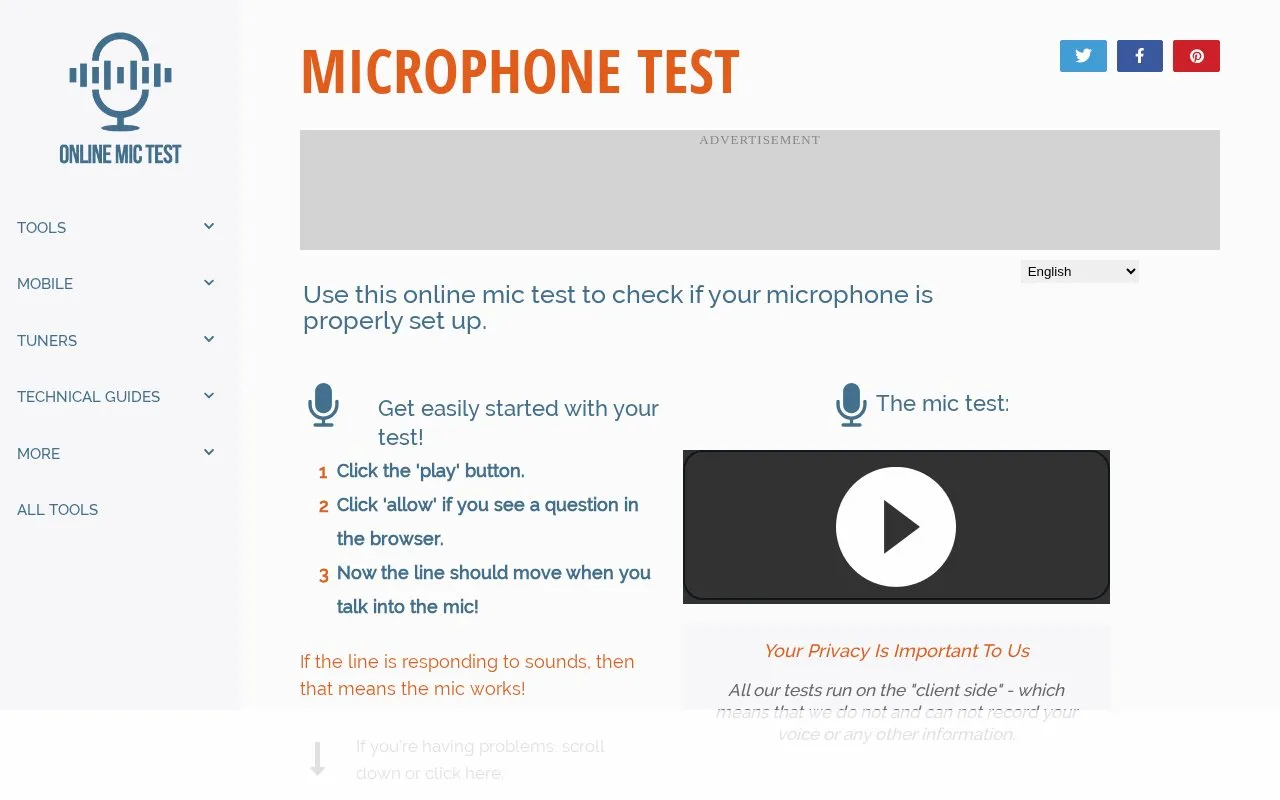
Online Mic Test is a browser-based tool for checking whether a microphone is working and properly configured. Users click play, allow browser microphone access, and watch a line move when the microphone detects sound. The site says its tests run on the client side and that it does not and cannot record voice or other information. It provides troubleshooting steps and links to operating-system and program-specific microphone settings guides. If the microphone works on the site but not in another program, it directs users to that program's support.
Key features
- Tests whether a microphone detects sound by showing a moving line.
- Asks for browser microphone permission before the test begins.
- Offers troubleshooting steps for no line or a non-moving line.
- Links to Windows, macOS and Linux microphone settings guides.
- Includes a Discord settings guide for program-specific mic issues.
- Offers interface languages including English, German, Spanish, French and others.
Best for: People who want a quick browser test to check whether a microphone is working or properly configured before troubleshooting a voice or recording app.
Good for
- Test runs on the client side, and the site states it does not and cannot record voice or other information.
- Uses a simple three-step process: click play, allow browser access, watch for a moving line.
- Can help users determine whether a mic problem is with the microphone or a third-party program.
Watch out for
- Requires browser microphone permission to run the test.
- If the microphone works on the site but not in another program, users must seek help from that program's support.
- The site notes that a relatively loud sound may be needed before a line appears.
Online Mic Test at a glance
- Website
- onlinemictest.com
- Category
- Software & Utilities › Hardware & Diagnostics
- Type
- Website
- Pricing
- Not confirmed. Check the site
- Platforms
- Web
- Open source
- Not stated
- Language
- English
- Last checked
- Oct 6, 2026 · Online when checked
- Listed
- Oct 5, 2026
Online Mic Test alternatives
Tools and sites you could use instead, ranked by how closely they match.

Key-Test checks keyboard keys in a browser by showing their state when pressed and released.

EIZO Monitor Test offers checks for dead pixels, uniformity, color, gradients, sharpness, viewing angle, and response time.
Popular in Hardware & Diagnostics
Well-known listings from the same topic.
PC Managerpcmanager.microsoft.comDolby Accessapps.microsoft.com/detail/9n0866fs04w8RAMMaplearn.microsoft.com/en-us/sysinternals/downloa…UNIGINE Benchmarksbenchmark.unigine.comAppControlappcontrol.comVIAcaniusevia.com


Online Mic Test FAQ
What should I try if no line appears after allowing microphone access?
The site suggests making a relatively loud sound, reloading the page, and checking that the microphone is connected.
What does a visible line that does not move indicate?
The site says the microphone is either broken or, more likely, not properly set up; it suggests checking connection, mute status, volume, and operating system settings.
What if the microphone works on Online Mic Test but not in another program?
The site recommends contacting that program's support and mentioning that the microphone works on onlinemictest.com so the issue can be isolated faster.
Is something wrong or out of date?
Tell us and an editor will check it.
Own this website?
Claim this listing
Claim the listing and suggest updates yourself. An editor checks every claim first.