

Rectangle moves and resizes windows on macOS using keyboard shortcuts or screen-edge snapping.
KeyClu
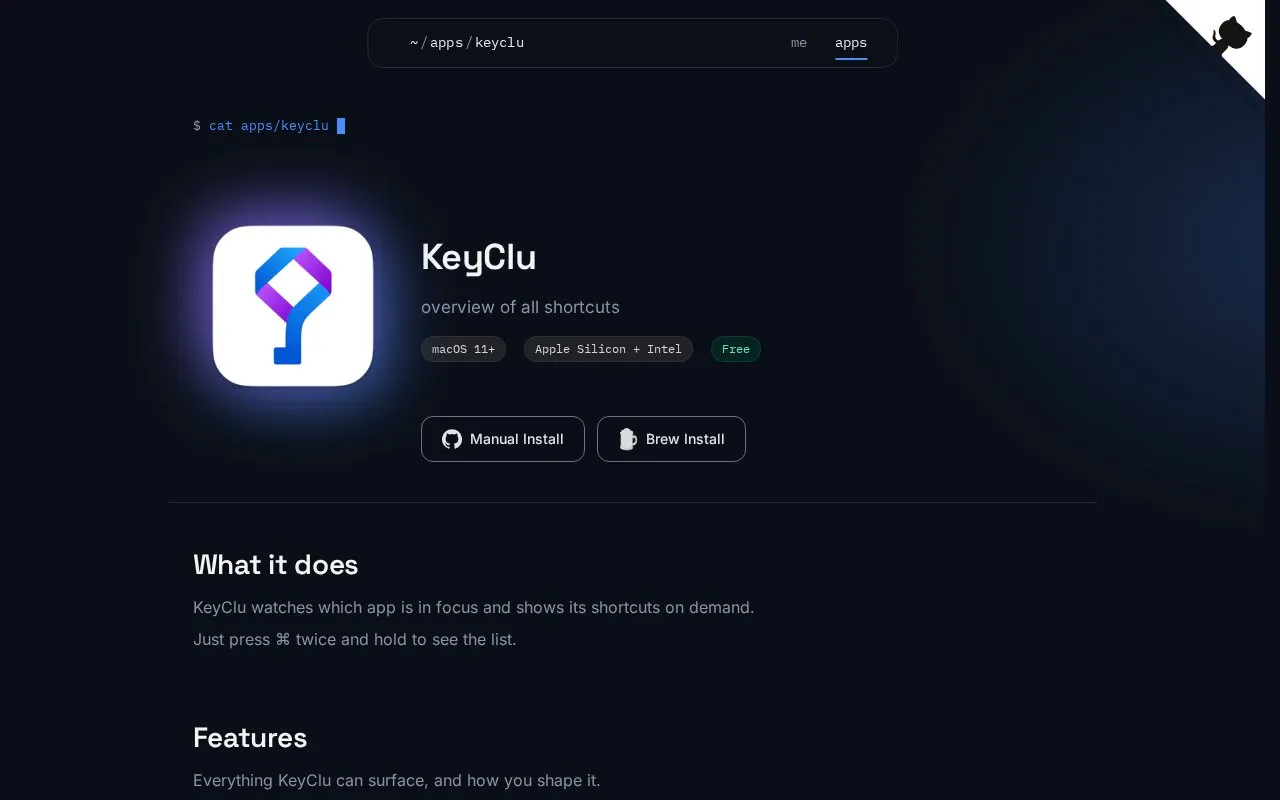
KeyClu displays available keyboard shortcuts for macOS apps, with manual and installation information on its page.
About KeyClu
KeyClu is a macOS utility that displays keyboard shortcuts, trackpad gestures, and menu items for the currently active application. It is triggered by pressing the Command key twice and holding, and runs on macOS 11 or later for both Apple Silicon and Intel Macs. The app is private by design, with no accounts, tracking, ads, or data sent off the user's device. Known limitations include potential failure to display shortcuts not listed in an app's menu, display of extra shortcuts hidden in an app's menu, and difficulty handling icon-based or hidden menu items.
Key features
- Displays active app shortcuts via ⌘ double-press hold
- Shows macOS trackpad gestures and SKHD hotkeys
- Lets users hide, bookmark, and search shortcuts
- Adjustable layout, font size, and persistent on-screen panel
- Exports current app shortcuts to Markdown files
- Includes ready-made shortcut sets for apps missing them
Best for: macOS users who want to quickly reference app shortcuts, gestures, and menu items without memorization.
Good for
- Free to use with no accounts, tracking, or ads
- Private by design, no user data leaves the Mac
- Supports both Apple Silicon and Intel Macs on macOS 11+
Watch out for
- May not display shortcuts not listed in an app's menu
- May show extra shortcuts hidden in an app's menu
- May struggle with icon-based or hidden app menu items
KeyClu at a glance
- Category
- Software & Utilities › Mac Apps
- Type
- Website
- Pricing
- Not confirmed. Check the site
- Platforms
- macOS, Web
- Open source
- Not stated
- Language
- English
- Last checked
- Oct 5, 2026 · Online when checked
- Listed
- Oct 5, 2026
KeyClu alternatives
Tools and sites you could use instead, ranked by how closely they match.

CustomShortcuts remaps and creates keyboard shortcuts for Mac app menu items without scripting.
Shortcut Keeper stores keyboard shortcuts users want to learn and remember across apps on Mac.

Phoenix manages macOS windows and apps through JavaScript scripts, keyboard shortcuts, and system-event bindings.

Sky.app provides a macOS client for Bluesky with keyboard shortcuts and a dark mode.

Browserino selects a browser on macOS and supports default-browser setup and keyboard shortcuts.
Open source
24 alternativesPopular in Mac Apps
Well-known listings from the same topic.
Adiumadium.imTheBoringNotchtheboring.nameThe Unarchivertheunarchiver.comOsaurusosaurus.aiBetter Shotbettershot.siteShotSolveshotsolve.com


KeyClu FAQ
How do I view an app's shortcuts in KeyClu?
Press the Command key twice and hold to display the active app's shortcut list.
What permissions does KeyClu require to run?
Accessibility permission is required; Notification Center permission is optional.
How can I install KeyClu on my Mac?
Install manually via a downloaded .dmg, or use Homebrew with the provided cask command.
Is something wrong or out of date?
Tell us and an editor will check it.
Own this website?
Claim this listing
Claim the listing and suggest updates yourself. An editor checks every claim first.