

Windows clipboard history stores recent copied entries, with pinning and optional text synchronization.
Free
The KDE Plasma clipboard tool stores recent entries and provides configurable clipboard history.
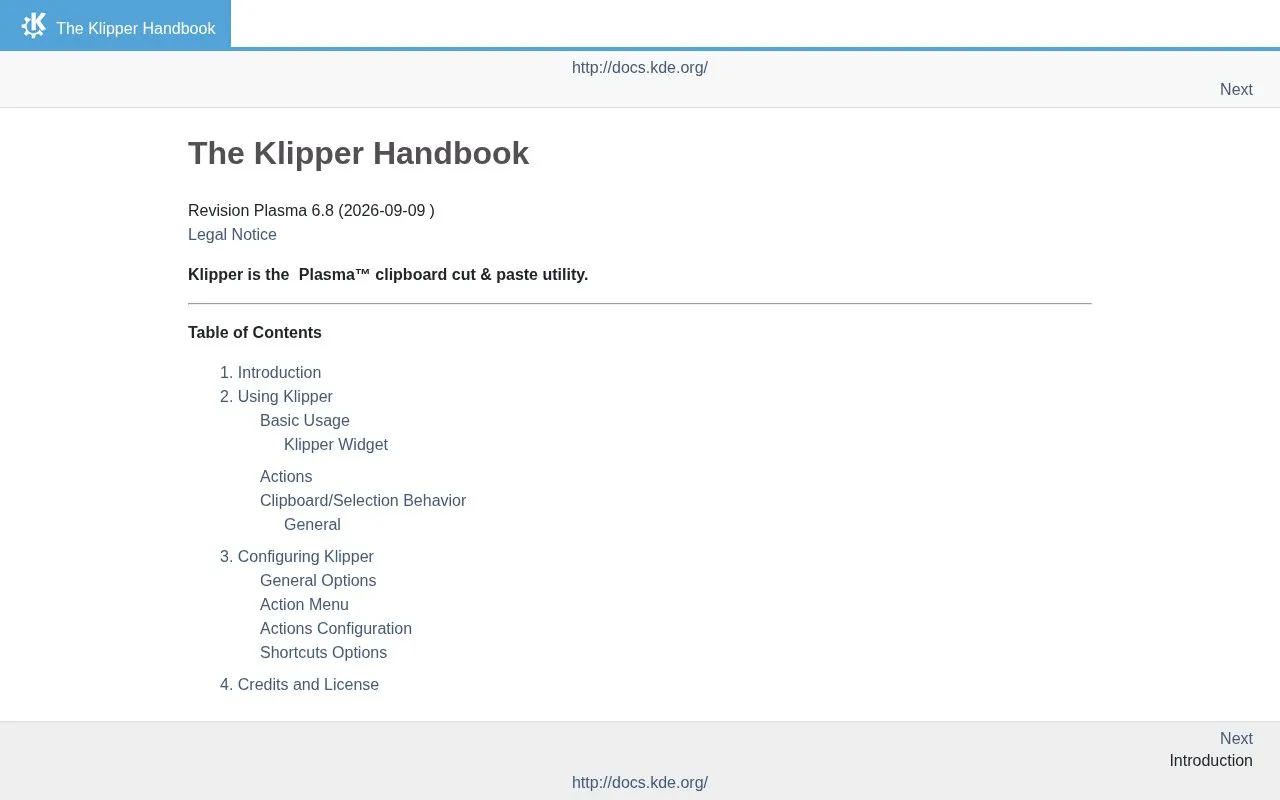
Klipper is the clipboard cut and paste utility for the KDE Plasma desktop. Its main job is to keep recent clipboard entries so they can be reused, and it provides a configurable clipboard history.
The Klipper Handbook covers basic usage, the Klipper widget, clipboard and selection behavior, actions, and general options. Its configuration section covers the action menu, action configuration, and keyboard shortcut options. The source does not list supported platforms beyond the KDE Plasma desktop, and it does not describe any usage limits.
Tools and sites you could use instead, ranked by how closely they match.
Windows clipboard history stores recent copied entries, with pinning and optional text synchronization.
A free Mac clipboard application for storing and cycling through copied text.
A Windows clipboard application with text cleanup, macros and history; its free edition is for personal use.
Well-known listings from the same topic.
Tell us and an editor will check it.
Claim the listing and suggest updates yourself. An editor checks every claim first.


