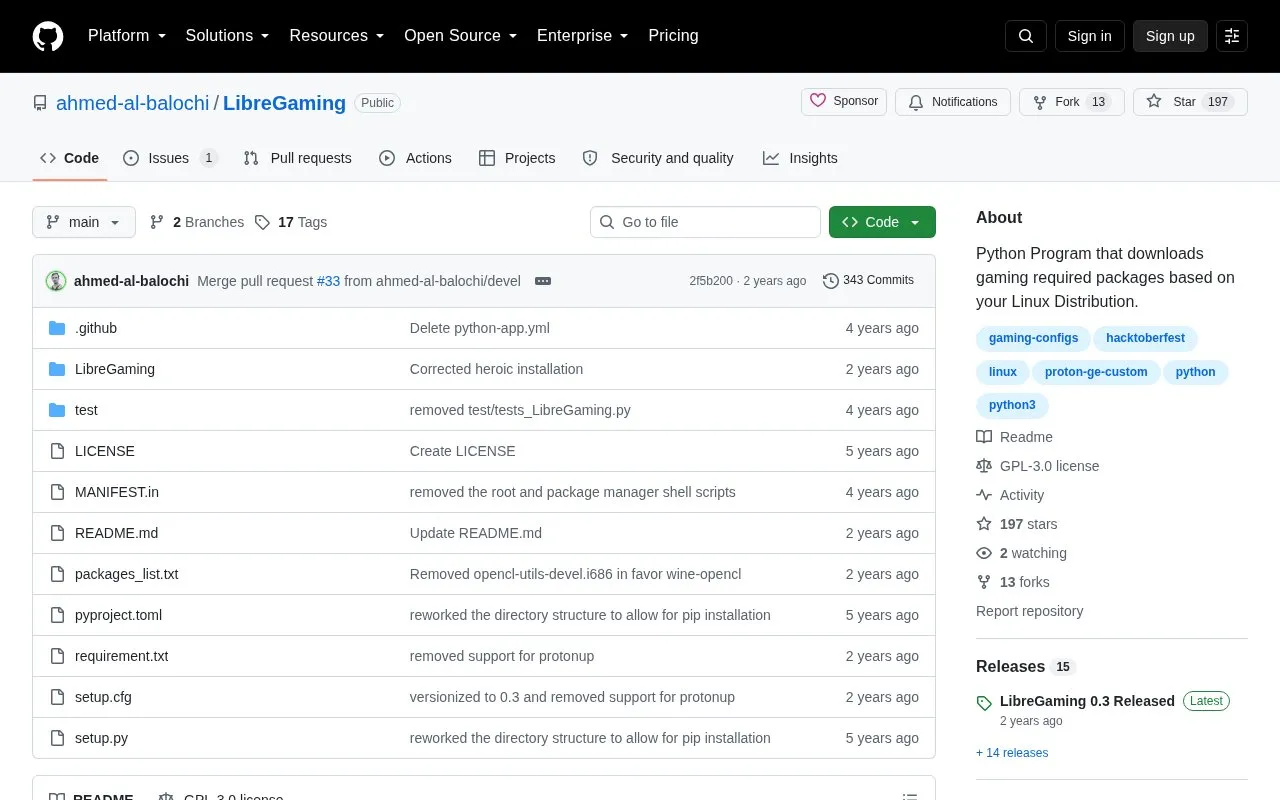
LibreGaming is a Python program that downloads packages needed to run games based on the user's Linux distribution. It can install Steam, Wine-Staging and Gamemode with a basic option, add Lutris, MangoHud and GOverlay with a full option, and install Athenaeum, itch.io, Heroic and Steam Tinker Launch with separate options. It offers a command-line tool and a Qt AppImage interface.
It was tested on Ubuntu, Arch Linux, Fedora and openSUSE Tumbleweed and should work on their derivatives. Use requires Linux with Python 3, git and pipx, pre-installed graphics drivers, and extra repository setup on Fedora, openSUSE Tumbleweed and Arch Linux.
Key features
Installs Steam, Wine-Staging and Gamemode with basic command
Installs Lutris, MangoHud and GOverlay with full command
Installs Athenaeum, itch.io, Heroic and Steam Tinker Launch separately
Provides Qt AppImage graphical interface via releases page
Supports Ubuntu, Arch, Fedora and openSUSE Tumbleweed derivatives
Accepts lower-case libregaming as alternative to LibreGaming command
Best for: Linux users on supported distributions who want to install gaming packages from one tool.
Good for
Covers Ubuntu, Arch Linux, Fedora and openSUSE Tumbleweed plus derivatives
Provides both command-line options and a Qt AppImage interface
Open source Python program installable via pipx or git clone
Watch out for
Requires graphics drivers to be installed separately beforehand
Requires enabling extra repositories on Fedora, openSUSE Tumbleweed and Arch Linux
Some packages need AUR on Arch; Steam Tinker Launch is Arch-only