

Launch Windows games on Linux with umu-launcher, a unified launcher for Windows game compatibility tools.
Open source
24 alternativesRecord gameplay, replay recent moments, and create clips with Vice, a game recording tool for Linux.
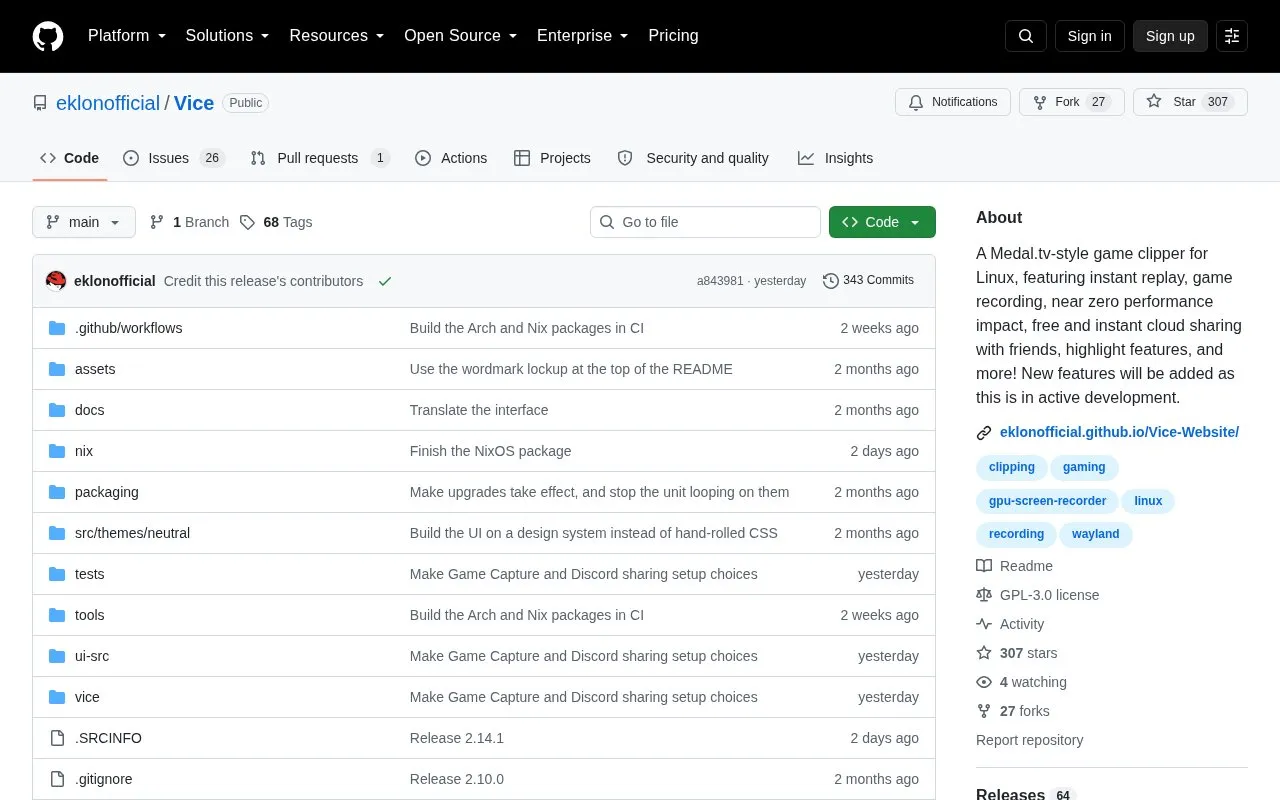
Vice is an open-source instant-replay game clipper for Linux. Pressing one key (F9 in a game) saves the last 20 seconds of gameplay. It includes a multi-track timeline editor for trimming, arranging, layering clips, adding text overlays and transitions, automatic per-game playlists, auto-titling, and optional Discord Rich Presence. Capture runs on gpu-screen-recorder using NVENC/VAAPI rather than scene compositing, with typical CPU usage stated as under 1%, on NVIDIA, AMD and Intel hardware and major compositors.
Installation is available through an AUR package for Arch-based distributions, a NixOS flake module, or an install.sh script that detects apt, dnf, pacman or zypper. Bazzite and Fedora Atomic are not supported yet. Vice is free and open source with no account, subscription or telemetry, and is in active development, so features may change. Clips receive a public URL the moment they are saved and can be pasted into Discord to play inline as an embed.
Tools and sites you could use instead, ranked by how closely they match.
Launch Windows games on Linux with umu-launcher, a unified launcher for Windows game compatibility tools.
Linux users can manage mods from several titles in Amethyst Mod Manager's Mod Organizer-style interface.
LeShade manages ReShade installations on Linux, according to its project description.
This Python program downloads packages needed to run games according to the user's Linux distribution.
Faugus Launcher supports running Windows games on Linux through UMU-Launcher and offers installation guidance.
Vice records gameplay, captures replay clips and highlights, and shares clips through links on Linux.
Well-known listings from the same topic.
Tell us and an editor will check it.
Claim the listing and suggest updates yourself. An editor checks every claim first.


