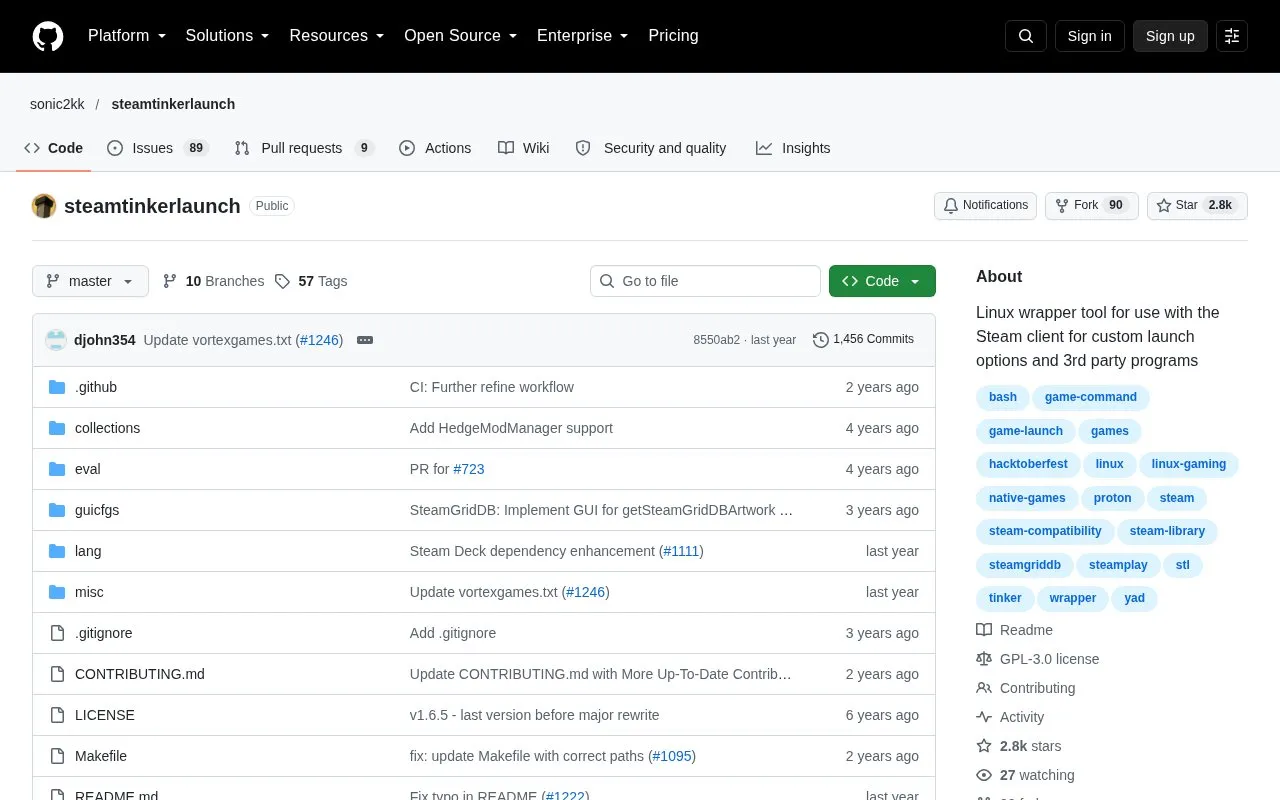
SteamTinkerLaunch is a Linux wrapper tool for the Steam client. It provides a graphical way to configure game tools such as GameScope, MangoHud and modding tools, and to set custom launch options and third-party programs for each game. It supports games that run through Proton and native Linux games, and it works on both X11 and Wayland.
Some features may not work with Flatpak Steam. ReShade support applies only to Proton and Wine games, not native Linux games. Installing custom Proton and Wine releases requires jq. Some Hedge Mod Manager workarounds may need manual steps, depending on the game. The project is open source. Its pricing is unknown.
Key features
Graphical configuration of game tools such as GameScope and MangoHud
Custom per-game environment variables for command-line tweaks
Custom game executable that can run before, instead of, or after the game
Winetricks verb installation in Proton prefixes, such as dotnet48
Setup for ModOrganizer 2 and Vortex Mod Manager, including NXM link handling
Download and management of custom Proton and Wine releases such as GE-Proton
Best for: Linux users of the Steam client who want to configure launch options, game tools and mod managers for individual games without editing commands by hand.
Good for
Open source, with the repository and license publicly available
Supports both Proton games and native Linux games
Works on both X11 and Wayland
Watch out for
Some features may not work with Flatpak Steam
ReShade support does not apply to native Linux games
Some Hedge Mod Manager workarounds may require manual intervention