CryoUtilities includes scripts and utilities for improving performance and managing storage on Steam Deck.
Steam Extension
Check Proton and Steam Deck compatibility from the Steam Store with this Chrome or Firefox extension.

About Steam Extension
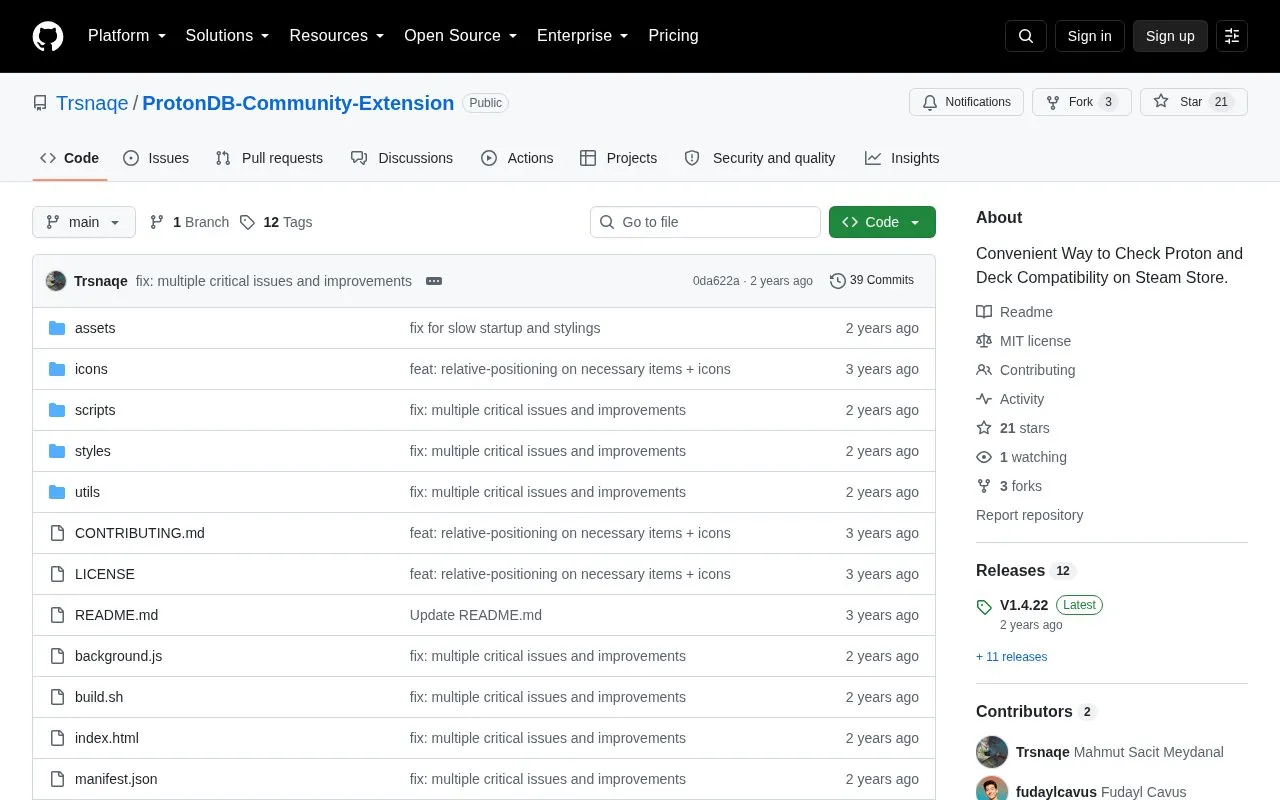
ProtonDB Community Extension is an open source browser extension for Chrome and Firefox that adds ProtonDB compatibility data to Steam. It shows a game's Proton compatibility tier on store pages, in search results, and on app pages, along with Steam Deck verification status.
Users can adjust the line color for each compatibility tier from the extension menu, with choices saved locally. If the colored lines do not appear, permissions must be granted from the Manage Extension tab.
Key features
- Shows ProtonDB compatibility tier on Steam store pages
- Shows Steam Deck verification status on store and app pages
- Displays compatibility tiers in Steam search results
- Customizable line colors for each compatibility tier
- Saves color choices locally through extension menu
- Adds compatibility lines dynamically as ProtonDB data updates
- Shows compatibility data without leaving Steam pages
- Color preferences are saved locally
- Source code is openly available
- Tier colors may require manually granting permissions to appear
Steam Extension at a glance
- Category
- Gaming › Linux & Mac Gaming
- Type
- Open-source project
- Pricing
- Not confirmed. Check the site
- Platforms
- Linux, Windows
- Open source
- Yes · Source code
- Language
- English
- Last checked
- Oct 5, 2026 · Online when checked
- Listed
- Oct 5, 2026
Steam Extension alternatives
Tools and sites you could use instead, ranked by how closely they match.
Manage Proton, Wine, and other compatibility tools used to run Windows titles on Linux with ProtonPlus.
Install and manage GE-Proton, Luxtorpeda & more for Steam and Wine-GE & more for Lutris with this graphical user interface.
Launch Windows games on Linux with umu-launcher, a unified launcher for Windows game compatibility tools.
D7VK implements Direct3D versions 3 through 7 through Vulkan for Linux and Wine compatibility.
Manage Steam achievements with SamRewritten, a desktop utility for Windows and Linux.
Popular in Linux & Mac Gaming
Well-known listings from the same topic.
Steam Extension FAQ
Where does the extension show compatibility information?
How do I change tier line colors?
How do I install it manually on Chrome?
Tell us and an editor will check it.
Claim the listing and suggest updates yourself. An editor checks every claim first.