steam-tui

Run SteamCMD from a terminal through steam-tui, a client written in Rust.

github.com/dmadisetti/steam-tui
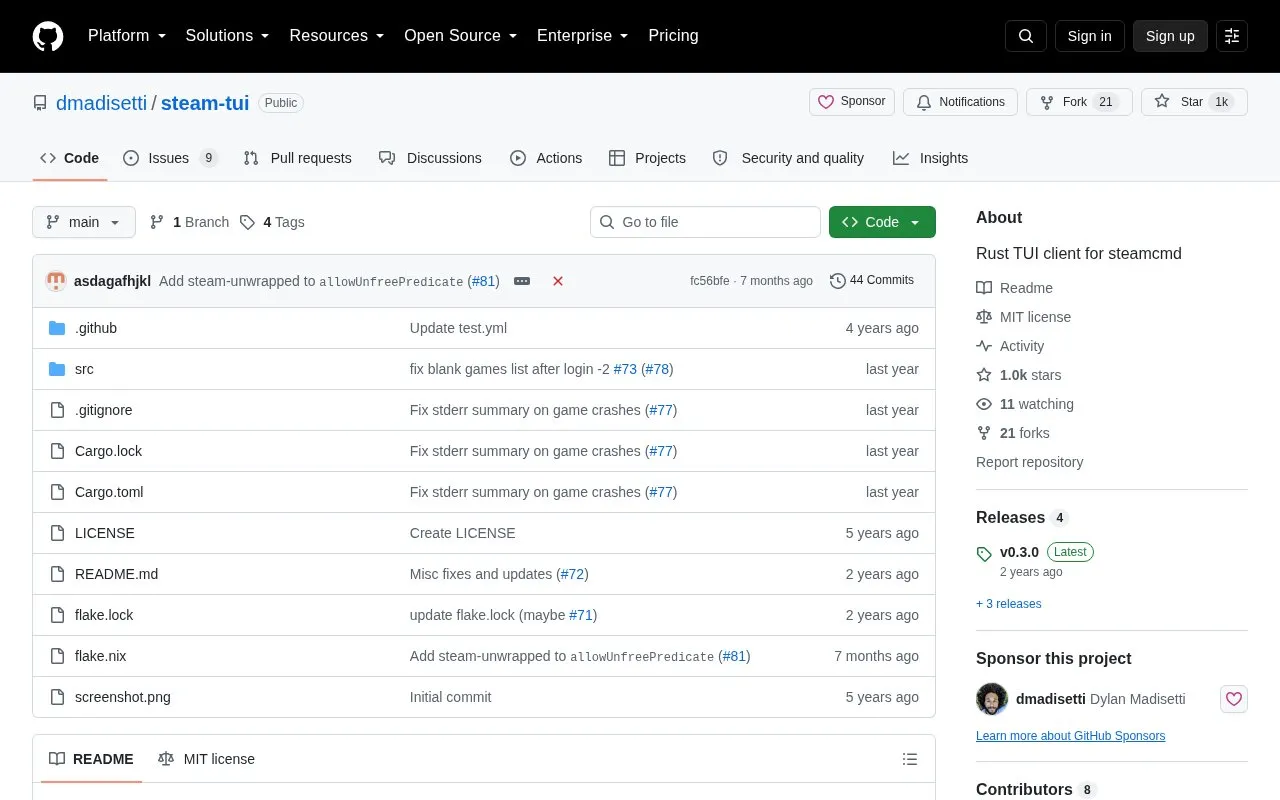
steam-tui homepage screenshot

About steam-tui

steam-tui is a terminal client written in Rust that works as a wrapper for steamcmd. It allows launching, updating, and downloading Steam games from a terminal interface.

It requires steamcmd to be installed, with credentials cached by logging in through steamcmd before launching steam-tui. The project notes it is more limited since Steam removed backend-only mode, and it lacks improved Proton handling and an installed-only filter.

Key features

  • Launch, update, and download Steam games through terminal interface
  • Press space to start Steam client for DRM-dependent games
  • Toggle favourites with f and filter favourites with F
  • Hide selected games with H via config file
  • Control visible DLC, Demo, Tool types via allowed_games setting
  • Define custom per-game launch scripts by game ID
Best for: People who want to manage Steam games from a Linux terminal without using the Steam client.
Good for
  • Provides favourites, hiding, and type filtering for managing game lists
  • Allows custom launch scripts per game ID when default launch fails
  • Open source under MIT license
Watch out for
  • More limited after Steam removed backend-only mode
  • Lacks improved handling for Proton games
  • Lacks a filter for showing only installed games

steam-tui at a glance

Type
Open-source project
Pricing
Not confirmed. Check the site
Platforms
Linux
Open source
Yes · Source code
Language
English
Last checked
Oct 5, 2026 · Online when checked
Listed
Oct 5, 2026

steam-tui alternatives

Tools and sites you could use instead, ranked by how closely they match.

All 24 alternatives

Popular in Linux & Mac Gaming

Well-known listings from the same topic.

All 48

steam-tui FAQ

Do I need steamcmd to use steam-tui?
Yes, steamcmd is required because steam-tui is a wrapper for that program.
How do I handle login?
Log in with steamcmd first to cache credentials, quit steamcmd, then launch the steam-tui binary.
What can I do if a game does not launch?
Press space to start a Steam client for games needing Steam libraries or DRM, or create a custom script at $STEAM_TUI_SCRIPT_DIR/.sh.
Is something wrong or out of date?

Tell us and an editor will check it.

Own this website?

Claim the listing and suggest updates yourself. An editor checks every claim first.

Claim this listing