

Run SteamCMD from a terminal through steam-tui, a client written in Rust.
Open source
24 alternativesWritten in Go, Gameboy.Live emulates Game Boy titles on desktop or terminal with cloud play.
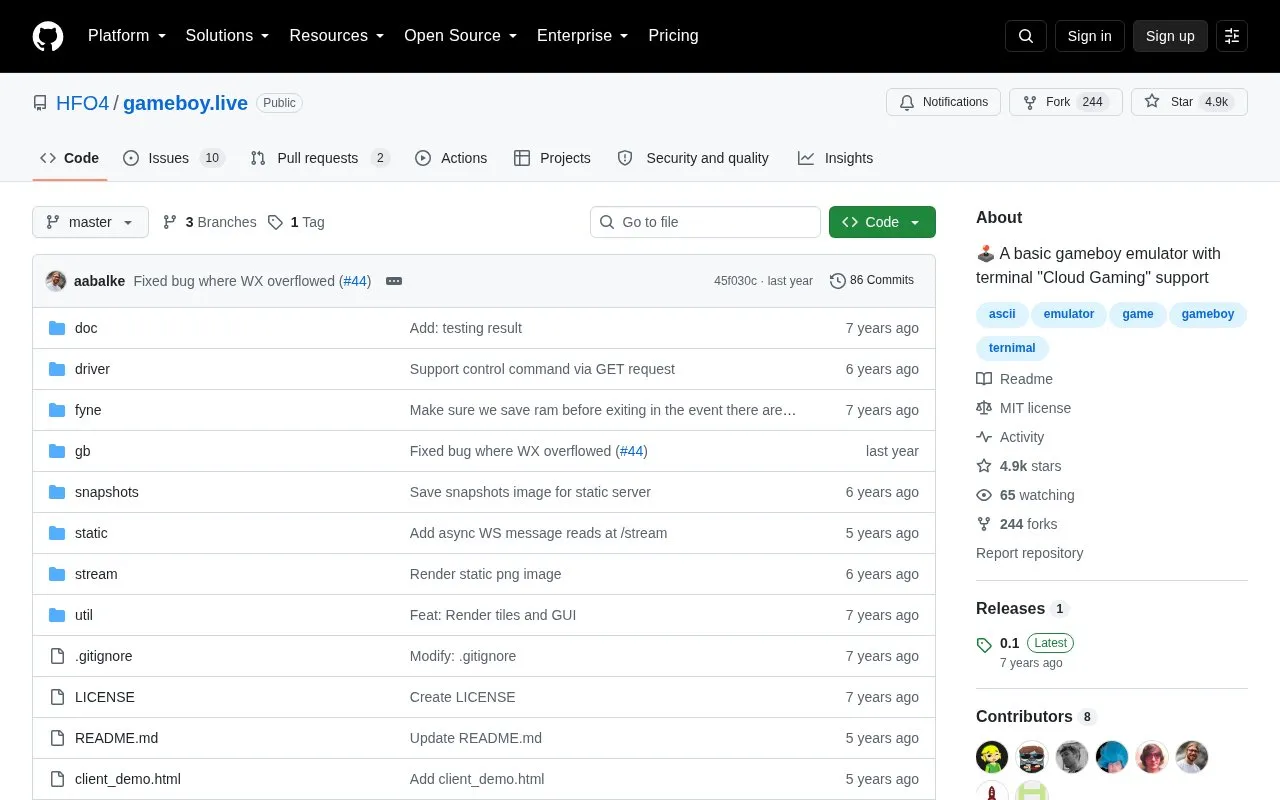
Gameboy.Live is a Game Boy emulator written in Go, made for learning purposes. You can play ROM files on a desktop in GUI mode. The project can also run as a server, so players can join by telnet from a terminal or share one game in a browser. The public demo server is down, so cloud play requires your own server. The project is released under the MIT license.
Pricing is not clearly stated.
Tools and sites you could use instead, ranked by how closely they match.
Run SteamCMD from a terminal through steam-tui, a client written in Rust.
Linux users can manage mods from several titles in Amethyst Mod Manager's Mod Organizer-style interface.
Manage Proton, Wine, and other compatibility tools used to run Windows titles on Linux with ProtonPlus.
Manage Steam achievements with SamRewritten, a desktop utility for Windows and Linux.
Launch Windows games on Linux with umu-launcher, a unified launcher for Windows game compatibility tools.
Record gameplay, replay recent moments, and create clips with Vice, a game recording tool for Linux.
Well-known listings from the same topic.
Tell us and an editor will check it.
Claim the listing and suggest updates yourself. An editor checks every claim first.


