

Install and manage GE-Proton, Luxtorpeda & more for Steam and Wine-GE & more for Lutris with this graphical user interface.
Open source
24 alternativesManage Proton, Wine, and other compatibility tools used to run Windows titles on Linux with ProtonPlus.
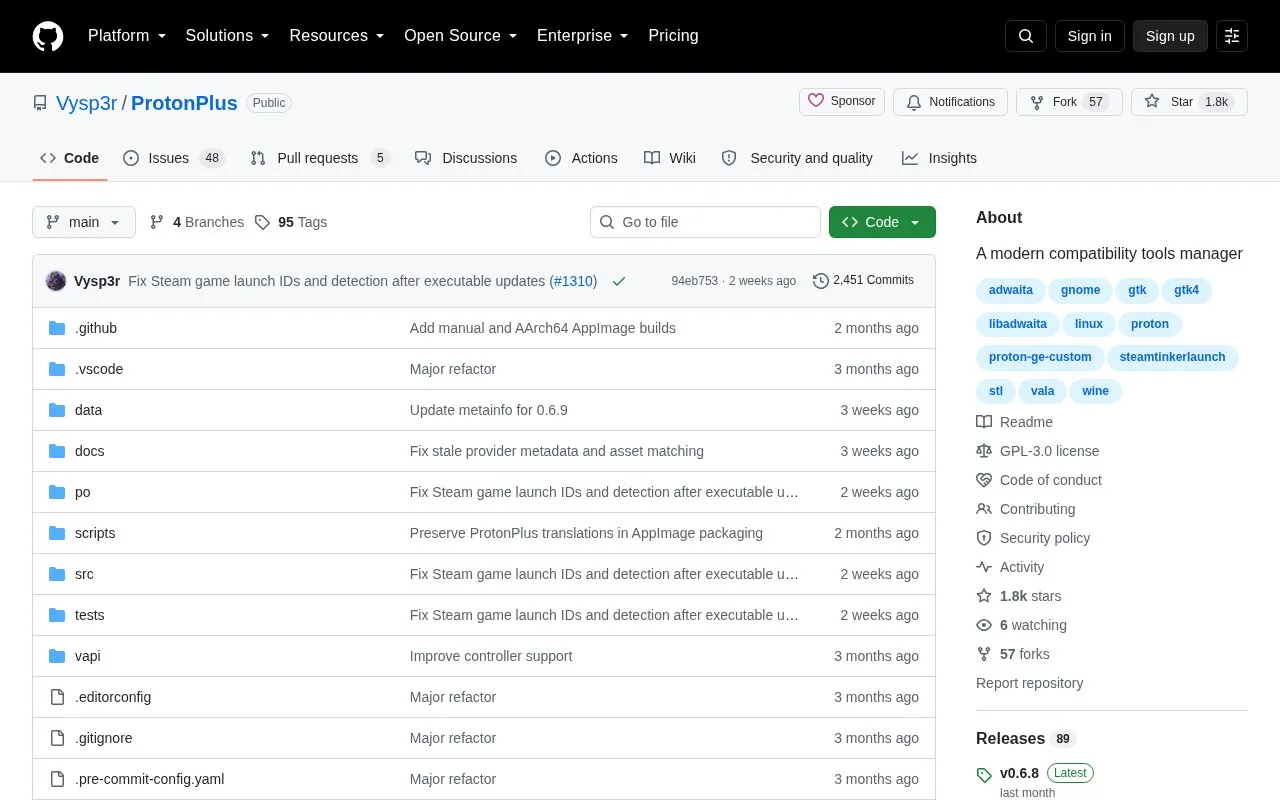
ProtonPlus is a GTK4 and libadwaita application for managing Windows compatibility tools on Linux. It works with tools such as Proton, Wine, DXVK, and VKD3D that are used to run Windows titles on Linux. The source code and releases are available through its GitHub repository.
You can use it to install versioned releases and Latest builds, update installed tools, remove old versions, and organize tools for supported launchers. It detects installed System, Flatpak, and Snap launcher setups, downloads releases from upstream sources, and places them in the layout each launcher expects. Supported launchers include Steam, Lutris, Heroic Games Launcher, Bottles, Faugus Launcher, and WineZGUI.
You can also browse Steam games, change default and per-game compatibility tools, edit launch options, manage downloads, configure MangoHud presets when MangoHud is installed, and use a command-line interface. It suits Linux users who play Windows games through Steam or other supported launchers and want to manage compatibility tools in one place.
Tools and sites you could use instead, ranked by how closely they match.
Install and manage GE-Proton, Luxtorpeda & more for Steam and Wine-GE & more for Lutris with this graphical user interface.
Linux users can manage mods from several titles in Amethyst Mod Manager's Mod Organizer-style interface.
Check Proton and Steam Deck compatibility from the Steam Store with this Chrome or Firefox extension.
D7VK implements Direct3D versions 3 through 7 through Vulkan for Linux and Wine compatibility.
Manage Steam achievements with SamRewritten, a desktop utility for Windows and Linux.
Written in Go, Gameboy.Live emulates Game Boy titles on desktop or terminal with cloud play.
Well-known listings from the same topic.
Tell us and an editor will check it.
Claim the listing and suggest updates yourself. An editor checks every claim first.


