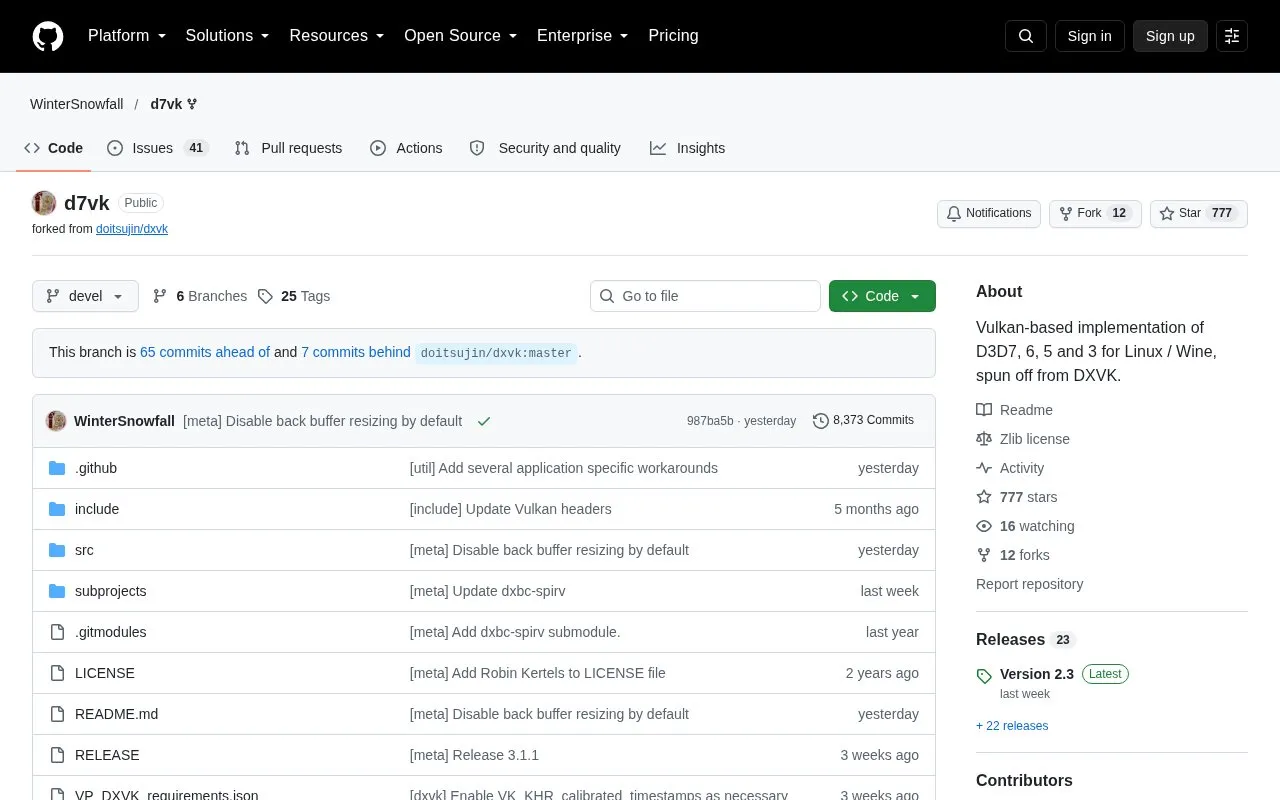
D7VK is an open source translation layer that runs Direct3D 3, 5, 6 and 7 applications on Linux through Wine. It translates these older 3D calls into Vulkan. It uses a modified version of DXVK's D3D9 Vulkan backend together with either Wine's DDraw implementation or the native Windows DDraw implementation, acting as a proxy between the two.
The project covers immediate-mode rendering only. Retained-mode Direct3D applications are not supported. DirectDraw-only 2D games gain nothing from D7VK because their calls are passed through to the underlying DDraw implementation. Many games that mix Direct3D, DirectDraw and GDI are not expected to work. The author recommends the game's Glide or OpenGL renderer where one exists. Users on Wayland may see a very small picture, and the documented workarounds are not guaranteed to work in every case.
Key features
Translates Direct3D 3, 5, 6 and 7 immediate-mode calls to Vulkan for Linux and Wine
Built on a modified DXVK D3D9 Vulkan backend
Works with Wine's DDraw or the native Windows DDraw implementation
Optional aspect ratio correction and a ddraw.backBufferResize configuration option
Ported to DXVK-Sarek for GPUs that support Vulkan 1.1 only
Best for: Linux users running older Direct3D 3 to 7 or DirectDraw games through Wine on a GPU with Vulkan support.
Good for
Covers immediate-mode Direct3D 3, 5, 6 and 7 rendering, according to the project's documentation
Open source, with the source code publicly available in a GitHub repository
A DXVK-Sarek port allows use on GPUs that support Vulkan 1.1
Watch out for
Retained-mode Direct3D applications are not supported
Games that mix Direct3D, DirectDraw and GDI are generally not expected to work
The project's FAQ indicates D7VK requires a Vulkan 1.4 capable GPU
No. Applications that mix Direct3D 7, 6, 5 or 3 and DirectDraw with GDI are generally not expected to work properly. Where a game offers a Glide or OpenGL renderer, the author recommends using it, together with nGlide where applicable.
What if my GPU does not support Vulkan 1.4?
The DXVK-Sarek backend includes the D3D7/6/5/3 support from D7VK and can run on Vulkan 1.1 capable GPUs. It is missing dynamic (application-controlled) FSAA states and 8-bit R3G3B2 surfaces.
What can I do about a tiny picture in the top left corner on Wayland?
This is a known problem on Wayland. The documentation suggests Gamescope's resolution spoofing, Wine's virtual desktop, or the 'Emulate display mode changes' setting in the Wine Control Panel. The ddraw.backBufferResize option is another possible workaround, but it will not work properly if the application locks or blits on the back buffer.
Is something wrong or out of date?
Tell us and an editor will check it.
Own this website?
Claim the listing and suggest updates yourself. An editor checks every claim first.