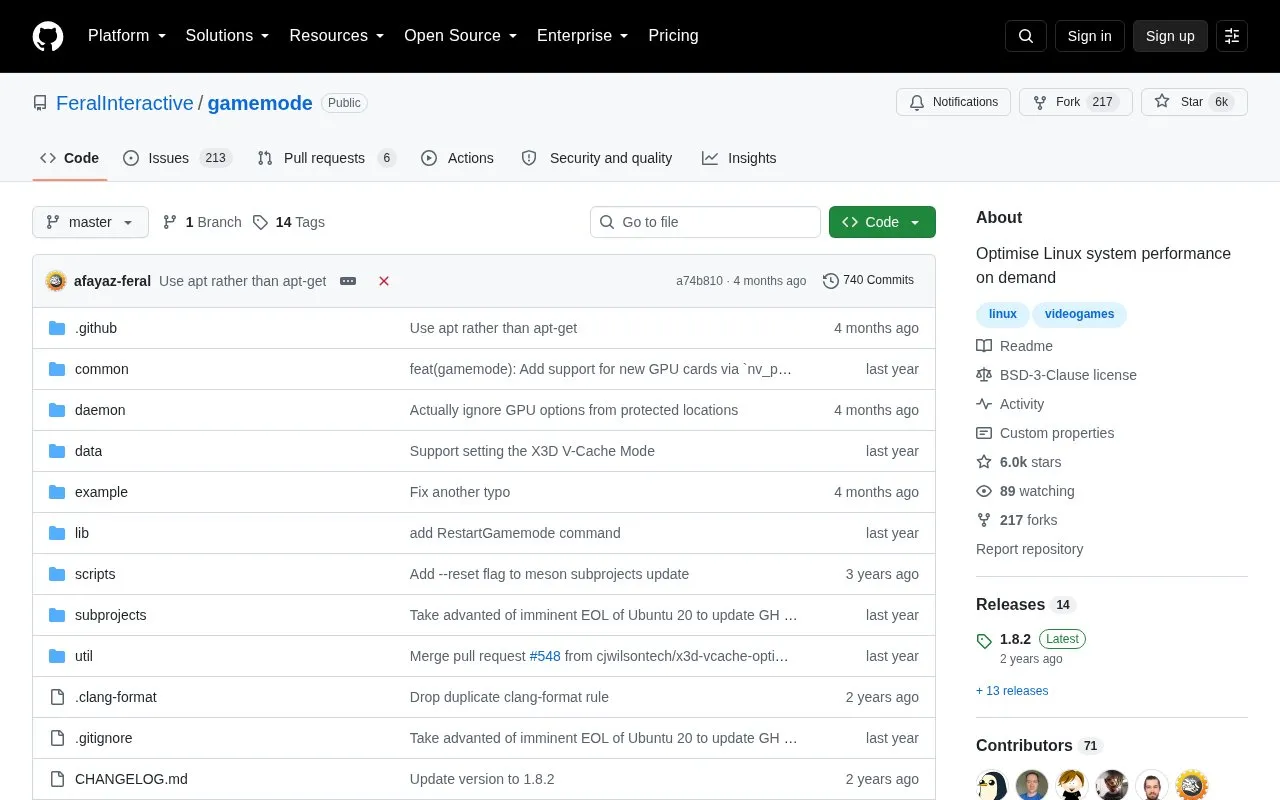
GameMode is a daemon and library combination for Linux that lets games request temporary optimizations to the host OS or game process. It supports adjustments including CPU governor, I/O priority, process niceness, kernel scheduler, screensaver inhibiting, GPU performance mode, CPU core pinning or parking, and custom scripts.
Games with integrated support activate it automatically, while other games must be launched with gamemoderun. It is configured through gamemode.ini files, depends on systemd for internal communication and meson for building, and ignores GPU settings in user-level configuration files.
Key features
Temporarily adjust CPU governor for games
Adjust I/O priority and process niceness
Inhibit screensaver while GameMode is active
Set GPU performance mode on NVIDIA and AMD
Pin or park CPU cores per configuration
Run custom scripts on GameMode activation
Best for: Linux players who want games to request temporary OS-level optimizations while running.
Good for
Packaged for Ubuntu, Debian, Arch, Fedora, Gentoo and other distributions
Activates automatically for games with integrated support
Client loaders allow safe use when daemon is not installed or running
Watch out for
Games without integrated support must be launched manually with gamemoderun
Host library relies on systemd for communication with the daemon
GPU settings are ignored in PWD and user-level configuration files