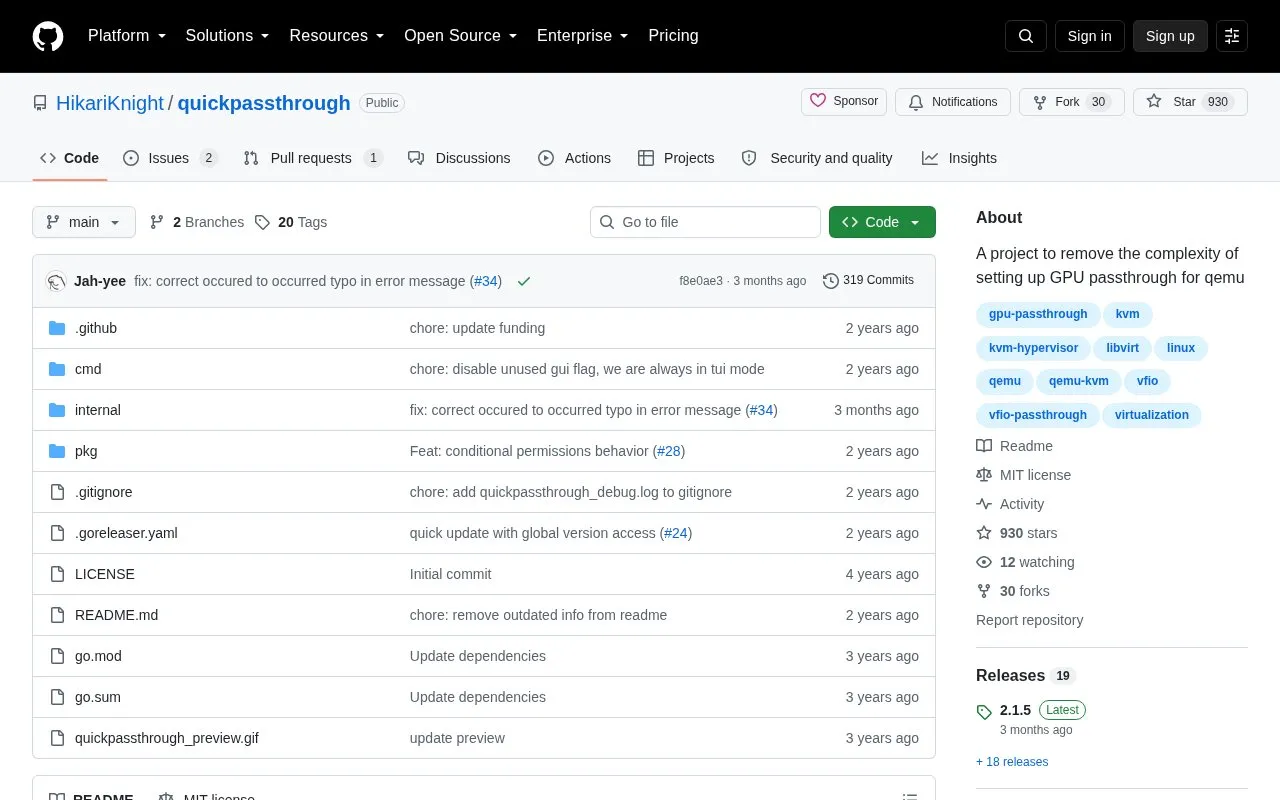
QuickPassthrough is an open-source project by HikariKnight that aims to remove the complexity of setting up GPU passthrough for QEMU virtual machines on a Linux host. It is published as a GitHub repository and as downloadable releases that you run in a terminal. The project targets systems with two GPUs, or headless servers where the only GPU is not needed by the host, and it focuses on libvirt/virt-manager setups.
The tool walks through host-side configuration: detecting whether you have an AMD or Intel CPU and supplying the matching IOMMU kernel arguments, configuring the second GPU for passthrough, enabling vfio modules across initramfs-tools, dracut, modprobe and mkinitcpio, and generating kernel arguments for GRUB and systemd-boot. It uses ls-iommu to list PCI devices such as graphics cards and USB controllers along with their IOMMU groups, and it can generate a script for dumping a vbios ROM for cards that require a romfile. Navigation happens through a menu system, and a backup folder is created on the first run containing copies of the files that were edited.
QuickPassthrough is not designed to be installed by a package manager, since it is usually run once unless the GPU changes. It does not work on atomic or immutable systems, and it does not set up or optimise the virtual machine or the host.
Key features
Detects AMD or Intel CPU and supplies matching IOMMU kernel arguments
Configures a second GPU for passthrough on two-GPU systems
Enables vfio modules for initramfs-tools, dracut, modprobe and mkinitcpio
Generates kernel arguments for GRUB and systemd-boot
Uses ls-iommu to list PCI devices and their IOMMU groups
Creates a backup folder of edited files on first run
Best for: Linux users with two GPUs, or headless servers where the only GPU is spare, who want to pass a GPU through to a QEMU/libvirt virtual machine.
Good for
Open source and available as prebuilt releases or buildable from source
Menu-driven workflow that covers bootloaders, kernel arguments and vfio modules
Backup folder records the original files before changes are made
Watch out for
Not designed to be installed by a package manager, as it is normally run once
Does not work on atomic or immutable systems such as Bazzite, Bluefin and Aurora
Does not set up or optimise the virtual machine or the host, and offers no rom patching
It handles host-side setup for GPU passthrough, including IOMMU kernel arguments, vfio modules, bootloader entries for GRUB and systemd-boot, and a vbios dumping script. Setting up and optimising the virtual machine itself is left to you.
What kind of system do I need for it?
It is aimed at systems with two GPUs, one for the host and one for the VM, or headless servers where the only GPU is not needed. It does not work on atomic or immutable systems.
How can I undo the changes it makes?
A backup folder is generated on the first run and holds copies of your files and their paths from before any edits. Comparing it with the config folder shows which files to remove and restore before rebuilding your initramfs and bootloader configuration.
Does it cost anything?
The project is an open-source repository hosted on GitHub, with releases you download directly. The repository does not state a price.
Is something wrong or out of date?
Tell us and an editor will check it.
Own this website?
Claim the listing and suggest updates yourself. An editor checks every claim first.