

Install and manage GE-Proton, Luxtorpeda & more for Steam and Wine-GE & more for Lutris with this graphical user interface.
Open source
24 alternativesProtonUp-Qt installs and manages Proton-GE and Luxtorpeda for Steam, plus Wine-GE for Lutris.
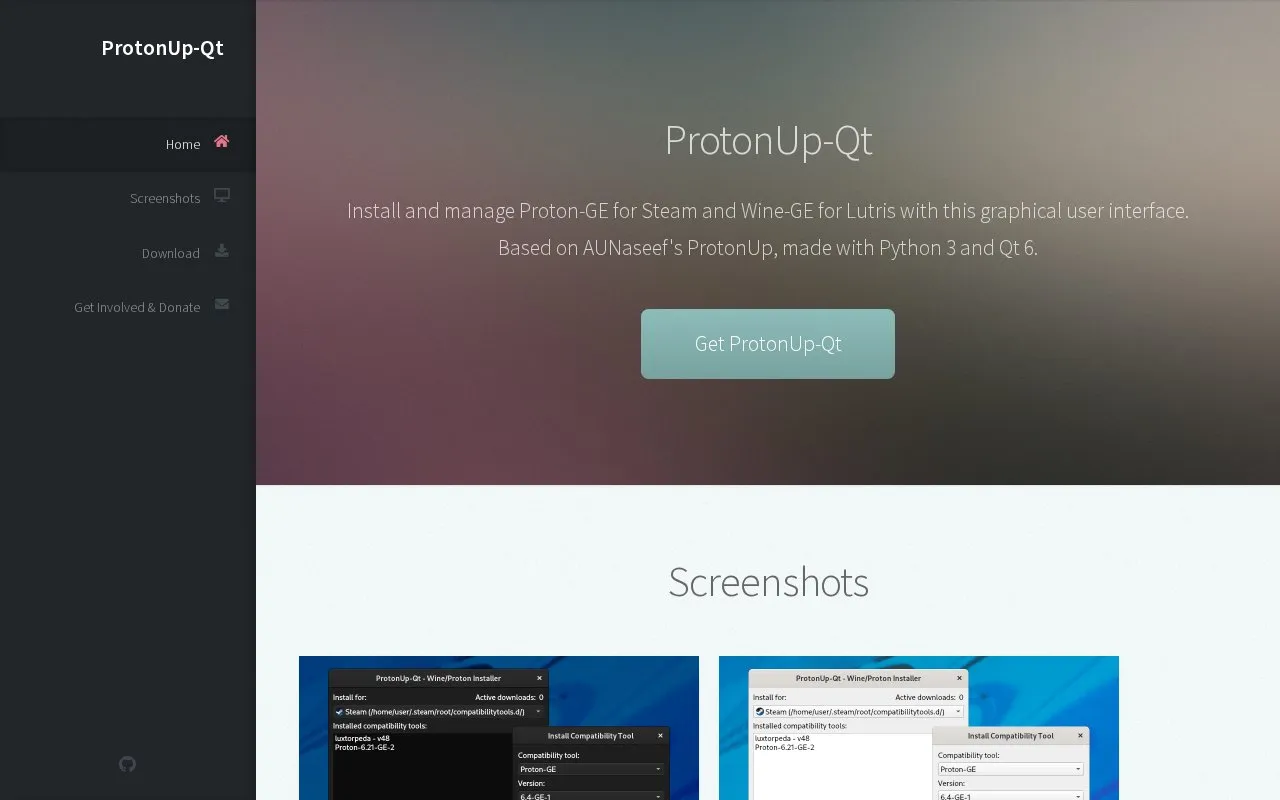
ProtonUp-Qt is a graphical interface that installs and manages Proton-GE and Luxtorpeda for Steam and Wine-GE for Lutris. It is distributed as an AppImage and Flatpak, with the AppImage requiring the file to be marked as executable before running.
Tools and sites you could use instead, ranked by how closely they match.
Install and manage GE-Proton, Luxtorpeda & more for Steam and Wine-GE & more for Lutris with this graphical user interface.
AdwSteamGtk installs and updates the Adwaita for Steam skin through a GTK wrapper.
LeShade manages ReShade installations on Linux, according to its project description.
Faugus Launcher supports running Windows games on Linux through UMU-Launcher and offers installation guidance.
This Python program downloads packages needed to run games according to the user's Linux distribution.
Launch Windows games on Linux with umu-launcher, a unified launcher for Windows game compatibility tools.
Well-known listings from the same topic.
Tell us and an editor will check it.
Claim the listing and suggest updates yourself. An editor checks every claim first.


