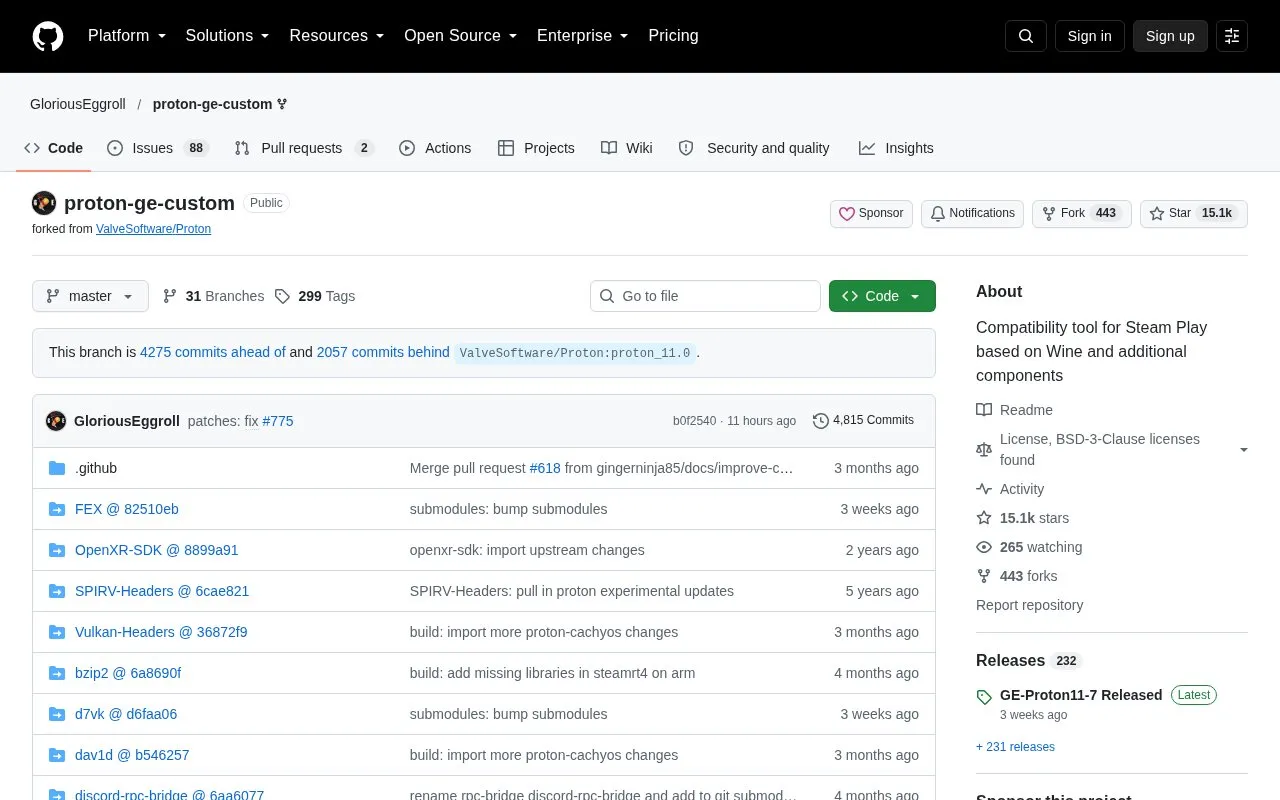
GE-Proton is a compatibility tool for Steam Play, the feature that lets Steam run games not made for Linux or macOS. It is built on Wine and includes additional components. The project is distributed as a GitHub repository, which contains the source components used in its builds, including Wine, Wine-Staging, DXVK, and VKD3D-Proton.
For non-Steam games, the source states that running GE-Proton outside Steam is supported only through umu-launcher, a command-line tool that runs the Proton containerized runtime. Other methods are not supported. Problems that appear with GE-Proton but not with Valve's Proton should be reported on this repository's issue tracker, not on Valve's bug tracker.
Key features
Compatibility tool for Steam Play based on Wine and additional components
Repository includes Wine, Wine-Staging, DXVK, and VKD3D-Proton components
Repository also includes FFmpeg, PipeWire, and Vulkan-related components
Non-Steam games outside Steam supported only through umu-launcher
Heroic enables umu by default when using GE-Proton
Lutris uses umu as its default backend when GE-Proton (Latest) is selected
Best for: Linux and macOS users who run games through Steam Play and want a Wine-based compatibility tool, or who run Proton-based games through Heroic or Lutris.
Good for
Integrated with Heroic and Lutris, which use umu by default with GE-Proton
Issues can be reported directly on the project's GitHub issue tracker
Watch out for
Running non-Steam games outside Steam is supported only with umu-launcher; other methods are not supported
Running outside the intended container can break library compatibility across Linux distributions
Where should I report a problem with a GE-Proton build?
If the issue happens with GE-Proton from this repository but not with Valve's Proton, open an issue on this repository's issue tracker or contact the maintainer on Discord. Do not open a report on Valve's bug tracker.
Can I run non-Steam games with GE-Proton outside Steam?
The source states that this is supported only using umu-launcher, which runs the containerized Proton environment the way Steam does. Other methods are not supported.
Is something wrong or out of date?
Tell us and an editor will check it.
Own this website?
Claim the listing and suggest updates yourself. An editor checks every claim first.